The Best Accessories for iPad Air 5: Look what you can do!
Best Buy sponsored this video. The iPad Air 5 has the M1 chip, 5G options and an ultra wide front camera with Center Stage, and here are the accessories I’d get to do more with it. Most of these products are available at Best Buy, with delivery options including same-day pickup and curbside pickup, and its Top Deals page is linked in the description.
Charger: Anker Nano Pro
Apple includes a 20 W charger, but it’s bulky. The Anker Nano Pro (GaN) also outputs 20 W and charges the iPad Air at the same speed in a much smaller body, which is better in tight spots such as behind a nightstand, where the cable can get crushed with Apple’s. It’s also nice to have one for home and one for travel or work.
Keyboard cases
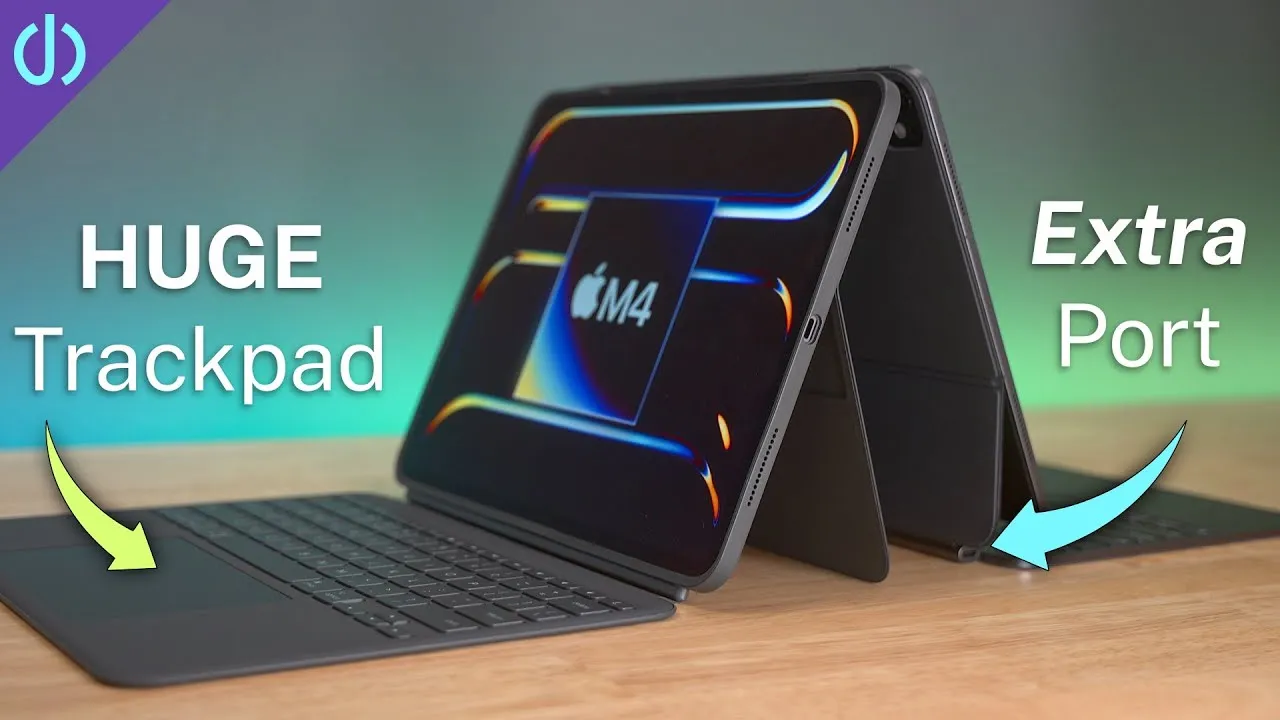
- Apple Magic Keyboard: the one accessory I couldn’t live without. I’ve loved it since 2020 and use my iPads with it about 90% of the time. The iPad attaches magnetically, and pins pass through power and communication. The keys feel like the MacBook Pro’s and desktop Magic Keyboard’s, so switching is easy. Mouse support on iPadOS is a whole new experience, with a circle cursor that changes depending on what you hover over, and the glass trackpad clicks anywhere. The floating hinge is awesome. It’s expensive, around $300.
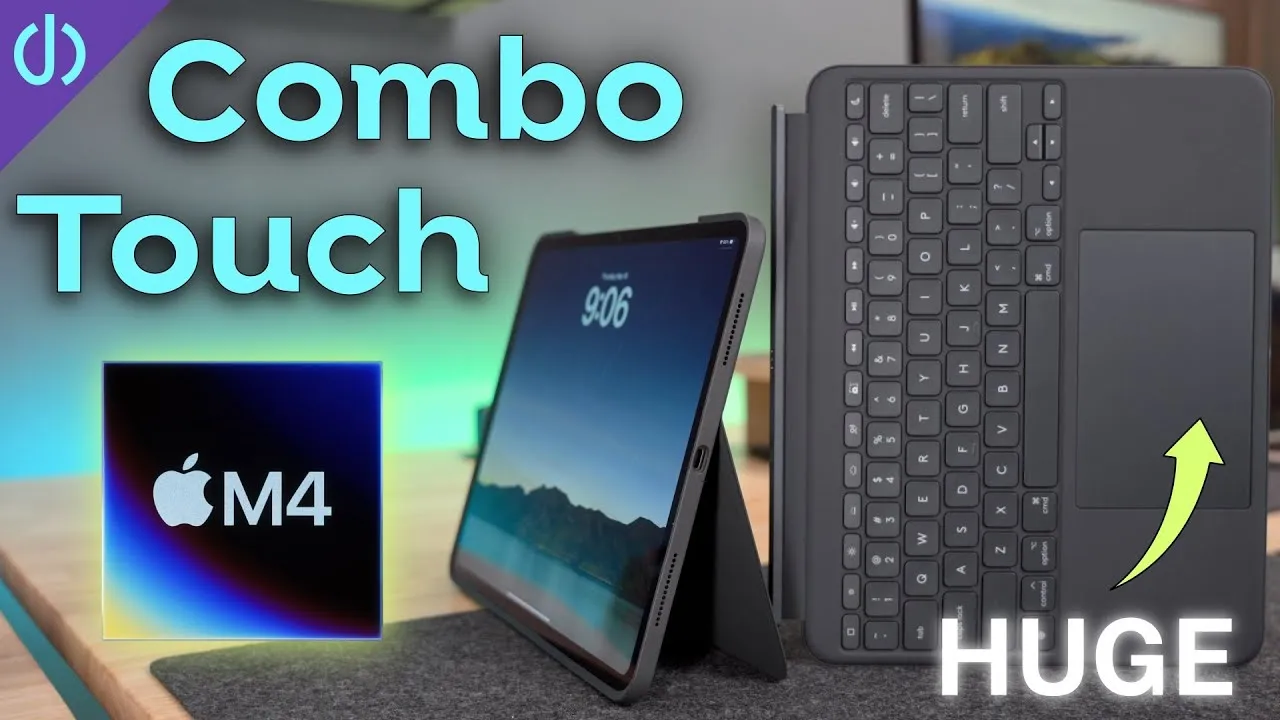
- ESR Ascend keyboard case: a hybrid between the Magic Keyboard and other cases, for under $80. It has its own protective case, so you can detach the iPad and keep it protected as a tablet. It has a built-in kickstand for almost any angle, supports portrait mode (good for writing or reading), has function keys for brightness, volume, media, lock and home, and a cover to keep the Apple Pencil tight. The downsides: it uses Bluetooth instead of the iPad’s connectors, and the trackpad is the diving-board style, so you can’t click anywhere. For a third of the cost, it’s pretty good.
- ESR Rebound Hybrid case: for those who aren’t keyboard people, a protective case with a folio cover that acts as a stand, propped a few ways.
Screen protector: iCarez matte
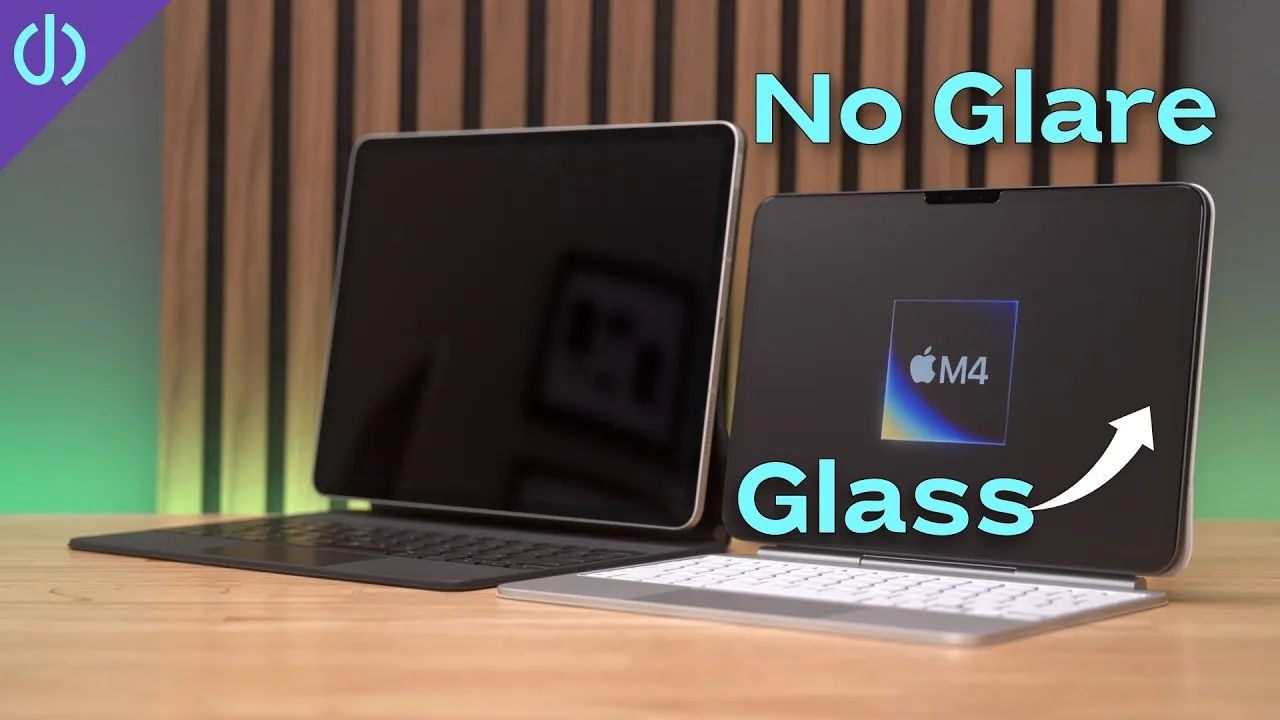
I put these on all my devices, including this iPad Air 5. Matte takes away a lot of glare and reflection, which helps in bright rooms and outside. The protectors are very thin with a smooth texture that doesn’t hurt using your fingers, and they make the Apple Pencil even better: compared to plastic on glass, there’s slight resistance that feels more natural. Other brands sell similar films, but I’ve used these consistently for about three years and highly recommend them.
Dock: CalDigit SOHO
Because newer iPads have USB-C, a dock lets you do a lot. The CalDigit SOHO is a great little dock for home, office or travel. With a single connection to the iPad, you get HDMI or DisplayPort for a display, USB-A and USB-C devices, and two UHS-II readers for SD and microSD cards, and you can charge the iPad by connecting a USB-C power adapter. With the SOHO and the iPad Air 5, you have a full desktop setup.
Keyboard and mouse
Any Bluetooth keyboard and mouse works. I prefer the Apple Magic Keyboard, but a cheaper option that works well is the Logitech K380, which can connect to multiple computers or tablets. For a mouse, I like the Magic Trackpad (the same gestures as the Magic Keyboard’s trackpad: three fingers up for home, two fingers to scroll, three fingers to swipe between apps) or the Logitech MX Master 3, my favorite mouse of all time, comfortable with a scroll wheel that can run in continuous mode like a screen flick. In iPadOS you can customize external mice and assign buttons, such as one button to go home.
An SSD: Samsung T7
One of the biggest benefits of USB-C on the iPad Air is external storage. Say you edited a video in LumaFusion and want to back it up: the Samsung T7 uses a 10 Gbps USB-C connection and copies from the iPad at over 500 MB/s. It comes in multiple colors and sizes between 500 GB and 2 TB, and it’s small enough for a computer bag.
Audio
- AirPods (3rd generation): a slightly updated design; my wife and I both love them, comfortable after hours, with a compact case I keep in my pocket.
- AirPods Max: a dream at my desk and on planes, with active noise canceling that’s hard to beat, intuitive buttons, and a Transparency mode that passes through what’s around you for a quick conversation. It feels almost uncanny, but you can switch quickly.
Game controller: Xbox
I don’t play a lot of games, but I love playing Call of Duty on an iPad with an Xbox controller. It pairs over Bluetooth, works flawlessly, more and more App Store games support controllers, and you can use it with Microsoft’s xCloud.
Is there anything here that looks like a must-have, or something I missed? And check out Best Buy’s Top Deals page for this week’s deals.
Links
- this week’s Top Deals
- iPad Air 5 vs Air 4
- Buy the iPad Air 5
- Anker Nano Pro
- iPad Magic Keyboard
- ESR Ascend Keyboard
- ESR Rebound Hybrid Case
- iCarez Matte Screen Protector
- CalDigit SOHO Dock
- Apple Magic Trackpad 2 White
- Logitech MX Master 3
- Apple Magic Keyboard
- Logitech K380
- Apple Pencil
- Samsung T7 SSD
- AirPods gen3
- AIrPods Max
- XBOX Controller
- UNLIMITED Cloud Backup for your Mac with Backblaze
- Apple Lightning to USB3 Camera adapter
- Apple USB-C Digital AV Multiport Adapter
- Apple Magic Mouse 2 White
- Apple Magic Trackpad 2 White
- Yoassi Tripod Mount for iPad
- Amazon Basics 60” tripod
- Manfrotto Pixi Mini Tripod
- My Camera
- Secondary Lens
- Sennheiser MKH-416 mic
- Zoom F6 recorder
- Rode VideoMic NTG
- Used DJI OSMO 3 Gimbal for some shots
- Tascam DR-10L Audio Recorder with Lav
Some links in this post are affiliate links, which means that if you click on one of the product links, I may receive a small commission. See my ethics statement.