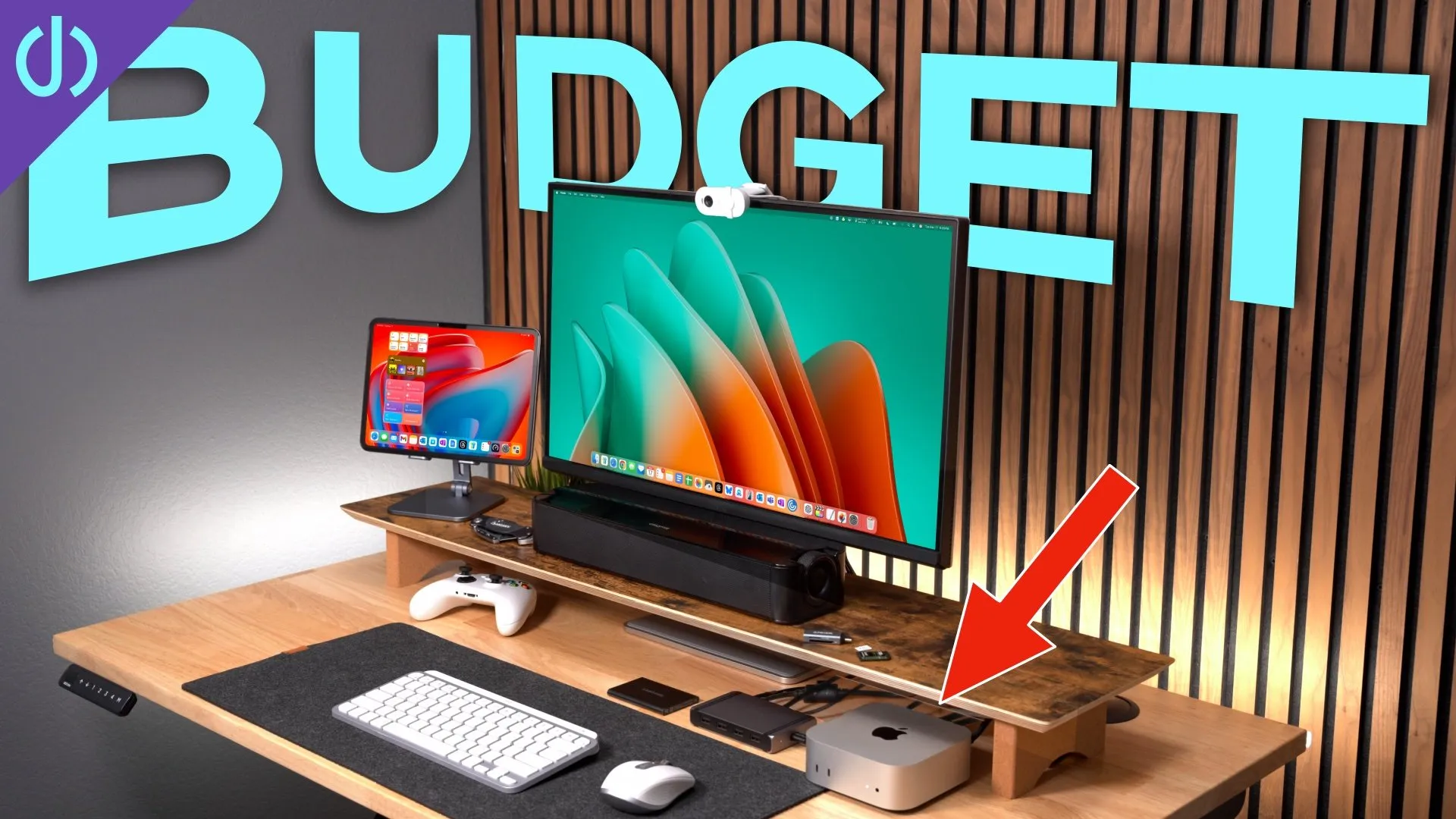
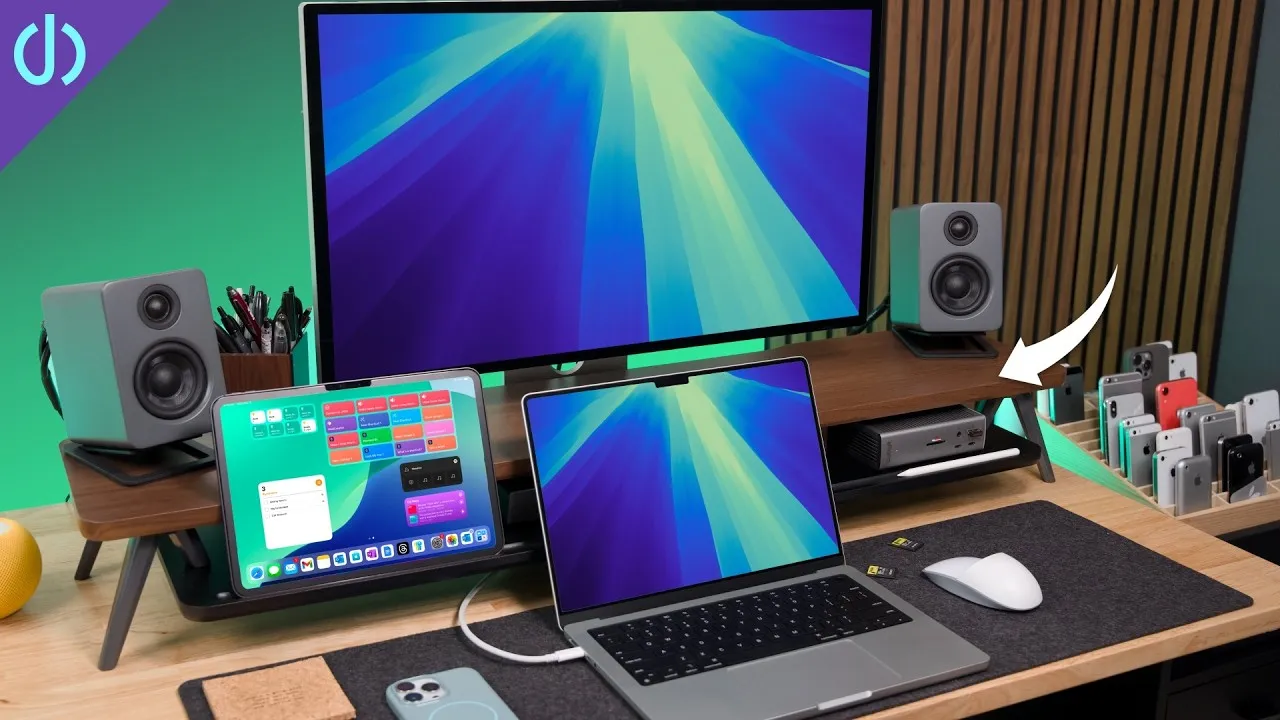
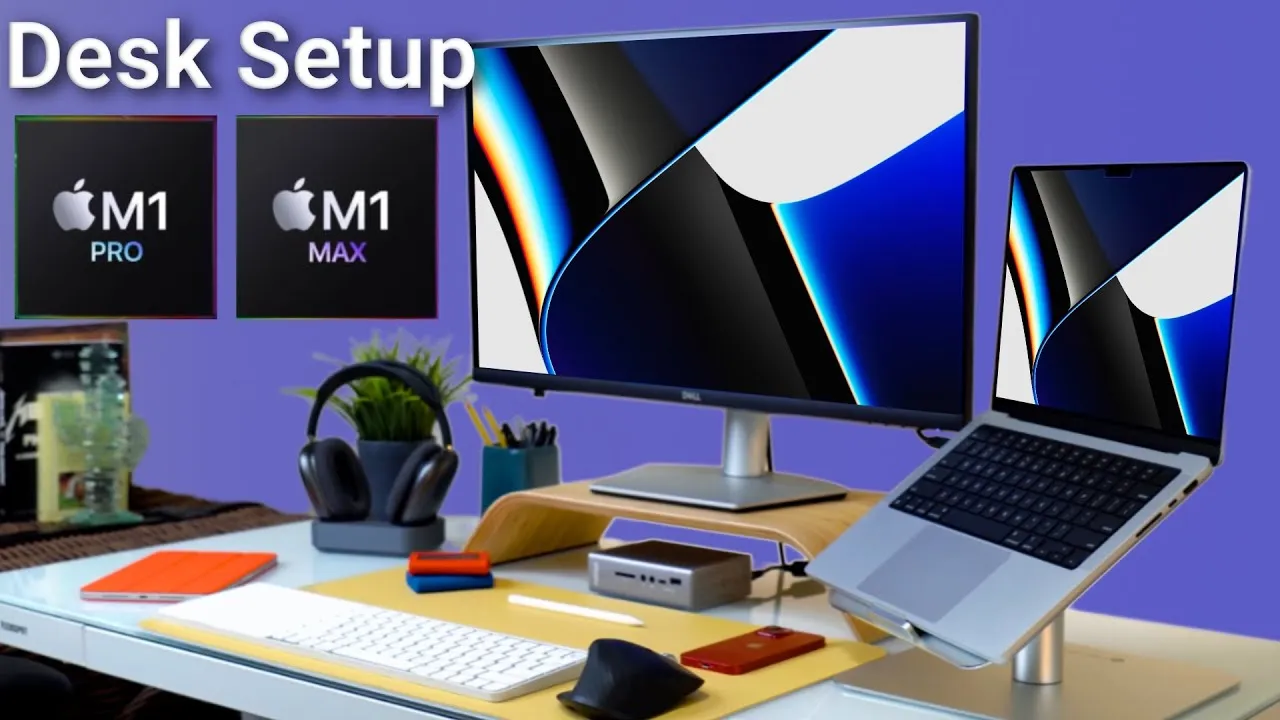
The BEST Accessories for Mac Studio!
The Mac Studio starts at $2,000 and includes nothing else in the box. Here’s what I think are the best accessories for it.
Display: Apple Studio Display
There are reasons to be happy or upset about it, including price and features, but for the features it has, it pairs very well with the Mac Studio.
- No display other than the Pro Display XDR matches its design and build quality: solid aluminum from stand to case, with perforations top and bottom for the speakers. It’s super solid; I can shake a desk and it barely moves, and the silver-and-black design matches the Mac Studio.
- No buttons or on-screen display; it connects with a single cable.
- The 5K display is sharper than any 4K display on the market, with the most consistent, accurate colors to match your Apple devices. It wakes instantly with a key or mouse tap.
- It includes speakers, microphones and a webcam for the most minimal setup possible. Cheaper 4K and higher-refresh displays exist, but none match its build and display quality.
Keyboard: Logitech MX Keys Mini
I was skeptical, since I love the Apple Magic Keyboard, but this has been a dream for a week. It has a steeper angle, is much heavier (a big built-in battery) and has features Apple’s lacks:
- Keys that feel even better to me, with the perfect amount of travel and a small indentation I took to instantly.
- Instant switching between computers with quick-pairing keys.
- Backlit keys with proximity sensors that turn on when your hands approach.
- Extra buttons: an emoji key, a quick screenshot key, and a microphone mute button that mutes the whole Mac and shows an indicator. It blew my mind: with hours of meetings every workday, I don’t have to hunt for the mute button in Teams or Skype.
- It’s cheaper than the Apple Magic Keyboard. There’s no Touch ID, which is a bummer, so I’ll re-enable Apple Watch unlock.
Mouse: Magic Trackpad and Logitech MX Master 3
My tag-team for any Mac. The Magic Trackpad is big, glass and multi-touch, and the swipes all work flawlessly. The MX Master 3 is probably my favorite mouse ever (about two years of use): the right size, very customizable, with a scroll wheel that can ratchet or free-spin with inertia like a trackpad flick, a side scroll wheel for left-right movement in zoomed photos or video timelines, and a thumb button for gestures such as Mission Control or the launcher. The standard (non-Mac) version connects by USB dongle or Bluetooth; I think the dongle gives a better signal and is easy to plug into the back. I use the mouse for precision, like tiny buttons and photo editing, and the trackpad for quick swiping and zooming.
Storage
The Mac Studio has 512 GB; adding 1 TB costs $200, up to 8 TB for $2,400. If it’s your only computer for years, internal storage is fast and simple. If you have multiple computers or change often:
- Sabrent Rocket Q 4 TB NVMe in an ACASIS USB4 enclosure (recommended by Kevin Ross, who has great SSD comparisons). It reaches up to 40 Gbps; I copied a 192 GB file in under a minute thanks to the drive’s big SLC cache, and you can edit video off it. It fits underneath the Thunderbolt cables at the back and stays hidden. You pop the back off, insert the drive and screw it down.
- OWC Envoy Pro FX: a Thunderbolt drive (up to 40 Gbps) that scored best in my Thunderbolt drive test. All aluminum with heat-dissipating fans, and you don’t have to build it.
Speakers: Kanto YU2
If the Studio Display’s speakers don’t meet your needs: all-in-one speakers only go so far. I’ve used the YU2s for a couple of years and still love them: 3-inch woofers, separate tweeters, they fill a room, and the USB input gives you full control through the Mac’s audio controls or keyboard.
Dock: CalDigit TS4
Full disclosure: CalDigit and I have partnered on a few things in the past, and they sent me this one for free for other videos, but I recommend it. It’s a Thunderbolt 4 dock with 18 ports, and works with two 6K or 5K displays, so it saves ports on the Mac Studio. You get USB-A, USB-C, audio, Ethernet, and SD card slots that are a bit faster than the Mac Studio’s. The one thing the Mac Studio lacks on the front is a headphone jack.
An iPad
An iPad, such as the new iPad Air 5 in blue, but any iPad, is a great accessory. Put it in front of your display and use Universal Control (one mouse and keyboard across both) or Sidecar (as a second display). I’ve had a MacBook Pro in front of a 27-inch display and like the one-above-the-other layout, and this would replicate it.
Headphones: AirPods Max
The most comfortable headphones I’ve used, and as a glasses wearer, they sit comfortably for hours. The noise cancellation is so good I don’t feel I’m missing anything, great on a plane. I love the digital crown for volume and play/pause, and the button that toggles noise canceling and transparency mode, so you can have a full conversation without taking them off.
Are there better options than these? Let me know below, and see my video on six reasons to consider the Studio Display.
Links
- Buy the Mac Studio
- Buy the Studio Display
- Buy the iPad Air 5
- Logitech MX Keys Mini
- Apple Magic Trackpad
- Logitech MX Master 3
- RocketQ NVME SSD
- ACASIS enclosure
- ALTERNATIVE Enclosure
- OWC Envoy Pro FX SSD
- Kanto YU2 Speakers
- CalDigit TS4
- iPad Air 5
- AirPods Max
- AirPods Max Stand (ETSY)
- UNLIMITED Cloud Backup for your Mac with Backblaze
- If this was helpful I have a tip jar
- My Camera
- Secondary Lens
- Sennheiser MKH-416 mic
- Zoom F6 recorder
- Rode VideoMic NTG
- Used DJI OSMO 3 Gimbal for some shots
- Tascam DR-10L Audio Recorder with Lav
Some links in this post are affiliate links, which means that if you click on one of the product links, I may receive a small commission. See my ethics statement.