Logitech Combo Touch vs Magic Keyboard for M4 iPad Pro!
If you have a new M4 iPad Pro, you’re probably looking at one of these two: Apple’s Magic Keyboard or the Logitech Combo Touch. They look similar from the top, but they’re very different.
I think of the Magic Keyboard as an iPad stand with a keyboard attached, and the Combo Touch as an iPad case with a keyboard attached.
Design and protection
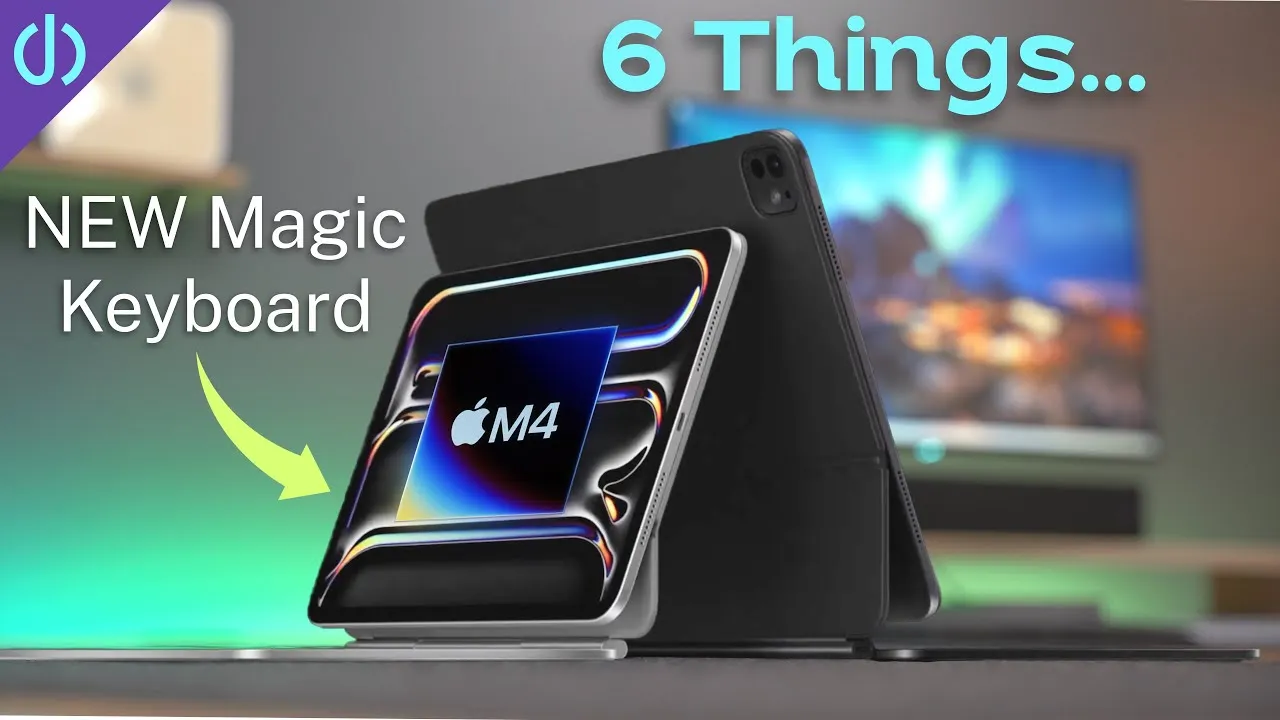
The Magic Keyboard keeps the original’s double-hinge cantilever design from four years ago, with the iPad hovering over the keyboard. It has basically no protection on the sides, and if it’s closed and you drop it, I think the iPad will take a beating.
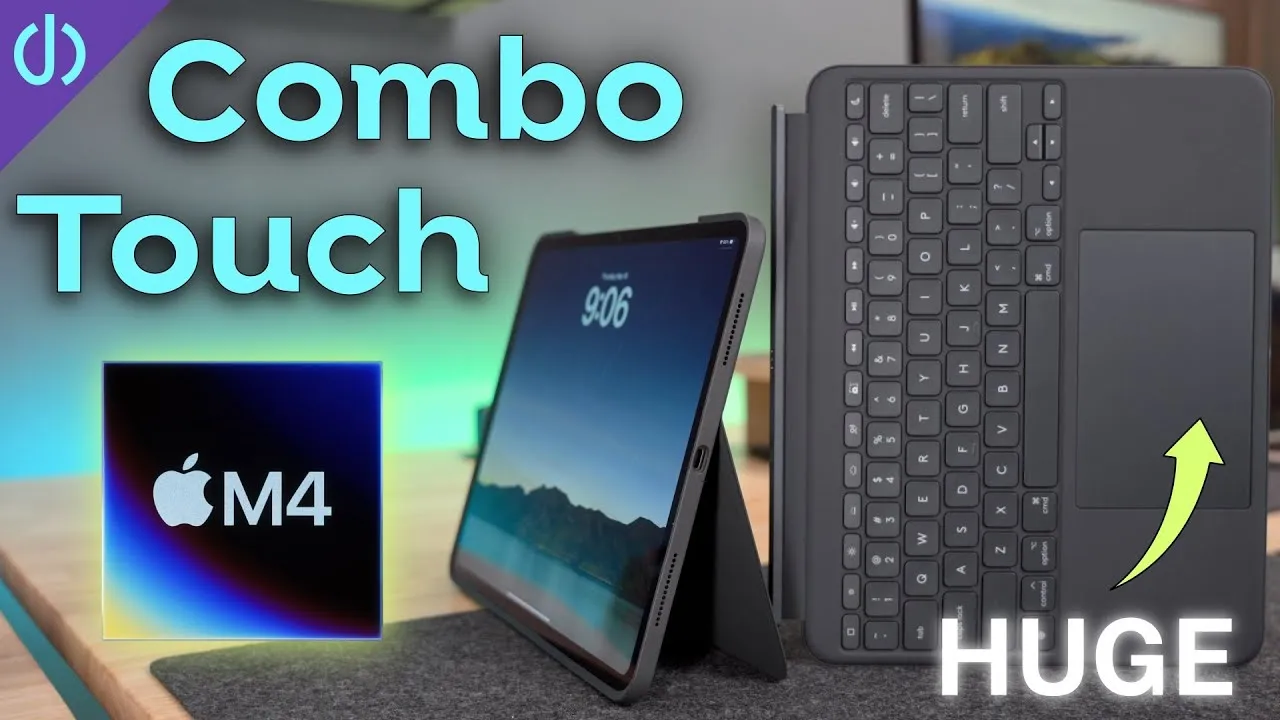
The Combo Touch is a full case covering basically every side, with a cutout on top for the Apple Pencil to attach and charge. For people worried about protecting a very expensive iPad, that’s a good option. It has a pull-out kickstand.
Angles: the Magic Keyboard goes very low, great for watching videos in bed with it on your chest, and quite high. The Combo Touch goes high but not quite vertical, and very low in back, like an easel for notes, drawing or the on-screen keyboard.
Without the keyboard: the Combo Touch’s keyboard detaches, so you have a protected iPad when you want it. Or keep it attached and fold the keys behind (or flip the keyboard so the aluminum side faces out), or use tent mode to watch a movie with the keyboard out of the way. A subscriber tip: in tent mode, the keys work as a stop to hold a specific angle.
Footprint: at about the same screen angle, the Magic Keyboard needs around 9 inches of depth and the Combo Touch around 14½.
On your lap
The Magic Keyboard is mostly laptop-like, but it’s top-heavy, so keep at least one hand on it or it topples back. The Combo Touch needs more length; if my legs slope down at all, it’s unstable and wants to detach and fall over. With level legs and knees together, it’s sturdier.
Hinges and stability
My four-year-old Magic Keyboard’s hinge hasn’t loosened at all. There’s a slight wobble when you tap the screen, but you’ll mostly use the keyboard and trackpad anyway. The Combo Touch’s kickstand feels flimsier, like bending rather than pivoting, but the ones my wife and daughter have used for years are all still perfectly fine. On a hard, flat surface, the Combo Touch isn’t slippery and actually wobbles less than the Magic Keyboard.
Materials
The Magic Keyboard now has an aluminum deck around the keys and trackpad, a nice upgrade, but the outside is still the rubbery material that absorbed oils on my old one into shiny, gross spots that never fully go away.
Logitech’s older Combo Touch used a denim-like fabric that resisted stains and held up really well; my daughter doesn’t take care of her stuff and hers still looks pretty good. For the new iPads, Logitech switched to a soft, rubbery material very similar to Apple’s, which I think will suffer the same fate. There’s an aluminum plate on the bottom (a fingerprint magnet, but a nice premium touch), and soft-touch plastic edges that should protect against dents.
Weight and thickness
| Weight | |
|---|---|
| 13-inch iPad Pro | 586 g |
| Magic Keyboard | 660 g |
| Combo Touch case + keyboard | 288 g + 372 g = 660 g |
| iPad in Combo Touch case only | about 872 g |
They weigh exactly the same with keyboards, but the iPad in just the Combo Touch case is much lighter. The Magic Keyboard is about 13.1 mm thick and the Combo Touch about 13.4 mm.
CalDigit sponsored this video, with its TS4 Thunderbolt dock.
Keyboards
Both are very good, with about 1 mm of travel and the same feel, full-size on the 13-inch, and backlit. Both now have a full function row: media and volume, Do Not Disturb, dictation, and display brightness.
- Magic Keyboard adds Escape, app switcher, Siri and lock keys.
- Combo Touch adds a home key, keyboard backlight keys, and a screenshot key.
I’d give up the Magic Keyboard’s app switcher and Siri keys for backlight keys. Changing it means Settings → General → Keyboard → Hardware Keyboard; you can’t even do it from Control Center, which is insane.
Trackpads
The Magic Keyboard’s is now haptic, like MacBooks, and bigger. The Combo Touch’s is laughably large in comparison, close to the 14-inch MacBook Pro’s, but it physically clicks and takes more force, so heavy clickers may get more finger fatigue. Pressing around its edges opens a small gap that could let in dirt and crumbs. Both feel like glass, with no lag, since both connect through the Smart Connector.
Ports
On the Magic Keyboard, the iPad’s Thunderbolt port is completely unobstructed, so any cable or small hub fits. The hinge also has a USB-C pass-through charging port (Apple says up to 60 W), so you can charge and connect an SSD at the same time. On the Combo Touch, the case surrounds the port, and some of my cables didn’t fit, so you may have to try a few.
Price
| 13-inch | 11-inch | |
|---|---|---|
| Logitech Combo Touch | $259 | $229 |
| Apple Magic Keyboard | $349 | $299 |
The Combo Touch gives you a full case you can use in any mode without the keyboard. The Magic Keyboard has more premium materials, better lappability with its flat base, and the pass-through port. Is that worth the $90 difference to you?
Your questions
- Does the Combo Touch keyboard work detached? No. There’s no Bluetooth or battery; it gets power and data through its pogo pins.
- Does it fit the new iPad Air? No, but there’s a version for the Air, in a slightly lighter color.
- Older iPads? No, but there are older Combo Touch versions for them.
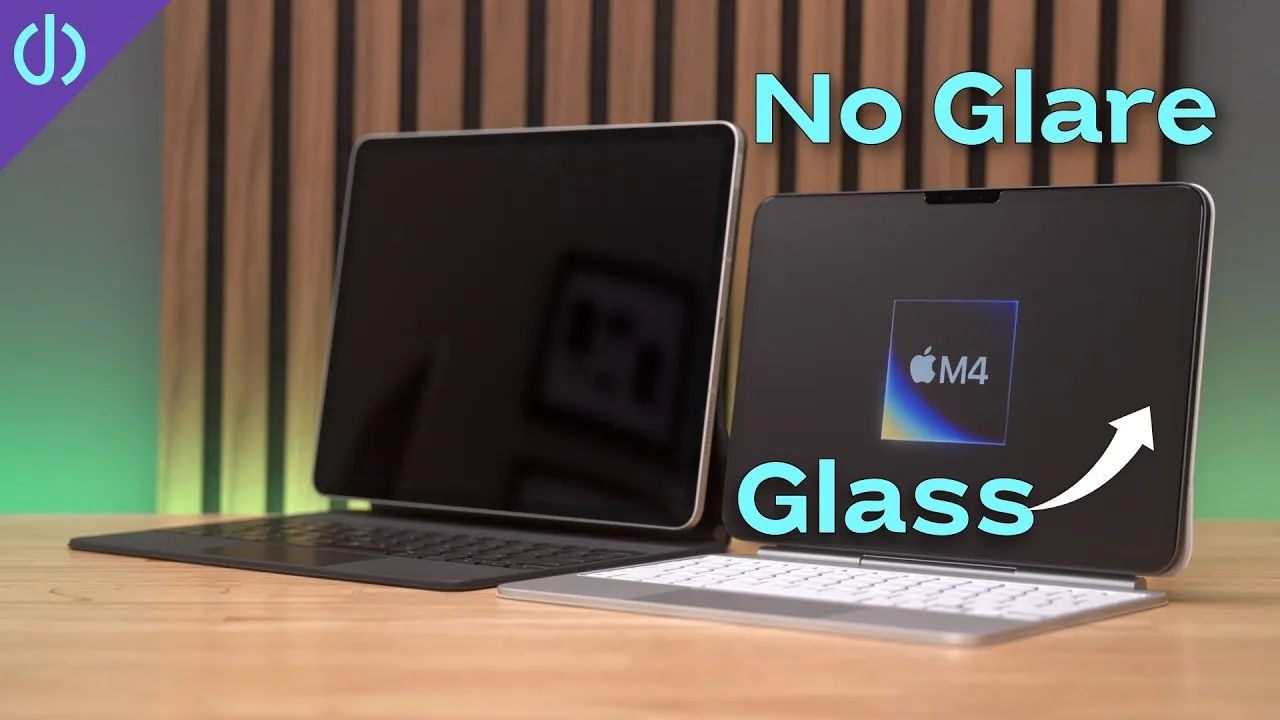
- Nano-texture glass? Logitech’s site says it’s not compatible. Logitech told me it just hasn’t been tested, so I’d guess they’re worried about scratches from the case or the keys.
- Glass screen protectors? They worked fine with both, inserting into the case and closing on the keyboard.
Links
- CalDigit’s docks and hubs (sponsored)
- CalDigit TS4
- Buy the new iPad Pro
- Combo Touch 11
- Combo Touch 13
- new Magic Keyboard 13
- new Magic Keyboard 11
- 6 things to know before buying the New iPad Pro and Magic Keyboard
- CalDigit is my dock partner
- https://www.threads.net/@jerryschulzeonyt
- My iPhone Art
- Grovemade Desk Mat and Knife (save 10% JERRY10)
- UNLIMITED Cloud Backup for your Mac with Backblaze
In this video
Some links in this post are affiliate links, which means that if you click on one of the product links, I may receive a small commission. See my ethics statement.