6 things to know before buying the New iPad Pro and Magic Keyboard
The iPad drought is over. Apple just announced new M2 iPad Airs, including a new 13-inch model, and M4 iPad Pros that are thinner, with OLED displays, plus the new Apple Pencil Pro and a new Magic Keyboard. If you’re considering a new iPad Pro and Magic Keyboard, here are six things to know first.
1. The storage you choose matters more than you think
The iPad Pro comes in 11-inch and 13-inch sizes, with 256 GB up to 2 TB. But there are really two performance tiers:
- 256 GB or 512 GB: a 9-core CPU (3 performance, 6 efficiency) and 8 GB of memory.
- 1 TB or 2 TB: a 10-core CPU (4 performance cores), probably around 20% faster at most, and 16 GB of memory.
I don’t recall Apple changing the CPU based on storage before. For pros, 8 versus 16 GB can make a real difference in multitasking and the size of your art or video projects.
2. There’s a nano-texture option
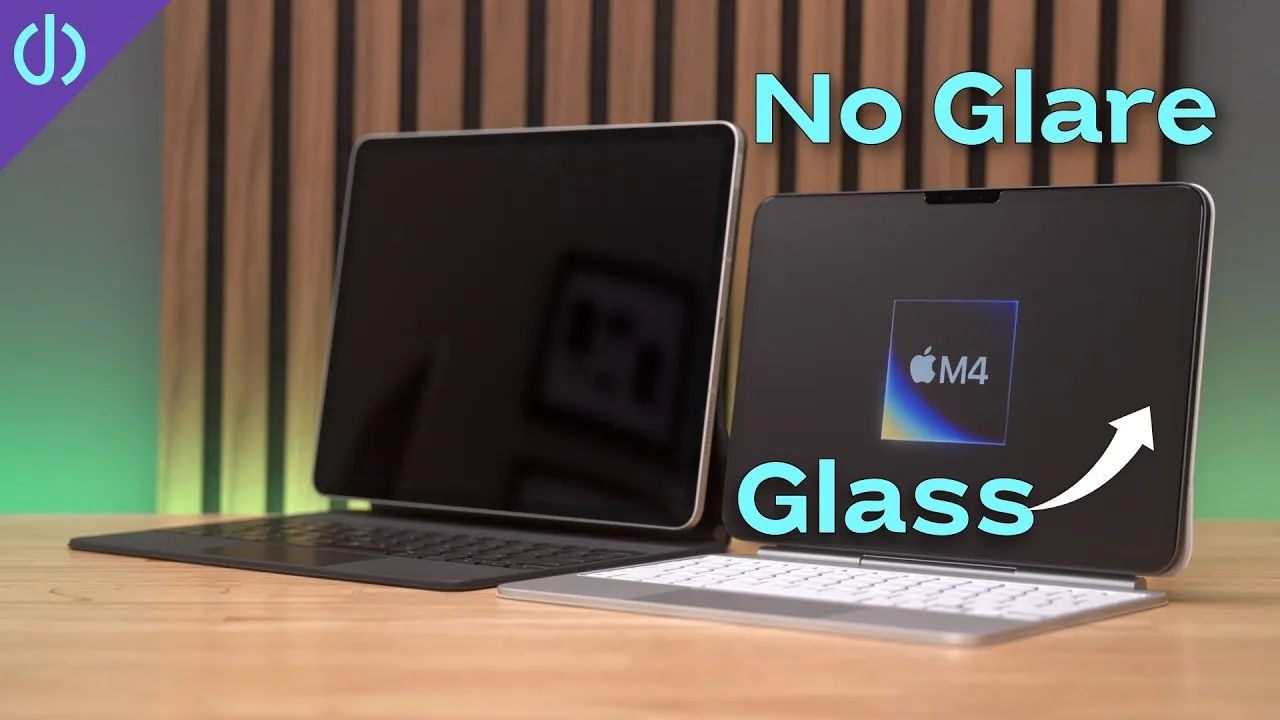
Apple has offered nano-texture glass on the Pro Display XDR, the Studio Display and some iMacs, and now on the iPad Pro, to reduce glare from lights around you and your own reflection. For the last couple of years I’ve used Mothca matte glass screen protectors on basically all my devices. They do something similar, a couple cost under $15, and you just replace one if it breaks. Nano-texture requires the 1 TB or 2 TB model, plus $100. I’m curious how it compares, but I made a mistake and didn’t order one.
3. You lose a camera
Previous iPad Pros had main and ultra wide cameras, LiDAR and a flash. The new ones drop the ultra wide. Most of us could care less; iPad Pros aren’t great photo devices. But if you regularly use your iPad Pro’s cameras (I think you might be a myth), you’ll lose one when you upgrade. It’s odd for Apple to remove a feature.
4. The Magic Keyboard update is slight
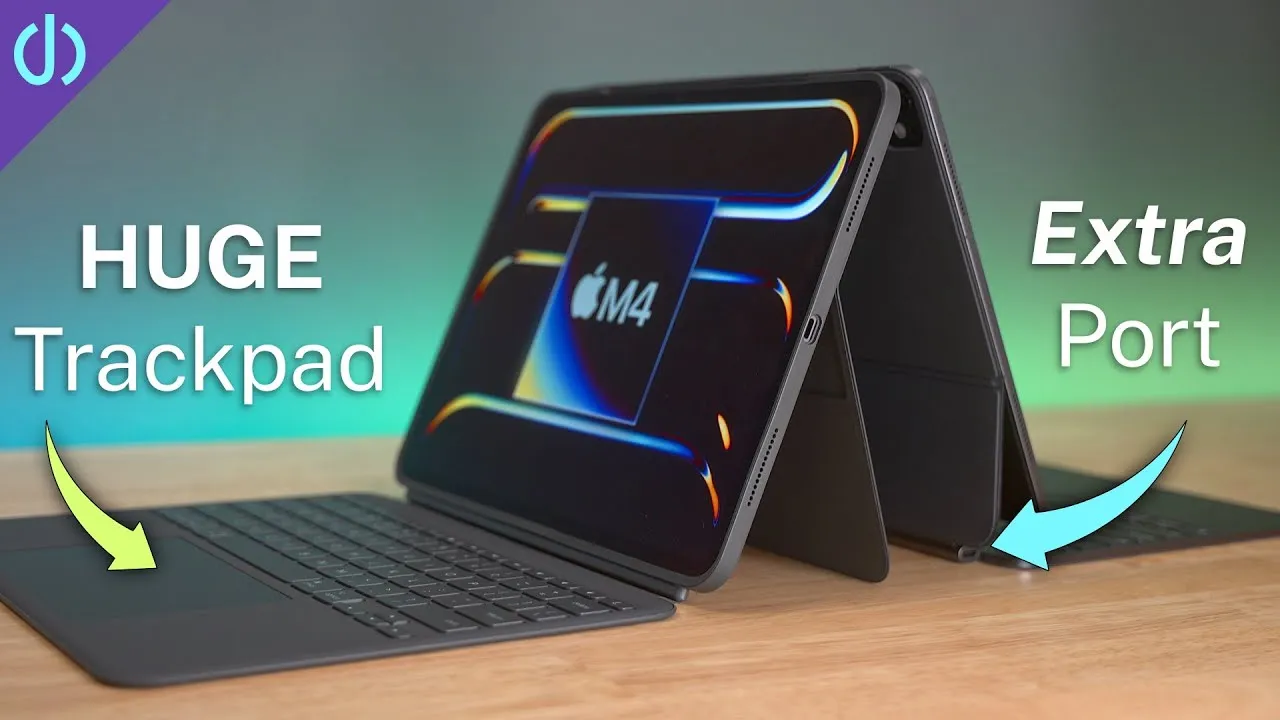
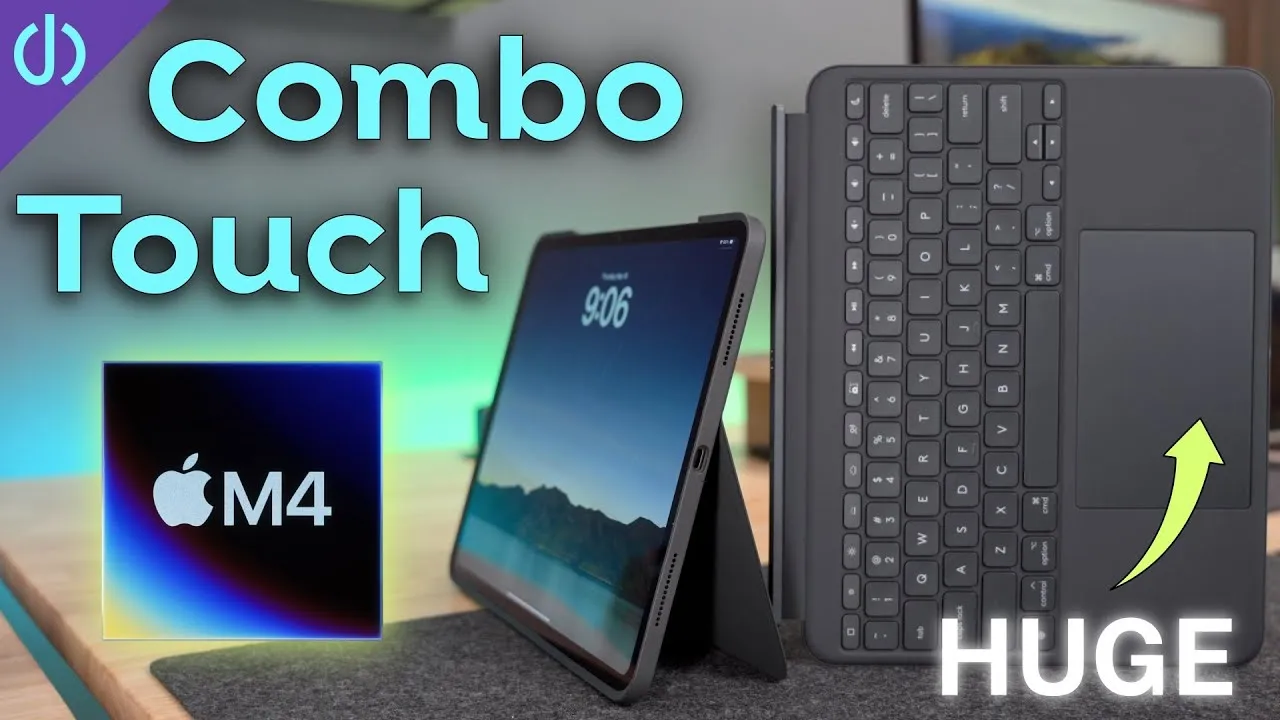
After four years, there’s a new Magic Keyboard with an aluminum palm rest, a larger haptic trackpad, and a full function row. But the outside is still the same rubbery, grippy material that doesn’t hold up. Even though I don’t use mine much, it collects oil, grease, scratches and stains. I really thought we’d get an all-aluminum Magic Keyboard.
5. Pass-through is still power only
The Magic Keyboard’s USB-C port still only passes power to the iPad through its pins. You can’t connect a dock or SSD through it, so you still need another cable in the side of the iPad. With Apple’s improvements to Stage Manager and external displays, I hoped for more from a single cable.
6. It’s only for the new iPad Pro
The new iPad Airs can’t use it. They’re stuck with the older all-rubbery Magic Keyboard with no function row and a smaller trackpad. That surprised me, since the new Air supports the Apple Pencil Pro and uses the same connector. My only guess is that the new iPad Pro is so thin, 5.1 mm on the 13-inch, that the thicker Air wouldn’t fit.
Still excited
That was three negatives about the Magic Keyboard, but I’m excited to try it: the aluminum, the trackpad, and finally changing volume and brightness without reaching for the screen. I love new hardware, and WWDC is right around the corner to show us the iPad’s next year.
Links
Some links in this post are affiliate links, which means that if you click on one of the product links, I may receive a small commission. See my ethics statement.