The Surface Laptop 5 looks so good.... but is it?
Microsoft did it again: I bought a one-year-old Surface Laptop 5 because it looked pretty and went on sale. It’s not the first time. Last month I bought the Surface Laptop Go 3, basically this computer in a smaller, newer package. I keep buying Surface devices because they look so much like Macs that I figure it’s probably a good Windows computer, and the buyer’s remorse is already settling in.
Why I bought it
I need Windows machines for different things around my house and office, besides the Macs I usually show. The Surface Laptop Go 3 is $799, and with holiday sales, you could get the Surface Laptop 5 at the same $799 starting price. Both have the same 12-thread Intel Core i5-1235U, though I believe the Laptop 5’s is clocked higher. I didn’t need this one since I had the Go 3, but at the same price I figured I’d return the Go 3 and get this one, because it has Thunderbolt.
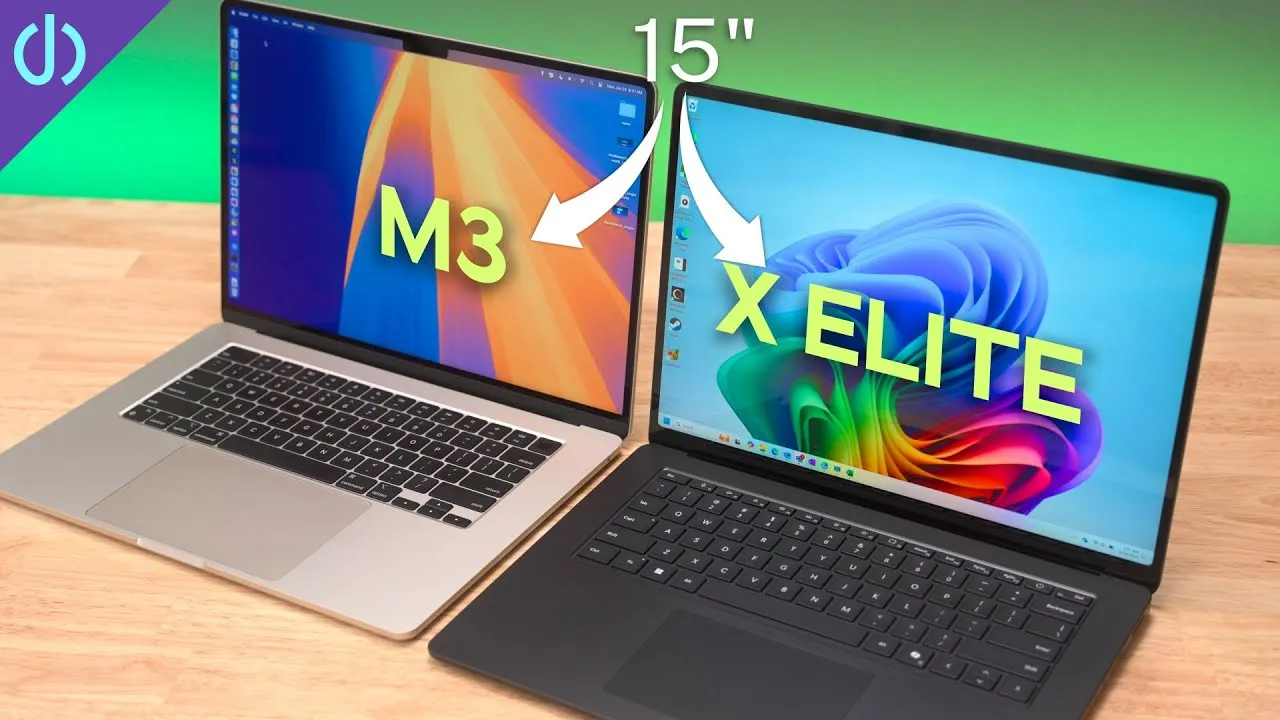
I upgraded to 16 GB and 512 GB, whose regular price is $1,499, and the deal still seemed pretty good. It’s a shame it’s a bit over a year old, because I’ll compare it with the M3 MacBook Pro, which I think it competes well against. Specs and benchmarks aren’t everything: if you need Windows, an M3’s performance doesn’t matter.
Unboxing
A little booklet, no Apple stickers (kind of disappointing), and the Microsoft power adapter for the Surface connector, which doubles as a dock connector. I put it back in the box. This laptop has Thunderbolt and USB-C, and I prefer a USB-C charger.
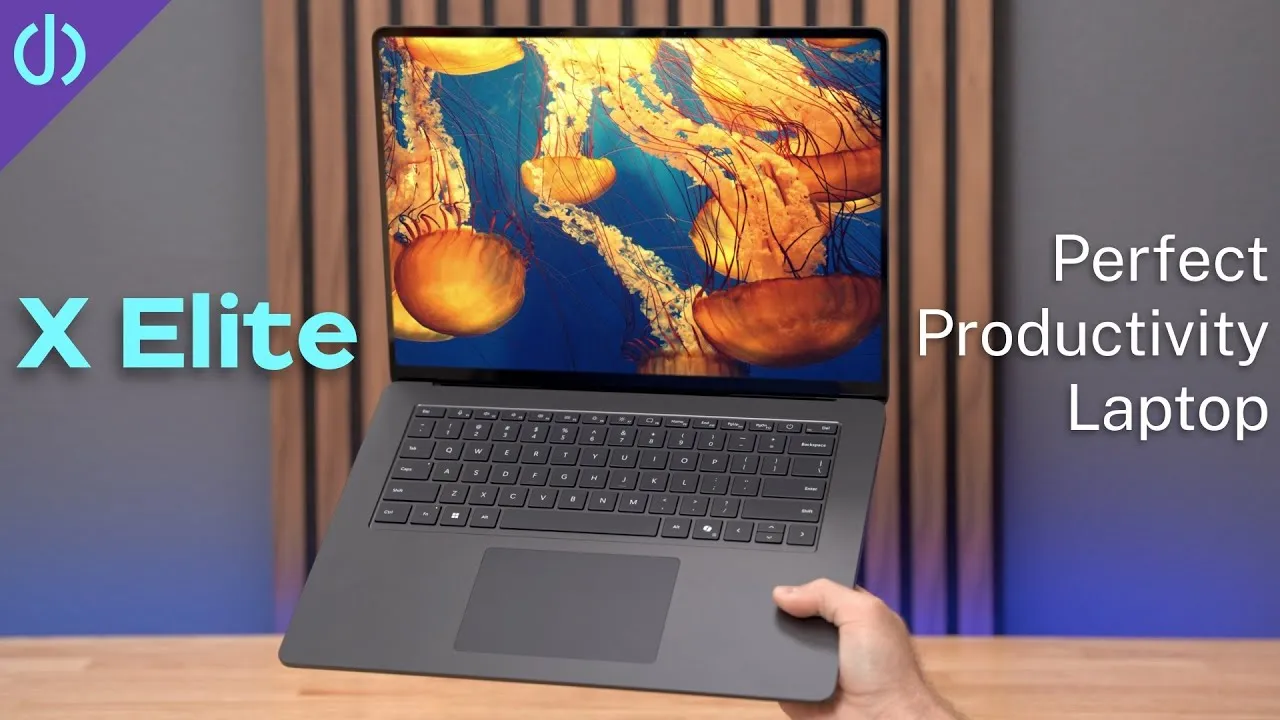
Mine is Platinum (silver) with the Alcantara palm rest, the soft, smooth, almost suede-like material used in some cars and bags and the SpaceX capsule. It can wear a little over time, like a patina on leather. It’s been a long time since I used a Surface with Alcantara, and man, it feels nice, a change from cold aluminum.
It has a big trackpad like Apple’s, but it’s a diving board style, so you can’t click anywhere. There’s a power button, but no fingerprint reader like the Go 3’s, which surprises me, so I’ll be using Windows Hello with the camera.
Outside, it’s classic, classy silver aluminum. On the left: one USB-A port, one USB4 / Thunderbolt 4 port, and an audio jack. On the right: the Surface Connect port. The cutout vents on the bottom look really cool and classy.
Display
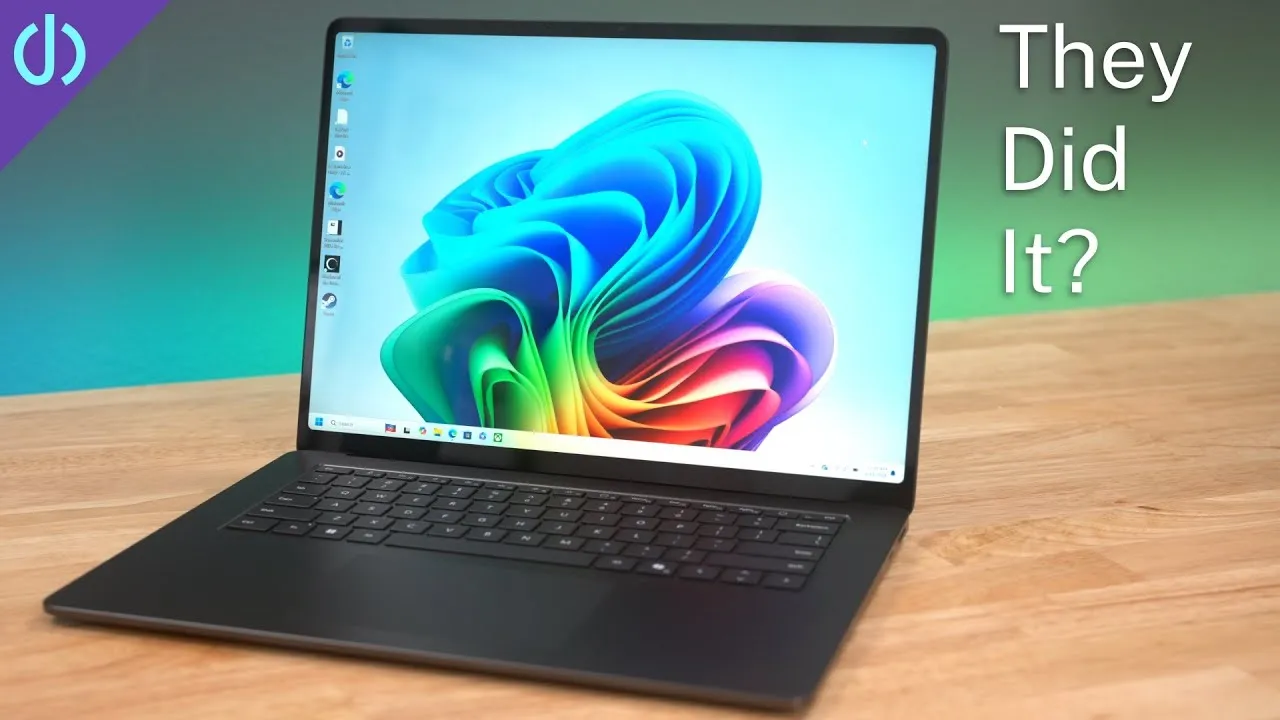
13.5 inches, 3:2 instead of the MacBook’s 16:10, which is nice because it’s a bit taller, so you scroll less in documents and web pages. It’s 2256×1504 at 201 ppi, with a 1,300:1 contrast ratio and Gorilla Glass 3. It’s not the prettiest display or the one with the smallest bezels, but it looks pretty, and it’s a touchscreen, a nice change coming from macOS, since sometimes it’s nice to reach up and touch the screen.
I try not to compare everything to Apple, but initial impressions: I like Surface hardware, which is really nicely designed. It just runs a subpar operating system and processor (go ahead and bash me in the comments).
Setup
I restored from a backup of my Surface Laptop Go 3, then set up face sign-in, which was easier than Face ID. I already subscribe to Microsoft 365, so the apps were on it.
The screen looks gorgeous, not the same ppi as a MacBook Pro but incredibly sharp, with no visible pixels. An 8K OLED demo video on YouTube looks stunning, though it’s not HDR. Unlike the Go 3, this has a backlit keyboard, which helps in any environment.
Benchmarks
Plugged in, set to best performance, Geekbench 6:
| Surface Laptop 5 | Surface Laptop Go 3 | M3 MacBook | |
|---|---|---|---|
| Single-core | 2,186 | 2,165 | |
| Multi-core | 9,167 | 6,664 | 11,889 |
| OpenCL | 11,784 | 11,812 |
Single-core is basically the same as the Go 3, multi-core is a big jump, and graphics are a hair lower than the Go 3.
First impressions
Already feeling a bit of buyer’s remorse: I bought this on looks alone, probably not a great idea, and the benchmarks are a little disappointing. I’ll compare it with a couple of Macs. Did I make a bad decision? Is there a better laptop at this price or less? Let me know.
Links
Some links in this post are affiliate links, which means that if you click on one of the product links, I may receive a small commission. See my ethics statement.