MacBook Air and Pro vs Surface Laptop 5
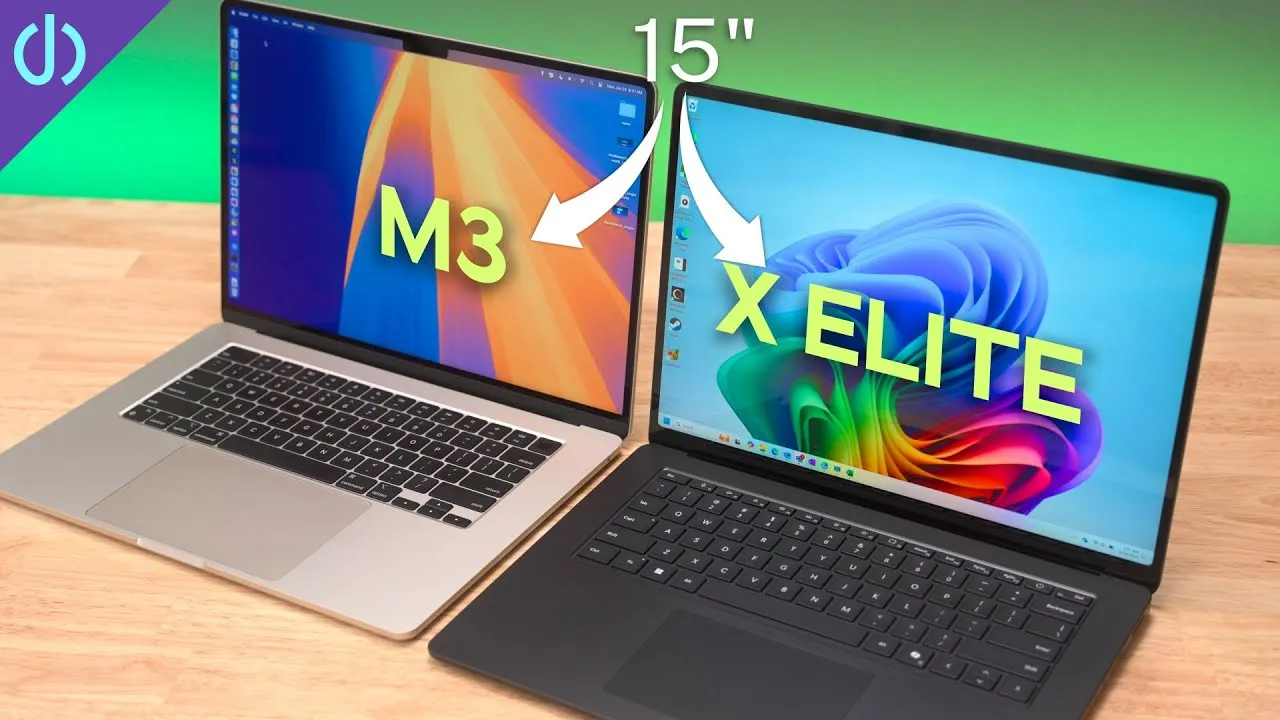
I compared three mid-range laptops: the M2 MacBook Air, the Surface Laptop 5, and the base M3 MacBook Pro, looking at performance, features and price.
Specs and price
- 13-inch M2 MacBook Air: base 8 GB and 256 GB, regular price $1,099.
- Surface Laptop 5, in an upgraded configuration: Core i5-1235U, 16 GB, 512 GB SSD, $1,499.
- M3 MacBook Pro: base 8 GB and 512 GB, $1,599.
All three had good deals at the time. The steepest discount was on the Surface Laptop 5, about $400, but it’s about a year old, the Air about a year and a half, and the M3 MacBook Pro a couple of months.
Design and ports
The MacBook Pro and Air are flat with slightly curved edges; the Surface has the traditional ultrabook wedge. All are aluminum, except the Surface’s interior, which is Alcantara, a soft premium material from luxury cars and the SpaceX crew capsule. After years of hands on hot or cold aluminum, it’s a nice change.
They’re all portable, with roughly the same footprint. Weights: MacBook Air 2.7 lb, Surface 2.8 lb, MacBook Pro 3.4 lb.
- MacBook Air: two Thunderbolt 3 / USB4 ports, a headphone jack and MagSafe.
- Surface Laptop 5: one Thunderbolt 4 port, one USB-A, a headphone jack and the Surface connector.
- MacBook Pro: two Thunderbolt 4 ports, an SD card slot, HDMI, a headphone jack and MagSafe.
MagSafe fast-charges the Air at 65 W and the Pro at about 87 W, and does nothing else. The Surface connector charges at 65 W and also works with the Surface Dock for displays and USB ports. But better options use the USB-C ports.
UGREEN sponsored this video, with its Revodok Pro 9-in-1 docking station. It adds up to two external 4K 60 Hz displays to a Mac, even an M1 or M2 Mac or a Mac mini, or a PC, over HDMI or DisplayPort. It has two 10 Gb/s USB-A ports and a 10 Gb/s USB-C port, 1 Gb Ethernet, and up to 100 W of pass-through charging with something like UGREEN’s Nexode 100 W charger.
Keyboards and trackpads
All three are backlit and similar. I love Apple’s Magic Keyboard because it’s the same on every Apple laptop, iPad Magic Keyboard and desktop keyboard. The Surface’s is very similar but just slightly off, with a hint of dampening. It’s no harder to type on, just not what I’m used to.
I prefer the Apple trackpads: smoother, more precise and more consistent. The Surface has probably one of the best Windows trackpads, but it’s a diving-board style you can only press near the bottom, while on a MacBook you can click anywhere.
On the Macs, the power button is Touch ID. On the Surface, Windows Hello face recognition is instant, which I like a lot and wish would come to the Mac, especially with those big notch cutouts.
Displays
| MacBook Air M2 | Surface Laptop 5 | MacBook Pro M3 | |
|---|---|---|---|
| Size | 13.6” | 13.5”, 3:2 | 14.2” |
| Density | 224 ppi | 201 ppi | 254 ppi |
| SDR brightness | 500 nits | 400 nits | 600 nits |
| Refresh | 60 Hz | 60 Hz | up to 120 Hz ProMotion |
The MacBook Pro pulls far ahead in HDR, up to 1,600 nits, while the Surface is only HDR400. All are glossy: the Surface is the most reflective, followed closely by the Air, and the Pro is slightly better. Overall, the Surface has a very good display, the Air a great one, and the Pro an amazing one. The Macs’ slimmer bezels stand out against the Surface’s big ones, but the Surface is a touchscreen, a big bonus. I wish touch screens would come to the Mac; I don’t need it all the time, but reaching up is sometimes nicer.
Cameras: the MacBooks have 1080p webcams (the Pro with a three-mic array), and the Surface has a 720p camera with noticeably worse picture quality.
Performance
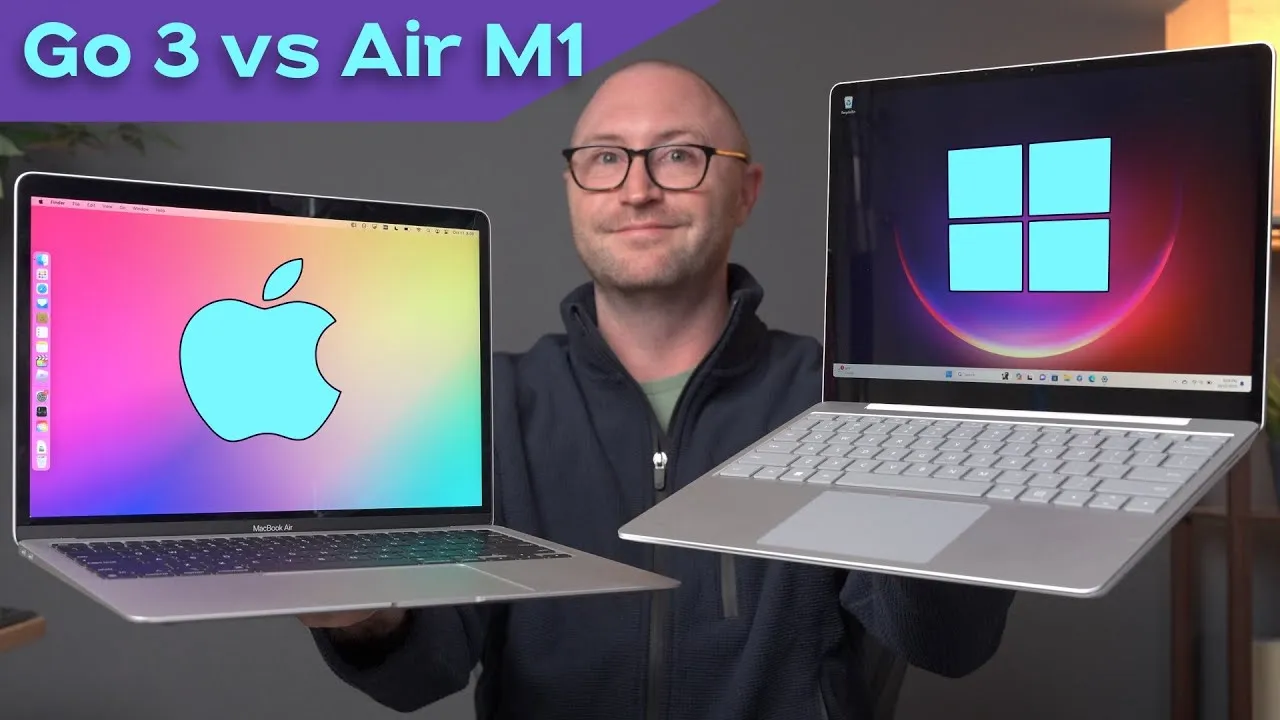
The Surface Laptop 5 uses the same processor as the Surface Laptop Go 3 from a recent video, clocked a little higher. The M2 has an 8-core CPU, the Surface a 10-core CPU with 12 threads at 2.4 GHz and Intel Xe graphics, and the M3 an 8-core CPU at up to 4.1 GHz and a 10-core GPU.
- Geekbench 6: the Surface did better in multi-core than single-core, but both Macs beat it.
- Cinebench 2024: the MacBook Air was about 27% faster single-core and 32% faster multi-core than the Surface.
- OpenCL graphics: the Air was about 98% faster, and the M3 MacBook Pro about 160% faster.
- Shadow of the Tomb Raider (medium, about 720p): Surface 26 fps, M2 Air 37 fps, M3 Pro 70 fps.
Stepping back from benchmarks, all three handle web browsing, email, video and documents just fine. If you’re a creative professional doing photo or video editing, the two Macs are a bit faster.
Fans: the Air has none and is dead silent; the M3 MacBook Pro has one you basically never hear except in long benchmarks; the Surface’s fan comes on with everyday browsing or YouTube, but at a very low volume, much better than many PCs.
Battery: Microsoft says about 18 hours of typical use; Apple says 18 hours for the Air and up to 22 for the M3 MacBook Pro.
Verdict
All are pretty good, with bright displays and comfortable trackpads and keyboards. The Macs clearly have the edge in performance, so if you’re a creative professional, consider other options than the Surface, even other PCs. If you’re a Windows user who wants a first-party computer from the maker of the operating system, the Surface may be the only option, and I love Surface devices and keep buying them. But if you don’t need Windows and you’re curious about a Mac, check these out.
Links
- Ugreen Revodok Pro 9-in-1 Docking Station (25% OFF)
- Ugreen Revodok Pro 9-in-1 Docking Station with 100W GaN Charger(25% OFF)
- Ugreen Revodok Docking&Hubs(up to 40% OFF)
- Get the Wallpapers
- Buy the Surface Laptop 5
- Buy the M3 MacBook Pro
- Buy the M2 MacBook Pro
- Microsoft Surface Laptop Go 3 vs M1 MacBook Air
- My Charging Partner: Ugreen Amazon store
- https://www.threads.net/@jerryschulzeonyt
- My iPhone Art
- Grovemade Desk Mat and Knife (save 10% JERRY10)
- UNLIMITED Cloud Backup for your Mac with Backblaze
Some links in this post are affiliate links, which means that if you click on one of the product links, I may receive a small commission. See my ethics statement.