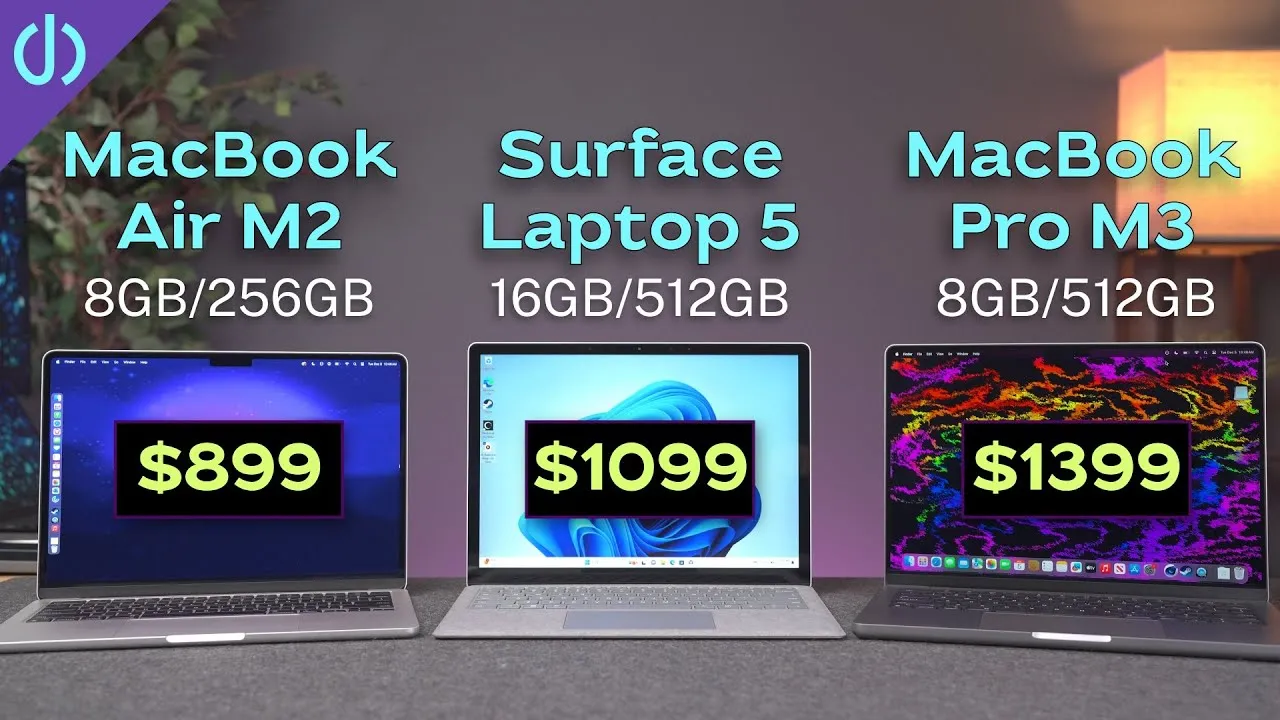
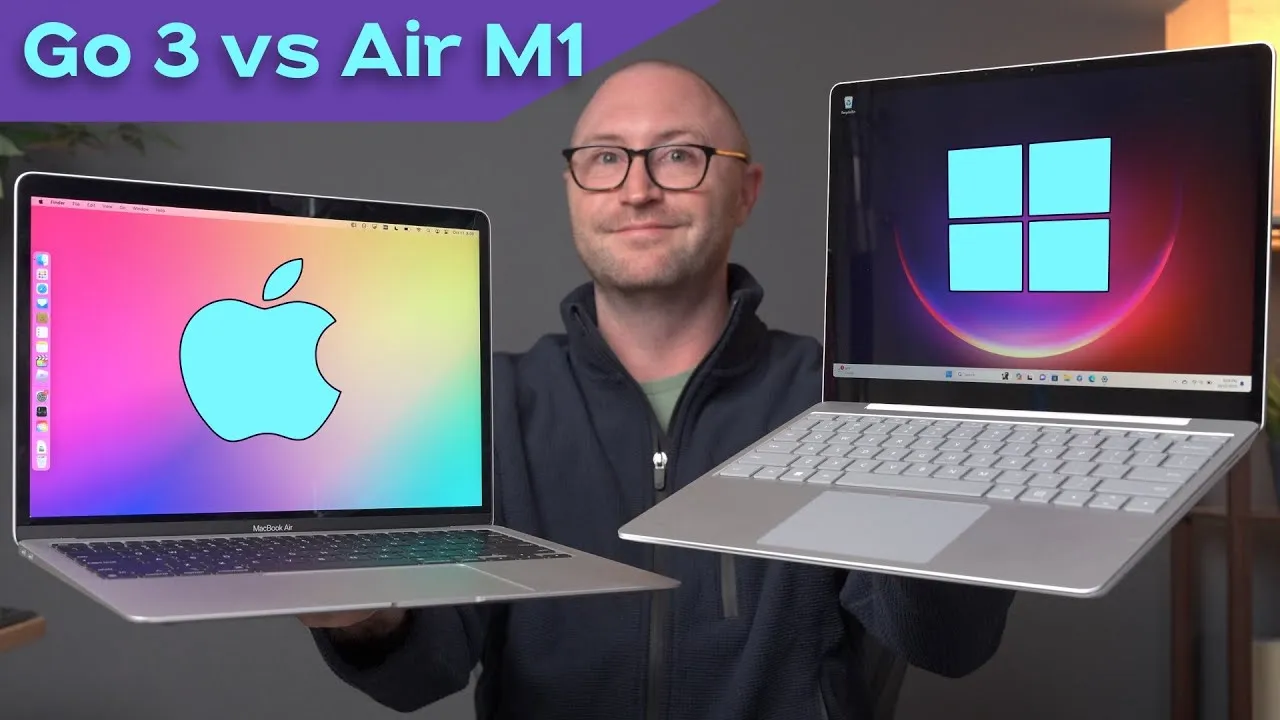
15" Surface Laptop 7 X Elite vs 15" MacBook Air M3
The new 15-inch Surface Laptop 7 against the 15-inch M3 MacBook Air: design, keyboard, screen, ports, performance and more.
Specs and price
- Surface Laptop 7: 12-core Snapdragon X Elite X1E-80-100 (the middle of the Elite line), Adreno GPU, a 45 TOPS NPU, 16 GB and 512 GB for $1,499.
- MacBook Air: a 15.3-inch display, 8-core M3, 10-core GPU, 16-core Neural Engine at 18 TOPS, also 16 GB and 512 GB, for $1,699, $200 more.
With the same memory and storage, it’s a pretty good apples-to-apples comparison.
Design
I love both. The MacBook Air has Apple’s newer flat, symmetrical design, probably the cleanest-looking laptop you’ll find. The Surface still follows Apple’s old MacBook Air wedge, with an angular bottom edge that gives it more character. The Air is only as thick as the Surface’s thickest point and a bit wider and taller for its bigger screen. The black Surface is slightly darker than Apple’s Space Black and has done a pretty good job with fingerprints, though I see them building up.
One annoyance: the Surface has almost no lip to open the lid, while the Air has a perfect thumb cutout. I usually need one hand on the back and a thumb on the front, or it slides around.
Bezels are similar, but the Surface’s top bezel is thicker to fit its cameras. If the MacBook’s notch bothers you, I promise it disappears after a day or two, or a week max.
Ports
- Surface: a headphone jack, USB-A and two USB4 ports on the left; the Surface Connect port and microSD on the right.
- MacBook Air: MagSafe and two Thunderbolt / USB4 ports on the left; a headphone jack on the right.
The USB4 versus Thunderbolt difference doesn’t really matter here: both work fine with fast SSDs, docks and displays.
CalDigit sponsored this video, with its TS4 Thunderbolt dock.
Keyboard and trackpad
I’m so used to Apple’s Magic Keyboards that the Surface’s keys feel a bit squishier, maybe with a bit more travel, and I miss a few keystrokes. They’re quieter, though, and there’s a dedicated keyboard-brightness key.
The Surface finally has a haptic trackpad that clicks anywhere, so no more diving-board trackpads, which I absolutely hate. I set both to the lightest click. The 15-inch Air’s trackpad is way oversized, pushing the keyboard back and creating pressure points on my wrists; the 14-inch MacBook Pro’s is the best size for me. The Surface’s is a good size, though a bit bigger would be nice. Two small issues: inertial scrolling sometimes jitters or stops short, and the cursor sometimes shifts a couple of characters on its own.
Display
- Surface: 15-inch IPS, 201 ppi, 3:2, 120 Hz dynamic refresh, 600 nits, and touch.
- MacBook Air: 15.3-inch IPS, 224 ppi, 16:10, 60 Hz, 500 nits, no touch.
Both backlights and color uniformity were consistent, with no hot or cold spots. The Surface is brighter, but the Air has better contrast, and the Surface is much more reflective. Both are really good for everyday work.
Login: Windows Hello signs you in as soon as you open the lid, with no need to touch the keyboard; the Air still uses Touch ID.
External displays: the Air supports two, only with the lid closed. The Surface supports three plus its own. It took about 15 minutes of fiddling to get them all working, but they kept working through reboots and sleep.
Cameras and speakers
The Surface camera looks good but too warm; the Air’s white balance is more accurate, but it’s too sharp and pulls out wrinkles. Both have studio lighting and portrait blur effects, and both kind of suck at the blur around my hair. The Surface also has that freaky eye-contact effect.
The MacBook Air’s speakers are better, no doubt: wider range, more bass. The Surface’s are louder but sound tiny and almost distorted.
Performance
| Test | MacBook Air M3 | Surface Laptop 7 |
|---|---|---|
| Geekbench single-core | 3,139 | 2,804 |
| Geekbench multi-core | 11,996 | 13,890 |
| Cinebench 2024 multi-core | 615 | 943 |
| Shadow of the Tomb Raider | 61 fps | 35 fps |
The Air is about 12% faster in Geekbench single-core and about 15% in Cinebench single-core. The Surface’s 12 cores (versus the M3’s 8, only 4 of them performance cores) make it about 16% faster in Geekbench multi-core and 53% faster in Cinebench multi-core. In 3DMark Steel Nomad, the Air was 78% faster.
Shadow of the Tomb Raider is an Intel game optimized for neither, so it tests translation: Apple’s Rosetta 2 against Microsoft’s new Prism. The Air was about 74% faster. Expect compatibility problems during the move to Arm, as with the M1. Some apps work well, some don’t work at all; even the Apple TV app in the Microsoft Store said it wasn’t compatible. This Surface doesn’t seem tailored to graphic design or video editing yet. But for all the normal office apps I use daily, I’ve had zero hiccups.
Fans: the Air has none. Most PC fans sound terrible, loud and high-pitched. The Surface’s is the most MacBook-sounding fan I’ve heard on a PC, just a whoosh of air, never annoying.
SSD: about 3,300 MB/s on the Air and 3,600 MB/s on the Surface, both incredibly fast.
Wi-Fi: the Surface has Wi-Fi 7 and the Air Wi-Fi 6E, yet the Air consistently got better speeds in my iPerf tests, sometimes by 400–500 Mb/s.
AI
There’s more coming from both companies, so a full comparison will wait. For now, the Surface’s new Copilot key opens what’s basically a chatbot, like using ChatGPT on any laptop. It can’t actually do anything on the computer, and when I asked how to enable airplane mode, it thought I meant a phone. Image Creator in Paint made a cat walking in the woods in about 20 seconds, with limited credits. Microsoft’s flagship AI feature, Recall, was pulled over privacy concerns.
Battery
Microsoft says up to 22 hours of video playback, which doesn’t mean much. I unplugged at 7:30 a.m. for my normal day job: email, Teams calls, web research, remote server admin with Citrix, notes, and some YouTube. I was at 83% after two hours, 63% by lunch, and 31% at the end of the day (20% after one Cinebench run).
Apple says the Air gets up to 18 hours of video or 15 of web browsing. The same kind of work on the Air left 56% after 8 hours. Heavy benchmarks and games can drain it in 3½–4 hours. The Surface should last a full office day, and battery life should improve as more apps go native, but for now, the MacBook is the better battery buddy.
Verdict
If the operating system is your biggest concern, the choice is obvious: get the Surface if you need Windows. I really like both, and I’m happy Apple finally has real competition in performance per watt.
Links
- CalDigit’s docks and hubs (sponsored)
- CalDigit TS4
- Buy the new 15: Surface Laptop
- Buy the 13” Surface Laptop
- Buy the 15” MacBook Air
- Buy the 13” MacBook Air
- Combo Touch vs Magic Keyboard for M4 iPad Pro!
- CalDigit is my dock partner
- https://www.threads.net/@jerryschulzeonyt
- My iPhone Art
- Grovemade Desk Mat and Knife (save 10% JERRY10)
- UNLIMITED Cloud Backup for your Mac with Backblaze
In this video
- 0:00 Pricing and specs
- 1:23 design
- 3:55 ports
- 5:42 keyboards and trackpads
- 8:45 displays
- 10:57 Touch ID and Hello
- 11:24 external displays
- 12:00 cameras and mics
- 13:17 speakers
- 13:46 performance and benchmarks
- 15:03 translation with Prism and Rosetta 2
- 15:46 other apps
- 17:00 fans
- 18:08 ssd and wifi
- 18:52 ai and copilot
- 20:29 battery life
Some links in this post are affiliate links, which means that if you click on one of the product links, I may receive a small commission. See my ethics statement.