Surface Laptop 15" with Snapdragon X Elite and Copilot - Full setup and First Look
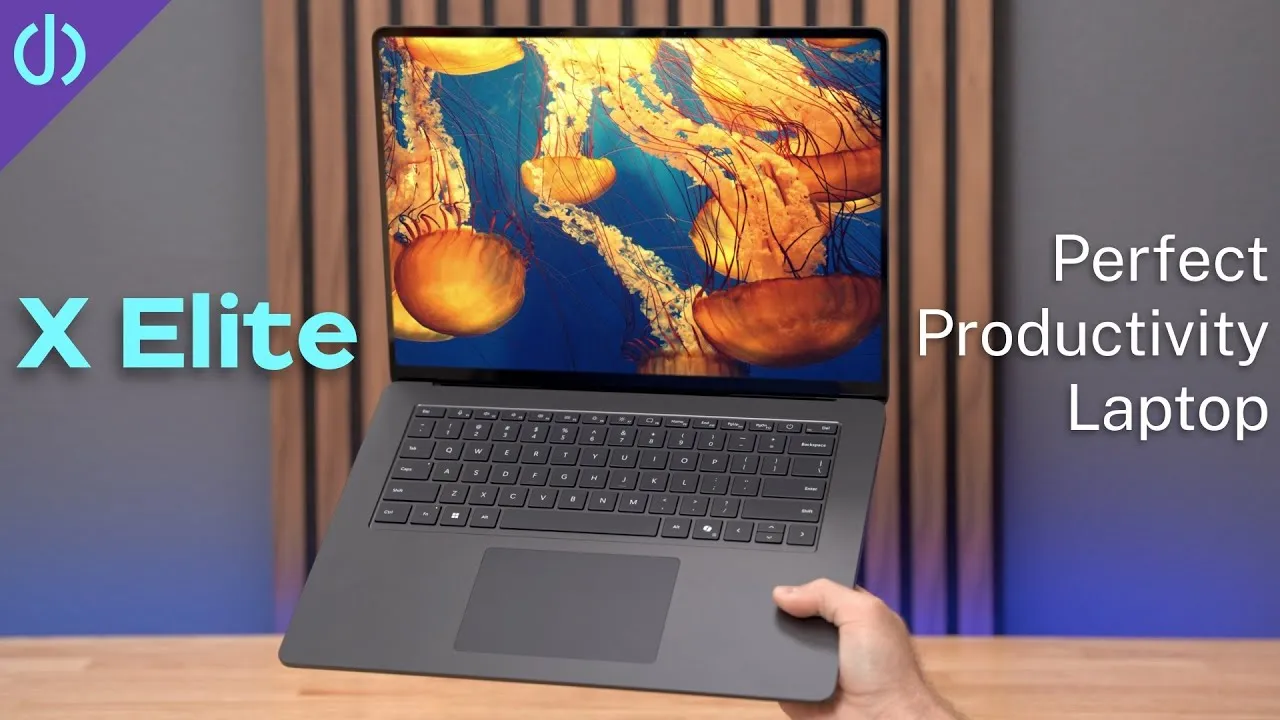
In my opinion, the only laptop maker that has come close to Apple in build quality and design is Microsoft. This is the new 15-inch Surface Laptop 7 with the Snapdragon X Elite, 16 GB of memory and 512 GB of storage, for $1,499. Microsoft’s first attempts at Arm chips didn’t go so great, but I think this time will be different.
Unboxing
Super minimal packaging: pull one strip and the box unfolds. Inside is the laptop, the Surface charger and power cord, and that’s it, one of the most minimal unboxings I’ve seen.
Even closed, it feels premium: solid, not creaky. The black is a little darker than Apple’s Space Black on my iPad, and both look really nice.
Ports: a headphone jack, USB-A and two USB4 ports on the left; the Surface charging port and a microSD slot on the right. It’s nice to have a card slot at all (the 13-inch doesn’t get one), but I’d much prefer full-size SD.
Open the lid and it turns on automatically, like a MacBook. The bezels are smaller, and the design is super clean and matte. The trackpad isn’t oversized like on the 15- and 16-inch MacBooks; this is probably the right size for me. And unlike every other PC, there are no stickers all over the damn place. That alone almost justifies the price.
Setup
Region and keyboard, Wi-Fi (it has Wi-Fi 7), the license agreement, and a name. Then a 30-minute update. Next, sign in to your Microsoft account and set up Windows Hello, which was incredibly fast. I turned off the advertising ID and tailored experiences, restored settings from a backup of another PC, and skipped the phone link and Game Pass offers.
The display is 120 Hz, up to 600 nits, and over 200 pixels per inch. Not the fanciest, but it looks really nice.
The flagship AI feature, Recall, isn’t shipping, after an uproar over privacy. So the feature meant to use the 45 TOPS NPU just isn’t here. That’s okay, because what I want from a Windows laptop is a beautiful design, a good trackpad, a processor that doesn’t sound like a jet engine, a sharp screen, and a battery that lasts all day.
Keyboard and trackpad
The Apple Magic Keyboard is my benchmark, and this feels very familiar, very similar to a MacBook Pro, maybe needing a little more force.
I think this is the first Surface Laptop whose trackpad clicks anywhere, not the diving-board style. By default it’s a bit harder to press than I’m used to, but Settings has low, medium and high click sensitivity; I like low, which matches my MacBook.
Copilot and AI
The new Copilot key opens a chatbot. It gave me full pizza instructions (no glue, unlike Google), and made images of a girl holding a globe with DALL-E 3, which look pretty neat. But asked how to turn off Wi-Fi, it gave general Windows information, nothing about this computer. Image generation in Paint and AI redaction in screenshots weren’t available yet.
The camera’s white balance looks off. Its AI effects include automatic framing (like Center Stage), eye contact, which makes you appear to look at the camera, and background and portrait blur, which does weird things around my head.
First benchmarks
| Geekbench 6 | Score |
|---|---|
| Single-core | 2,266 |
| Multi-core | 13,009 |
That multi-core score beats the M1 Macs (about 8,000–12,000) and is close to the M2 MacBook Pro’s 14,145 and the 12-core M3 Pro’s 15,257, but single-core is lacking: the M1 Macs score over 2,300, and the M4 iPad Pro about 3,700.
Prism, Microsoft’s equivalent of Rosetta, translates Intel apps to Arm. In Shadow of the Tomb Raider at medium settings and around 720p, I got a playable 34 fps, versus about 37 on the M2 MacBook Air and 61 on the M3 MacBook Air. Pretty good for a first step without updates.
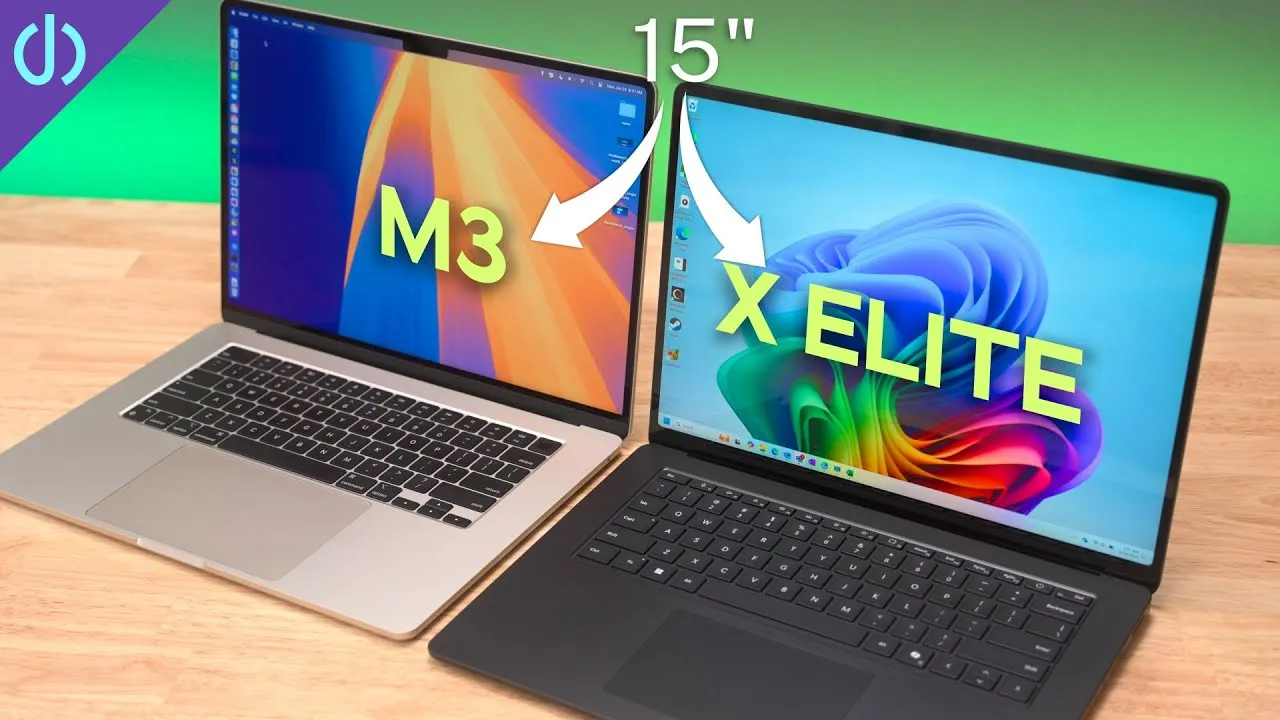
My first impression: it looks pretty nice, and I can’t wait to spend more time with it. A full comparison with the 15-inch MacBook Air is coming.
Links
- Buy the new 15: Surface Laptop
- Buy the 13” Surface Laptop
- Combo Touch vs Magic Keybaord for M4 iPad Pro!
- CalDigit is my dock partner
- https://www.threads.net/@jerryschulzeonyt
- My iPhone Art
- Grovemade Desk Mat and Knife (save 10% JERRY10)
- UNLIMITED Cloud Backup for your Mac with Backblaze
In this video
Some links in this post are affiliate links, which means that if you click on one of the product links, I may receive a small commission. See my ethics statement.