The 2020 iMac Accessories I Use | The Best Accessories for the New iMac
The 2020 iMac is a beast of an all-in-one, and maybe the last Intel Mac from Apple. It’s the last of this design, around since 2012, but you should still consider it: it’s big, powerful, has an amazing display, and will probably be better for current apps over the next two or three years than the upcoming Apple silicon Macs. Here’s what I recommend adding, plus a bonus.
1. More RAM
The 27-inch iMacs still come with a paltry 8 GB, not enough even for basic computing today. The iMac and Mac Pro are the only Apple devices with user-accessible RAM, and Apple knows most people will buy third-party memory, so it keeps base prices down with 8 GB. Installing it is dummy-proof: open the back and put it in the slots (see my how-to video). I chose the OWC 32 GB kit for 2019 and 2020 iMacs, under $135, versus an extra $600 from Apple for 32 GB. I keep the original 8 GB, for 40 GB total, which as I showed, increases performance across the board.
Where to put the sticks (my test results)
I tested three different arrangements of the 16 GB and 4 GB sticks across the slots (labeled as in Jerry’s video description). Results were close, except the last arrangement, which took a big hit to multi-core (tested multiple times):
| Config | Speed | Geekbench CPU (single/multi) | Geekbench Metal | Cinebench | Premiere 90-second export |
|---|---|---|---|---|---|
| 16-4-16-4 | 2133 MHz | 1204 / 6400 | 36,928 | 3575 | 2:11 |
| x-16-x-16 | 2667 MHz | 1213 / 6593 | 36,854 | 3569 | 2:07 |
| 4-4-16-16 | 2667 MHz | 1296 / 5673 (big multi-core hit, tested multiple times) | 37,178 | 3561 | 2:06 |
2. Extra storage
All iMacs now come with fast NVMe by default, starting at 256 GB and going to 8 TB for an additional $2,400. Instead, I use a Samsung 860 QVO SATA SSD (not super fast, made for capacity, but over 500 MB/s read and write, plenty fast; do you really need 2,400 MB/s for files that sit there?). I connect it with a Cable Matters enclosure that supports USB-C 3.1 Gen 2 (10 Gbps), so there’s no bottleneck between enclosure and SSD, and it takes any 2.5-inch SSD at full SATA III speed. The 4 TB drive and enclosure cost under $500 together; two of them to match Apple’s 8 TB option would be well under $1,000.
3. Twelve South BackPack
To hide that drive, the Twelve South BackPack for iMac is a shelf that connects to the stand on the back of the iMac and holds a full-size desktop external drive or multiple 2.5-inch enclosures. It includes a number of clips for different iMac sizes (27-inch, 21-inch, previous generations and previous Apple displays, except the newest Pro Display XDR). Optional rubber posts screw on with finger screws to keep drives from sliding off. Select the right clips, align it with the stand, push down and tighten the finger screws on the back.
4. Satechi hub
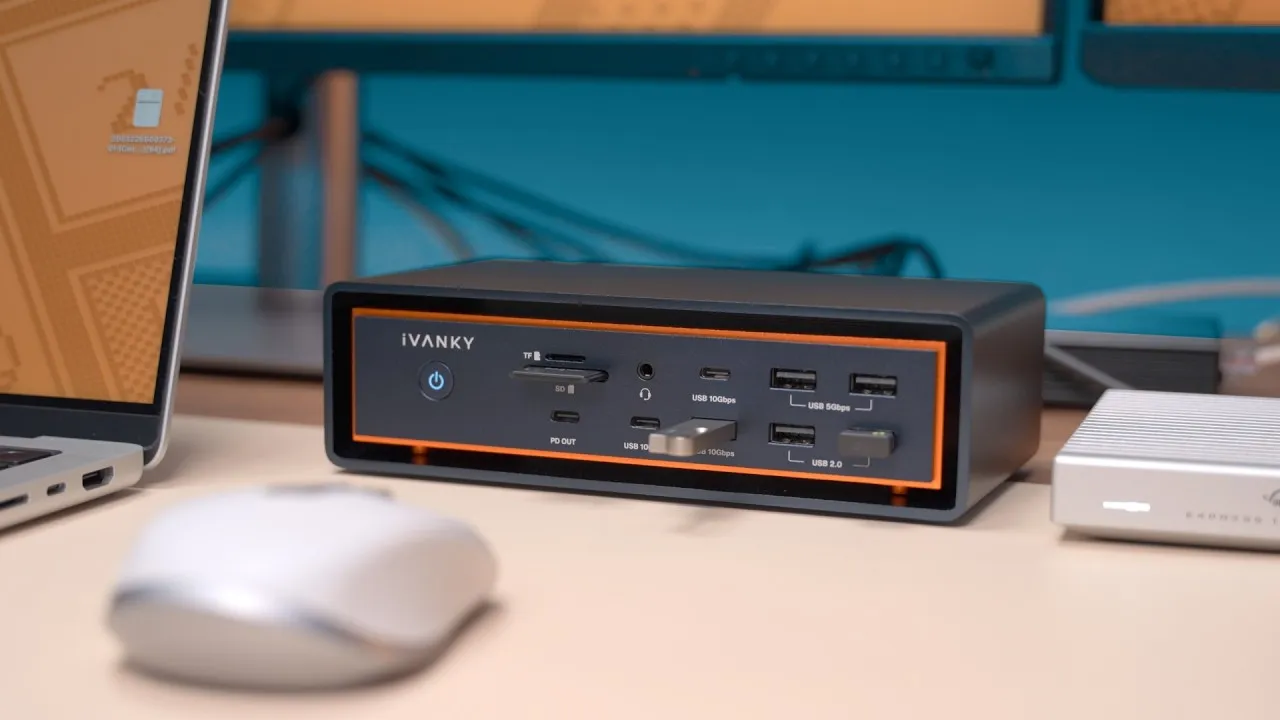
The iMac’s back ports are a pain to reach. The Satechi hub (mostly aluminum, matching the iMac) mounts to the vents on the bottom with a thumbwheel (rubber pads expand to hold it against the bottom) and gives full access to SD, microSD, three USB-A ports and a USB-C port, all connected via USB-C. It’s far more convenient than fumbling around the back or turning the iMac around. It isn’t Thunderbolt or USB-C 3.1, so by my basic testing, I get about 80% of the speed compared with plugging directly into the back, but the convenience is worth it for quick transfers.
Bonus: what not to buy
The Satechi wireless charging dock for AirPods: it matches the aluminum of an iMac or MacBook Pro and connects via USB-C, and “this is the stupidest thing I’ve ever bought.” I bought it before I had an iMac or a MacBook: with just my iPad Pro in the Magic Keyboard (the USB port is on the side), AirPods just fall off, and the iMac’s USB-C ports are vertical, too. It would only work with a MacBook with horizontal USB-C ports, or with the Satechi hub’s horizontal port. It’s $30: don’t buy it. Use a Lightning cable, or any wireless charger you already have for your phone.
Verdict
The iMac is an awesome all-in-one that comes with everything you need to start. My recommendation: upgrade the RAM and look at the Satechi hub. See my video on choosing RAM and installing it.
Links
- UNLIMITED Cloud Backup for your Mac with Backblaze
- OWC 32 GB Kit (2x16GB) for 2019-2020 iMac
- OWC 16GB Ram Kit (2x8GB)for 2019-2020 iMac
- OWC 64GB Ram Kit (4x16GB) for 2019-2020 iMac
- OWC 128GB Ram Kit (4x32GB) for 2019-2020 iMac
- Twelve South Backpack for iMac
- Satechi Aluminum iMac Data Hub
- Samsung QVO 4TB SSD
- Cable Matters USB-C 3.1 Enclosure
- 2020 iMac Mid Tier
- Follow Me on Twitter
- • How To Upgrade Ram on a 27” iMac
- • Turn the iPad into a Laptop
- • Should you get a Magic Mouse for the iPad Pro
- Rode VideoMic NTG
- iPad Pro 12.9 3rd Gen
- Used DJI OSMO 3 Gimbal for some shots
- Tascam DR-10L Audio Recorder with Lav
Some links in this post are affiliate links, which means that if you click on one of the product links, I may receive a small commission. See my ethics statement.