The Coolest Thunderbolt 5 Dock: iVanky FusionDock Max 2 Review
This is the iVanky FusionDock Max 2, and it’s quite different from other Thunderbolt 5 docks: the design, the ports, the display support, and its dual host connections. It has a lot going for it, but it’s not perfect.
A few disclaimers. This video isn’t sponsored. iVanky didn’t send this to me; I bought it on Amazon with my own money. It only works with Apple silicon Macs, not Intel Macs, Windows, or Linux. And I have a history of working with CalDigit, most recently in May 2025.
Design
It’s built like a beautiful tank: a dark blue aluminum wrap that reminds me of the midnight MacBook Air, around an orange copper-alloy block that looks like it’s floating, with blue faceplates front and back. The contrast is awesome, and the design alone might be enough to keep it on my desk. The floating chassis also lets air move around it, along with a fan. After a week, it’s the coolest dock I’ve used, in looks and temperature. It barely feels above room temperature, unlike some Thunderbolt 5 docks that get so hot it hurts.
Ports
It connects with two Thunderbolt 5 cables, because of how Macs handle displays over Thunderbolt and USB-C. The two host ports deliver up to 140 W, and the included cables snap together magnetically, the perfect spacing for a MacBook’s ports.
Back: two USB-A for a mouse, keyboard or printer; two 10 Gb USB-C (great for a Samsung T7 or T9); three Thunderbolt 5 ports for displays, audio interfaces or fast SSDs; HDMI; optical audio; a headphone/mic jack; and 2.5 Gb Ethernet, which disappoints me for the price and two Thunderbolt 5 connections. 10 Gb seems like a no-brainer.
Front: two slower USB-A, two 5 Gb USB-A, one 10 Gb USB-A, three 10 Gb USB-C (the left one does 30 W even with no computer connected), another audio jack, and microSD and SD slots. The microSD slot is spring-loaded, the SD slot isn’t, and you have to flip the card over, which I keep forgetting. On the plus side, it’s super smooth compared to the MacBook’s grindy SD slot.
That’s way more ports than I need. My desk is one display, a backup drive, a 10 Gb Ethernet adapter, and sometimes speakers or a second display. I’d also love to see CFexpress Type A on a Thunderbolt dock.
There’s a power button, which comes up in comments all the time. Not something I need, but it makes sense if you’re energy conscious or don’t want your laptop always charging. The downside is that it turns off the front charging port too.
Displays and performance
Up to three displays natively on an M-series Max chip: one on HDMI (limited to 4K60) and two on Thunderbolt (up to 240 Hz depending on resolution). I tested 4K60 on HDMI, 6K60 on USB-C, and 4K at 160 Hz on USB-C, and everything was great, even through reboots.
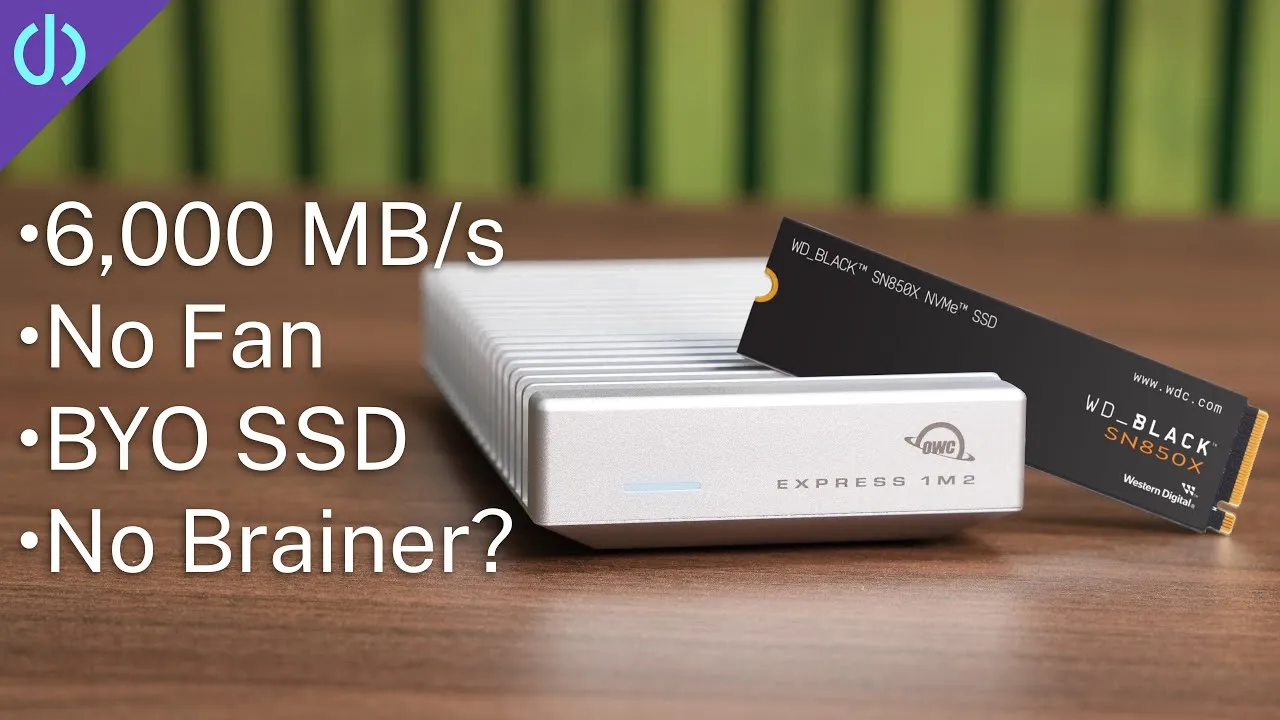
My Western Digital Black SSD in OWC’s 80 Gb enclosure was about 900 MB/s slower on writes and 200 MB/s slower on reads through the dock than directly on the Mac. That’s expected, since you share bandwidth, and it’s less of a drop than I saw on the TS5 and TS5 Plus. You’d need an insane workflow for it to matter. The SD reader was about 20 MB/s faster than the MacBook’s.
The fan
Yes, you can hear it, and 99% of the time it’s completely fine: a constant low noise that doesn’t get louder and fades into the background. Occasionally I hear a short electrical-disturbance sound, like old phones next to speakers, maybe when writing to my SSDs. I might ask iVanky about it.
Price and verdict
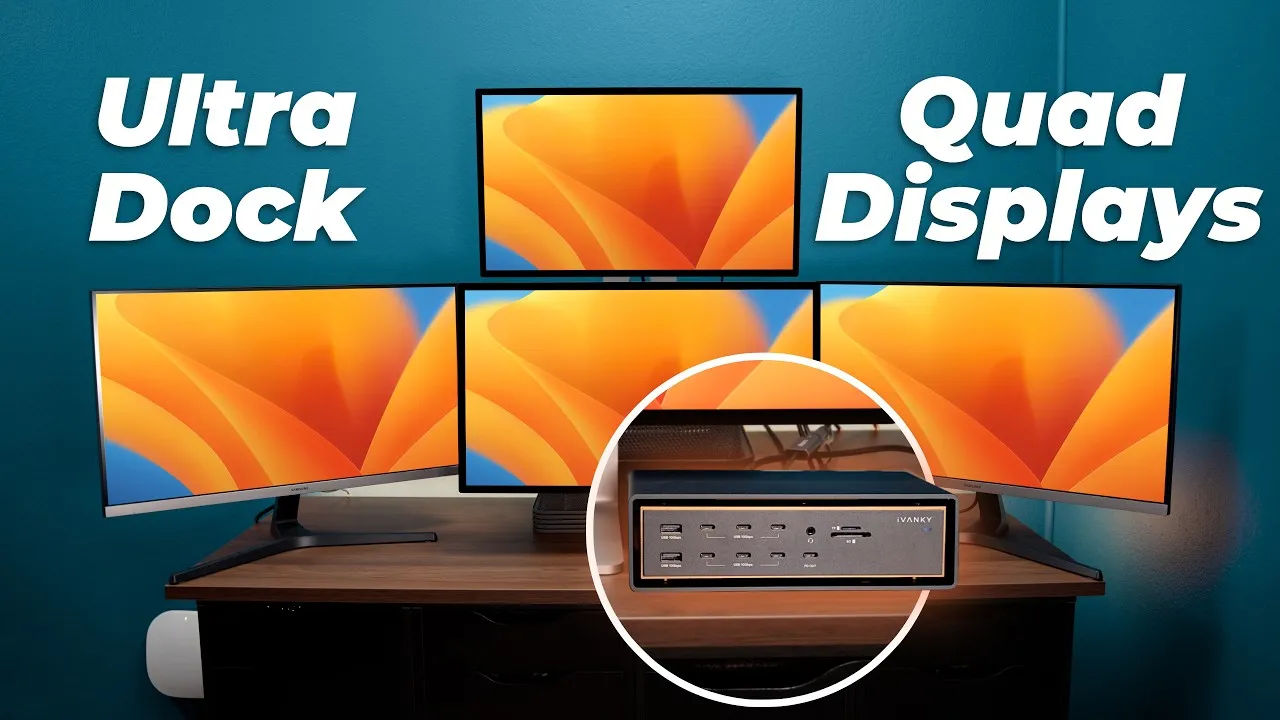
Usually $399 on sale, for 23 ports and triple displays. The CalDigit TS5 has 15 ports for $399, and the OWC Thunderbolt 5 dock has 11 for $299, all with 2.5 Gb Ethernet. For 10 Gb, add a roughly $100 adapter, or get the TS5 Plus with 20 ports and 10 Gb Ethernet for $499. iVanky’s upcoming FusionDock Ultra has 26 ports, 10 Gb Ethernet and four-display support for $599, which is maybe overkill.
Would I recommend the FusionDock Max 2? Yes. More ports than most people need, three displays, and a cooler design than any other dock. If I hadn’t seen the Ultra coming, this would be on my desk for the foreseeable future. Because I’m me, I’ll probably pick up an Ultra for no good reason.
Links
- iVanky FusionDock Max 2
- Samsung T7 SSD
- OWC 80Gb enclosure
- CalDigit TS5+
- 10GB Thunderbolt adapter
- Baseus Picogo 10K
- iVanky FusionDock Ultra
- A 6K display you can afford!
In this video
- 0:00 Intro: why this TB5 dock is different
- 0:15 Disclaimers (not sponsored, Mac-only)
- 0:34 Design and build
- 1:05 Cooling and temps
- 1:28 Ports overview + dual-host setup
- 1:59 Back ports tour
- 2:34 Front ports tour
- 2:43 30W USB-C PD + SD slots
- 3:02 Real-world desk setup
- 3:25 SD reader quirks
- 4:07 Power button
- 4:35 Display support (up to 3 displays on Max chips)
- 5:18 TB5 bandwidth + SSD speed tests
- 6:08 SD reader vs MacBook speed
- 6:16 Fan noise and electronic buzz
- 7:06 Price and dock comparisons
- 8:01 Should you buy it?
Some links in this post are affiliate links, which means that if you click on one of the product links, I may receive a small commission. See my ethics statement.