This Thunderbolt 5 Dock Has a Secret Weapon: Full-Speed NVMe Storage
This is the Satechi Thunderbolt 5 CubeDock, a compact dock right around the size of a Mac mini, with 13 ports, triple-display support, 140 W of charging, and a built-in NVMe slot at full Thunderbolt 5 speed. At $400, and sometimes less, is it the one to get? Let’s test it.
Unboxing and design
It looks like you’re pulling out a Mac mini, though it doesn’t quite feel like one. In the box: an installation guide, manual, Thunderbolt 5 cable, power cable, and a 180 W power brick. Since it can send 140 W to a laptop, that leaves about 40 W minus overhead for accessories, so it’s possible charging could drop below 140 W.
The metal enclosure doesn’t feel as nice as Apple’s aluminum. It has the same footprint as the M4 Mac mini, just a hair taller. Perforations on the sides are for the active cooling, and the bottom has an NVMe slot with thermal pads.
Ports
Satechi says 13; I count 12, because they count the audio jack as two.
Front: a power button (lots of people like that; I usually leave my MacBook connected for remote access), a 10 Gb USB-C with 30 W charging, a 10 Gb USB-A (nice, since the Mac mini has none), an SD slot that isn’t spring-loaded but slides in smoother than the MacBook Pro’s, and a spring-loaded microSD slot. Neither card needs to go in upside down, which is nice.
Back: the 140 W host port, three downstream Thunderbolt 5 ports, a 10 Gb USB-C, a 10 Gb USB-A, and 2.5 Gb Ethernet. I wish every dock had 10 Gb, but for something this compact at this price, 2.5 Gb is great for most NAS setups or fast internet.
The NVMe slot
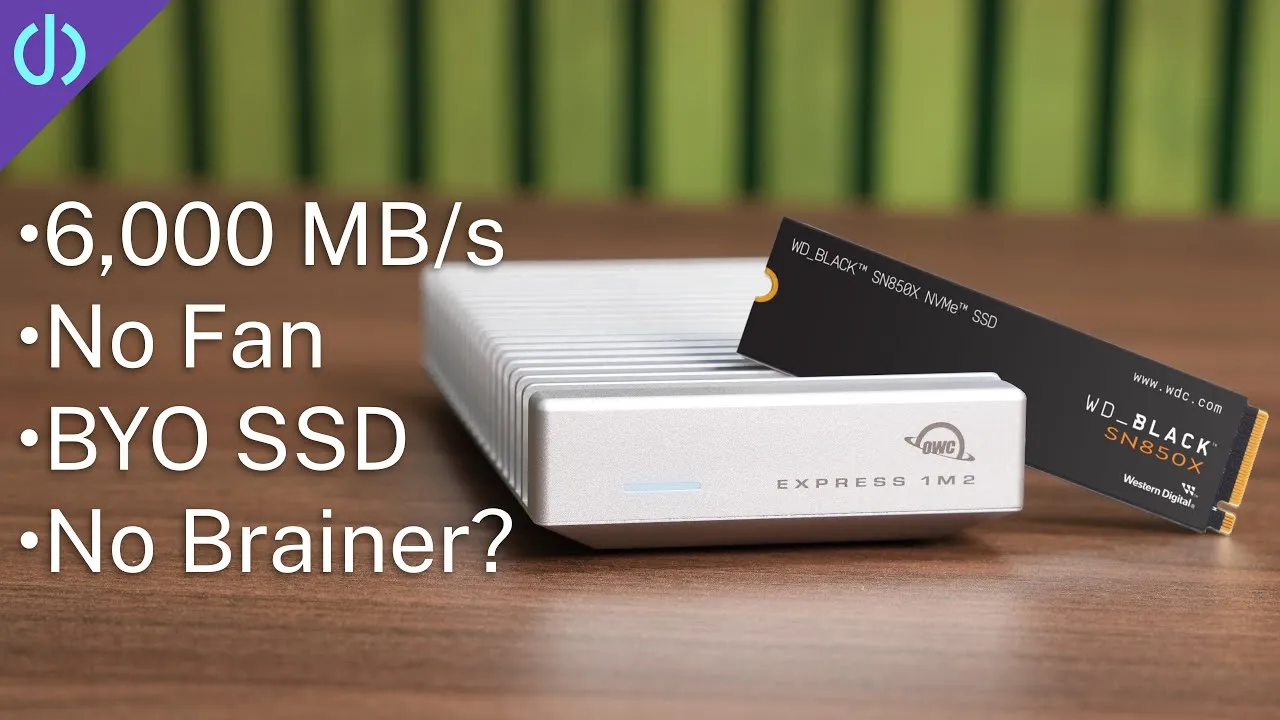
This is one of its biggest benefits: an NVMe drive at full Thunderbolt 5 speeds, up to about 6,000 MB/s, where many cheaper docks run their SSD slot at USB 3.2. It takes up to 8 TB. I installed my 8 TB WD Black from my OWC 80 Gb enclosure, the fastest combo I’ve tested (bought before prices spiked). Remove a set screw, place the bottom thermal pad, insert the SSD (cutouts fit multiple sizes, and the screw has a notch to hold it), add the big top thermal pad, and snap the cover back on.
Testing
Displays: a 5K Studio Display XDR plus two Dell S2725QCs over USB-C, all three at 120 Hz, with zero issues.
Built-in SSD: about 5,200–5,300 MB/s read and write with no displays, roughly the same with one. With all three displays, writes oddly went up to about 5,500 MB/s but reads dropped to about 3,700 MB/s, consistently across multiple runs.
Front USB-C with a Samsung T7: 600–700 MB/s, what you’d expect, and probably the speed most people can use. SD reader: about 250 MB/s, the same as a MacBook Pro.
2.5 Gb Ethernet: uploads hit almost the full 2.5 Gb, but downloads were erratic, sometimes near 2.5, frequently 1 Gb or lower. I’m finding many 2.5 Gb docks run Ethernet over USB internally, and they all do this, even a USB-C adapter plugged into the dock. Docks that route it through PCIe or Thunderbolt, like the CalDigit TS5, get full speed both ways.
Fan and heat: you can hear it if you’re trying to, but it blends into the room with no high-pitched whine, reading in the low 30s dB or less on my meter. The top runs about 100 °F (37–38 °C), a bit warmer at the front ports, but nothing that feels like it’ll burn you.
Price
At $400, it sits alongside the CalDigit TS5 and Anker Prime with a similar number of ports. The Anker trades a Thunderbolt port for HDMI and DisplayPort, and the TS5 is fanless. Only the CubeDock has a built-in NVMe enclosure, and at full Thunderbolt 5 speed, which makes it an insane deal; it was recently $340 on Amazon. As long as 2.5 Gb Ethernet isn’t your top priority right now, check out this dock.
Links
- Satechi CubeDock
- CalDigit TS5
- OWC 80Gb Enclosure
- WD NVME SSD
- Samsung T7 SSD
- CalDigit TS5+
- 10GB Thunderbolt adapter
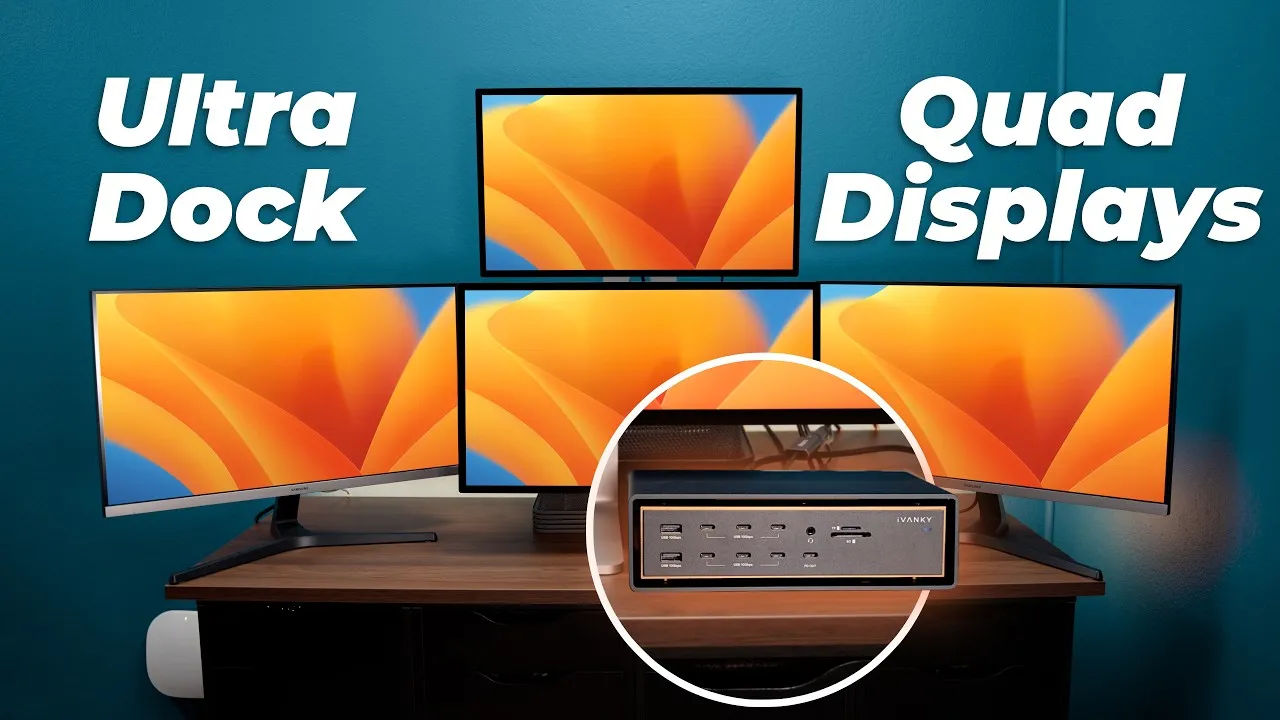
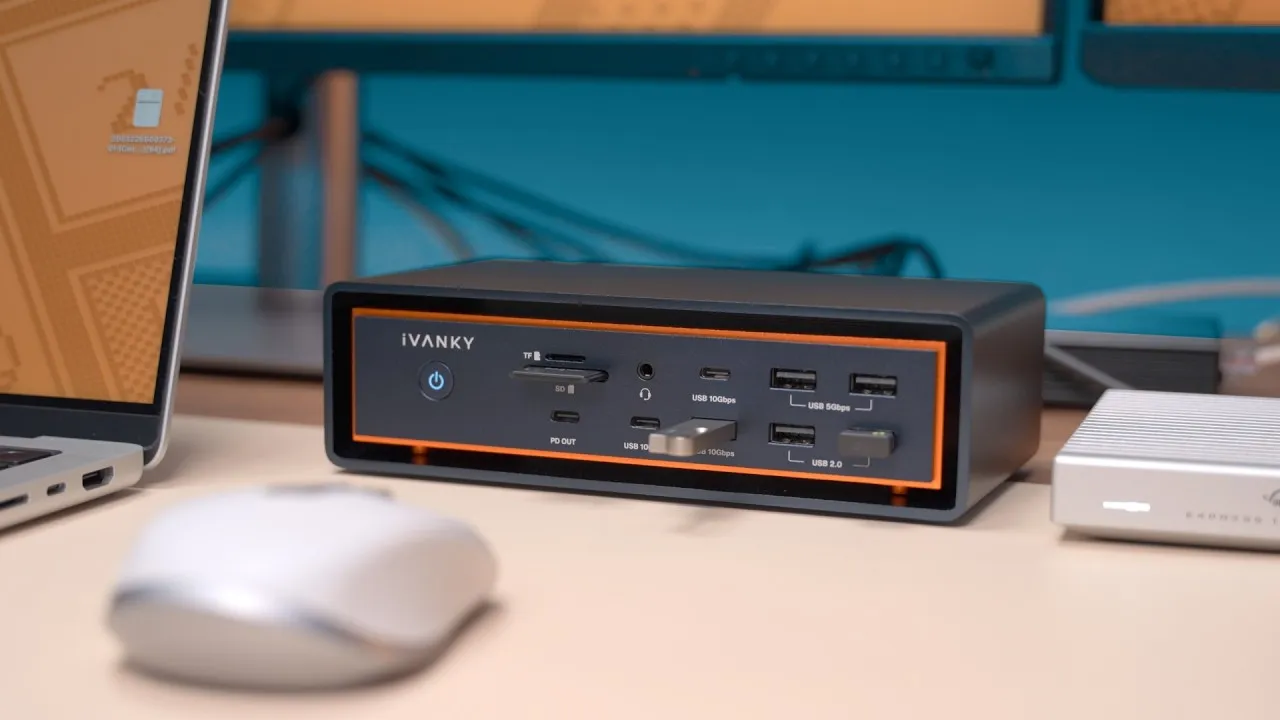
- iVanky FusionDock Max 2
- iVanky FusionDock Ultra
- This dock has Everything!
In this video
- 00:00 Satechi Thunderbolt 5 Cube Dock overview
- 00:24 Unboxing and what’s included
- 00:58 Power brick and 140W charging
- 01:10 Mac mini-sized design and build
- 01:48 Cooling, NVMe slot, and power button
- 02:21 Front ports, SD card slots, and audio
- 03:29 Rear ports and Thunderbolt 5 connectivity
- 04:16 2.5Gb Ethernet and built-in NVMe SSD support
- 05:03 Installing an 8TB NVMe SSD
- 06:15 Triple display testing
- 06:35 Thunderbolt 5 NVMe SSD speed tests
- 07:35 USB-C SSD and SD card speed tests
- 08:00 2.5Gb Ethernet performance issues
- 08:52 Fan noise and temperature testing
- 09:29 Price vs CalDigit TS5 and Anker Prime
- 10:07 Final thoughts: is it worth it?
Some links in this post are affiliate links, which means that if you click on one of the product links, I may receive a small commission. See my ethics statement.