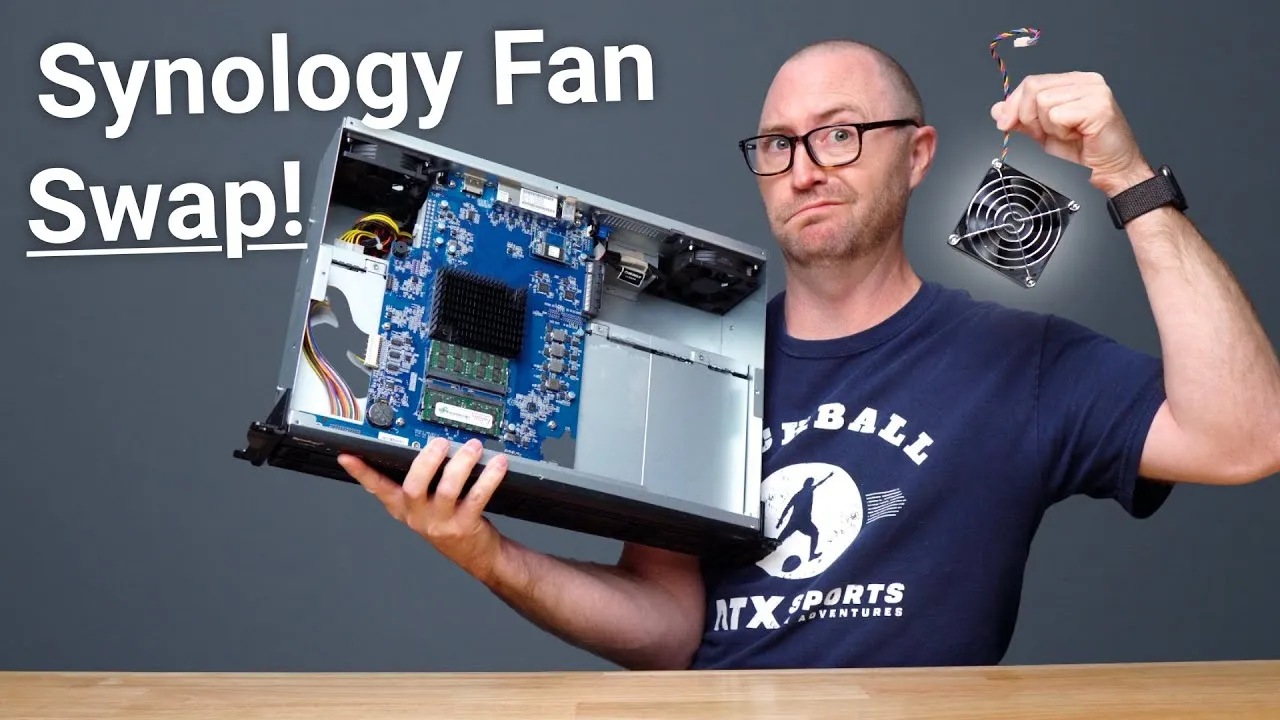
Synology RS1221+ Upgrade and Migration from DS420+
It’s World Backup Day as I’m recording, and my Synology RS1221+ just arrived, so I unbox it and move my drives over.
A few weeks ago I made a video on backing up Macs with Synology (Time Machine and Synology’s own solutions like Synology Drive), using a DS420+ Synology let me borrow. I liked it so much that it became my active storage, so I couldn’t do more testing with it. Now that the RS1221+ is in, I can move everything over and make more videos, so tell me what you’d like to see.
NAS basics
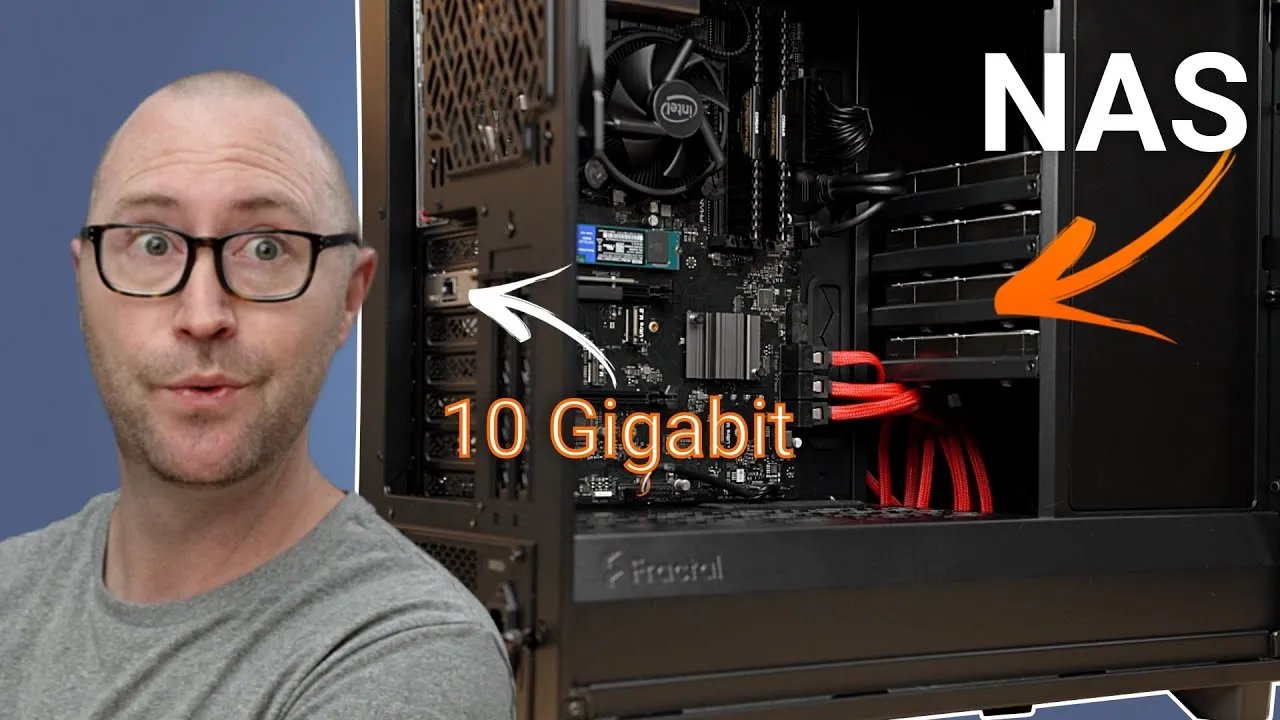
NAS stands for Network Attached Storage: think of an external hard drive on your network that multiple computers and devices can access. They’re fancy boxes for backing up, storing and sharing files and photos, and can run virtual servers or media servers like Plex without keeping a computer on. They range from one drive to 12 or more, but don’t get a single-drive NAS: you want redundancy in case a drive fails. Form factors vary: desktop models like the DS420+, or rack-mounted ones like this RS1221+, which will go in a little rack in my closet.
Why the RS1221+
Besides fitting a small half-depth switch rack:
- Up to 8 drives, expandable by another 4.
- Up to 32 GB of memory if I run VMs or other services.
- A PCI expansion slot for future 10 GbE.
- A fast, powerful, efficient AMD Ryzen quad-core processor.
My main use is backup storage, and off-site backup of all my data using Synology’s Hyper Backup and Backblaze B2. I’ll sync my existing OneDrive data, personal photos, video library and YouTube video backups to it. I like to edit videos locally and back up to the Synology when done. I’ll also use it for Time Machine backups of my family’s computers and as a simple Plex server. I don’t plan on much Plex transcoding, which is fine for this CPU, though it has no hardware decoding: it’s really just our family’s legacy video library, mainly used around the holidays for old Christmas movies. If a big Plex library is your thing, there are better options with hardware transcoding, including the DS420+ and DS920+. There’s also no SSD cache option, which doesn’t matter for me (speed isn’t the goal; expansion, backups and staying out of the way are); if you want SSD caches, look at those models or the desktop DS1621+ or DS1821+.
Unboxing
The box has the NAS, an accessory box with power cords (standard and C13 to C14), mounting screws for 3.5 and 2.5-inch drives, and a quick install guide. It’s plain, like most enterprise gear: on the front, the power button, alarm mute button, drive status lights and eight bays; on the back, the PCI expansion slot, two USB-A ports (for a UPS or external drive), four 1 Gbps Ethernet ports, a serial management port and eSATA for the expansion unit.
Migration
Per Synology’s documentation, migrating from the DS420+ should be straightforward: move each drive to the same slot (1 to 1, 2 to 2, and so on). It’s a little nerve-racking, but I completed a full Hyper Backup first, so I have a copy of everything. Unlike the desktop models’ tool-less trays, the RS1221+ needs the drives screwed into caddies. I’m using 6 TB Seagate IronWolf NAS drives, built to withstand the vibration in multi-disk devices, in sizes from 1 TB or less up to 14 or 16 TB. I moved all four drives over, everything looked healthy, and my backups can continue where I left off.
Next steps
- Add a fifth drive, not for capacity but for redundancy, converting to SHR-2 so I can withstand two drive failures. About 15.7 TB should last me a few years of video backups.
- Add third-party memory from Amazon (linked in the description). Synology only supports its own memory, but this is much cheaper and reportedly gives no incompatibility messages; if it doesn’t work, I can reinstall the factory memory.
Here it is racked and cabled in my closet (no, the shoes aren’t mine), tucked out of the way. I hope it lasts about five years.
Would I recommend it?
For most people, absolutely not: because it’s rack-mounted, it’s loud. It belongs in an equipment rack or server room where noise isn’t an issue. For almost anyone, the DS desktop models are better and run the same software. What Synology questions do you have? See my video on the three options for backing up Macs to a Synology.
Links
- If this was helpful I have a tip jar
- IronWolf NAS drives
- Synology RS1221+
- Synology DS220j
- Synology DS420+
- Synology DS1821+
- Memory Upgrade for Synology
- My Rack UPS
- My 8U rack
- 16 port switch
- Patch Panel
- EERO
- MacBook Pro M1
- Samsung UR55 28” display
- MountUP Monitor Arm
- Satechi Magnetic Charger 2-in-1
- BenQ ScreenBar
- Kanto Yu2 Speakers Matte Gray
- CalDigit SOHO
- CalDigit TS3
- Apple Magic keyboard
- Apple Magic Trackpad
- MX Master 3 Mouse
- Desk Mat Moko PU Leather
- Sony A6400
- Primary Lens Sigma f1.4 16mm
- Secondary Lens Sony f2.8 16-55MM G
- Sennheiser MKH-416 mic
- Zoom F6 recorder
- Rode VideoMic NTG
- iPad Pro 12.9
- Used DJI OSMO 3 Gimbal for some shots
- Tascam DR-10L Audio Recorder with Lav
Some links in this post are affiliate links, which means that if you click on one of the product links, I may receive a small commission. See my ethics statement.