Building a DIY Windows NAS with 10GbE!
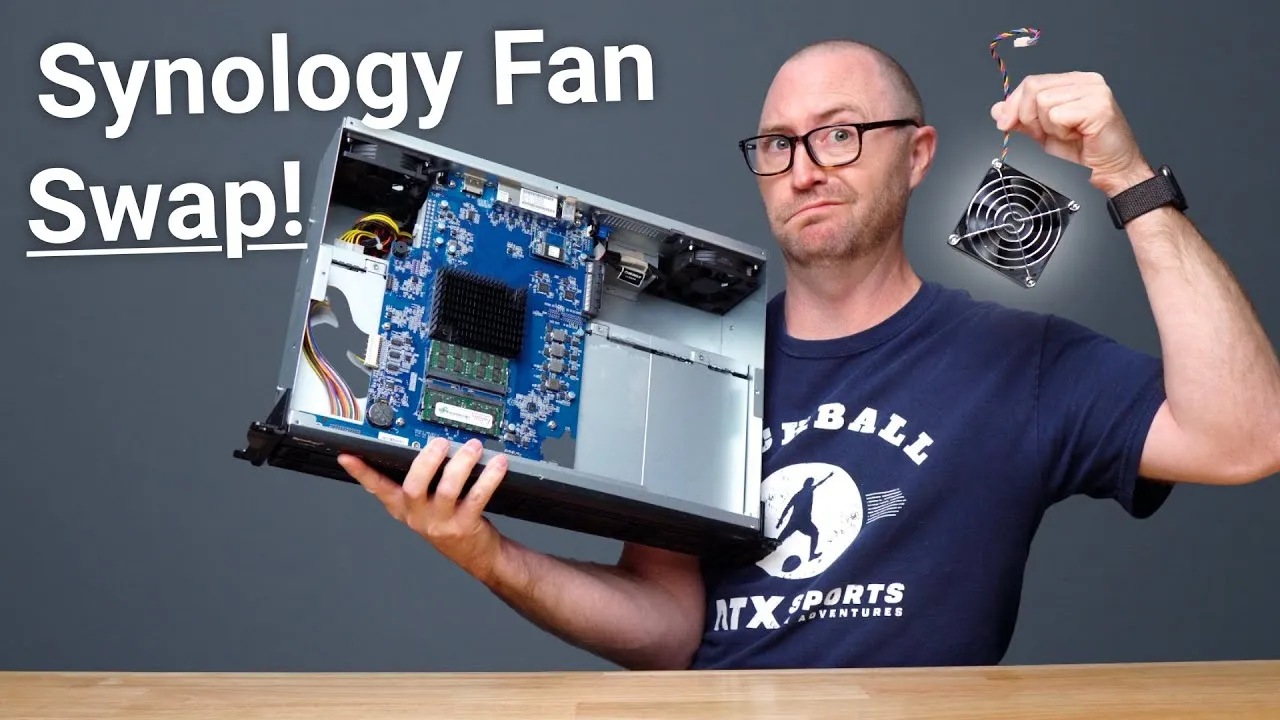
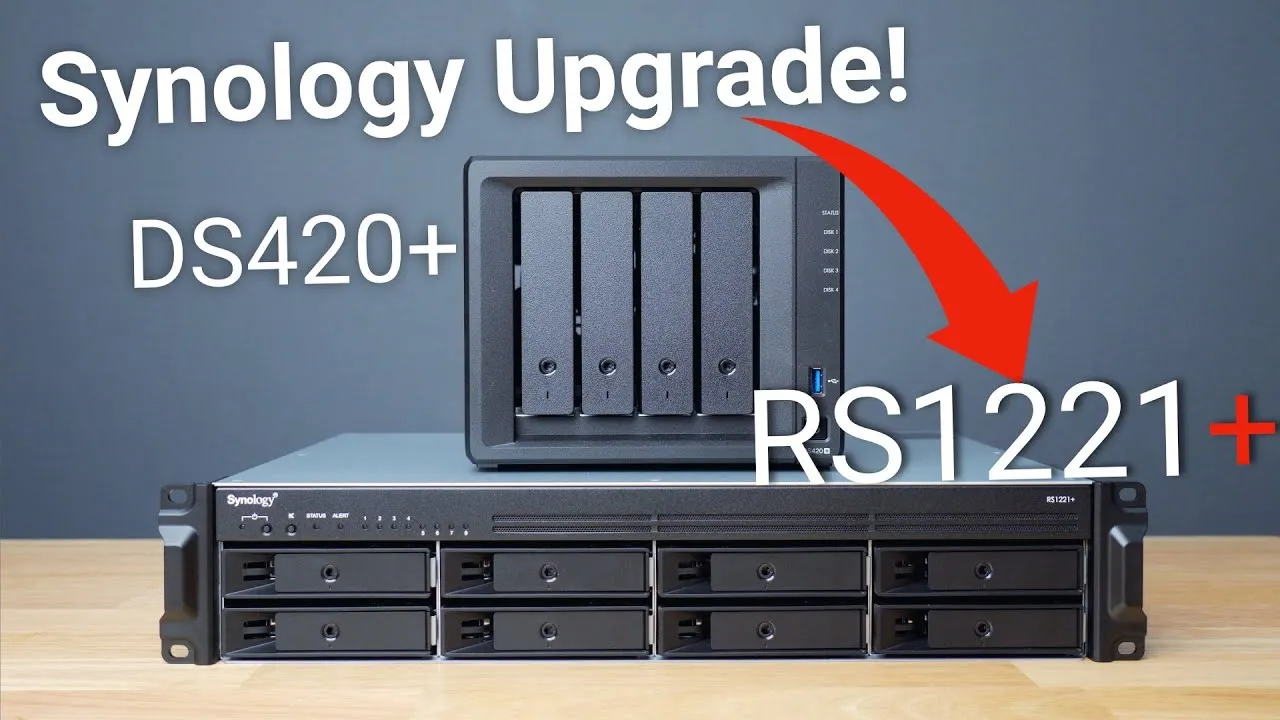
About every couple of years I get the itch to build a new PC to use as a NAS (network-attached storage: a big drive on your network that other devices connect to). Pre-made NAS boxes are really good and can run apps such as a Plex server or VPN, or even virtual machines. For the last 14 months or so I’ve used a Synology RackStation RS1221+, with basically zero issues. But sometimes I need more: bigger VMs or software I can’t run on my Macs. A Windows computer can do much more than a NAS, though NAS boxes are worth it for a simple, usually cheaper, low-maintenance solution. Mostly because I was bored, I’m moving back to a home-built PC.
It’ll store my photos and YouTube project backups, back up all the other computers in my house, run a few Docker containers and a VM or two with Hyper-V, and host the Plex library I needlessly maintain for the few Christmas shows my wife watches once a year, which she made me rip a decade and a half ago.
The parts
- CPU: Intel Core i5-11400, six cores and 12 threads (about 2.6 GHz) with integrated graphics, and the stock low-profile fan.
- Motherboard: an ASRock “gaming” board, overpowered for what I need, but with the expansion slots I need, HDMI and DisplayPort for the integrated graphics, four memory slots (up to 128 GB) and M.2 slots, and, most important, enough SATA ports for the drives.
- Memory: 32 GB of 3200 MHz Corsair Vengeance LPX DDR4, usually decently priced and trouble-free in past builds.
- Boot drive: a WD Blue 500 GB NVMe SSD, which also helps with local VMs and containers.
- Storage: Seagate IronWolf NAS drives. I’ll eventually move the five 6 TB drives out of my Synology, but to start I used 2 TB drives I had.
- Network: a 10 gigabit PCIe card to move files as fast as possible between my main computer and the NAS.
- Power supply: a Corsair RM650x, modular so I connect only what I need, and its fan stays off until a power threshold is hit, so it stays quiet. I want a box that sits in the corner, unassuming, that I never hear or mess with. I installed it upside down, because the machine sits on carpet and I don’t want it pulling lint into the bottom filter, and there won’t be much heat anyway.
- Case: a Fractal Design Define 7, supposedly a mid-tower but incredibly modular and way bigger than I expected, with room for up to 13 drives (I need 6 to 10). It’s plain black with no glass panels and no RGB, and the panels, front and entire top pop off easily. It has sound-dampening on the panels, so there’s no metallic ring.
- Tools: an iFixit toolkit.
The build
After the build, I powered it on to make sure it posted (fans on, screen up, “looks like we’re posting”) before cabling. It took a couple of days for unrelated reasons, but I then installed Windows 11 with four 8 TB IronWolf drives, using Windows Storage Spaces to create a two-way mirror with two columns, which essentially creates a RAID 10 array. I cleaned the cabling as much as I’m willing to, since no one sees it.
Performance
I get pretty decent burst speeds over 10 GbE from my Mac, with lower but acceptable speeds for longer transfers. After moving all my data from the Synology and installing Plex, a 4K video downloader and my backup software, it’s my primary storage and backup location. I’ve installed Hyper-V and will soon spin up new VMs to test operating systems and software.
It was a pretty standard build for me. I like the Define 7’s modularity and look, but moving the panel to get all the extra drives in was a bit annoying, and the build took longer than expected. I think the parts fit my needs for now and will let me grow over the next couple of years, until I get the itch to build another. If you’re interested in how I manage backups on-site and to the cloud, let me know, and see my video on cloud backup with Backblaze.
Links
- Fractal Design Define 7 Case
- 11th Gen i5 Processor CPU
- NVME SSD
- Ironwolf Drives
- ASrock Motherboard
- 32GB Memory
- 10Gbe Card
- Power Supply
- iFixit Toolkit
- UNLIMITED Cloud Backup for your Mac with Backblaze
- 16” MacBook
- Dell S2722QC
- Bamboo Monitor Stand
- CalDigit TS3
- TS4 Preorder
- CalDigit 10Gb Ethernet
- Synology NAS
- OWC Envoy Pro FX SSD
- AirPods Max
- AirPods Max Stand (ETSY)
- Kanto YU2 Speakers
- Satechi Magnetic Charger 2-in-1
- If this was helpful I have a tip jar
- My Camera
- Secondary Lens
- Sennheiser MKH-416 mic
- Zoom F6 recorder
- Rode VideoMic NTG
- Used DJI OSMO 3 Gimbal for some shots
- Tascam DR-10L Audio Recorder with Lav
In this video
Some links in this post are affiliate links, which means that if you click on one of the product links, I may receive a small commission. See my ethics statement.