My Favorite iPad Accessories | Best Accessories for iPad Pro
The iPad (standard, Pro or the upcoming Air 4) is one of my favorite devices ever, and a few accessories can completely change what you can do with it. Here are my favorites for my iPad Pro.
iPad Magic Keyboard
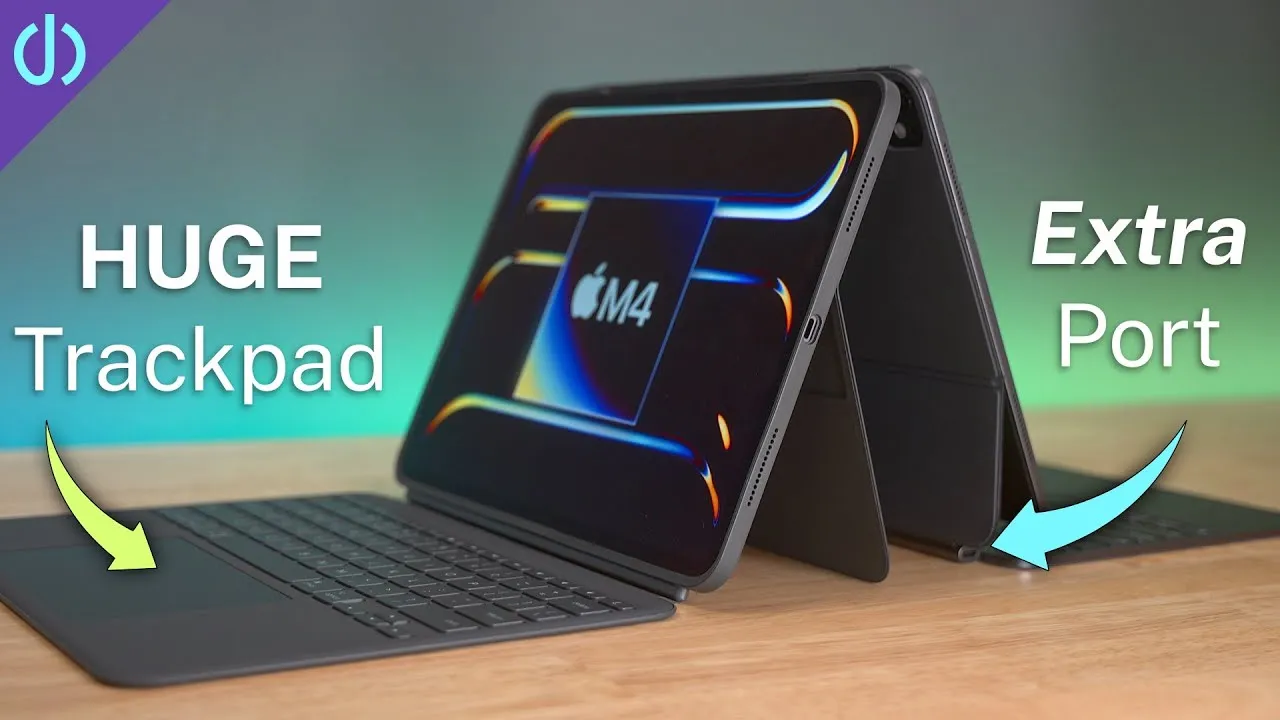
One of the biggest reasons I use the crap out of my iPad Pro. It has the double-hinge floating design: the iPad attaches magnetically and hangs over the keyboard (odd and also cool). It’s the same redesigned Magic Keyboard Apple has been putting on everything: the keys feel good with decent travel, aren’t too loud, and are backlit. The glass, multi-touch trackpad can be clicked anywhere and is what transforms the iPad into a laptop replacement, with mouse support from iOS 13.4 making text editing and moving around the screen easy. The USB-C port on the bottom back charges through the case to the iPad, leaving the iPad’s own port free for accessories. (See my 6-week review.)
SopiGuard skin
The Magic Keyboard’s rubbery exterior picks up dirt, grime and finger oils no matter what, and rubbing alcohol or dish soap work for a while but stains stick around. A comment recommended SopiGuard skins: I used the 3M Matrix version. It’s not hard to apply (go slowly, line it up), and it gives pieces for the exterior top and bottom and the inside around the palm rest and above the keyboard. It makes the Magic Keyboard feel more durable and rugged: I no longer worry about what’s on a table or wiping it off; I just set it down, open it and use it.
Apple Pencil
I’m not a heavy user, but I enjoy it, and with iOS 14’s Scribble, you can write in any text field and have it converted to text: go from a note-taking or drawing app to Safari and write a URL without putting the Pencil down. It’s handy for writers, note takers and fidgeters (I’m in the fidgeter category; sometimes I put it behind my ear and pretend I’m a carpenter). One of the rare times I use it is in Microsoft OneNote: I take notes on the keyboard, and in a technical or whiteboard discussion, I draw the item next to my typed notes.
iCarez matte screen protector
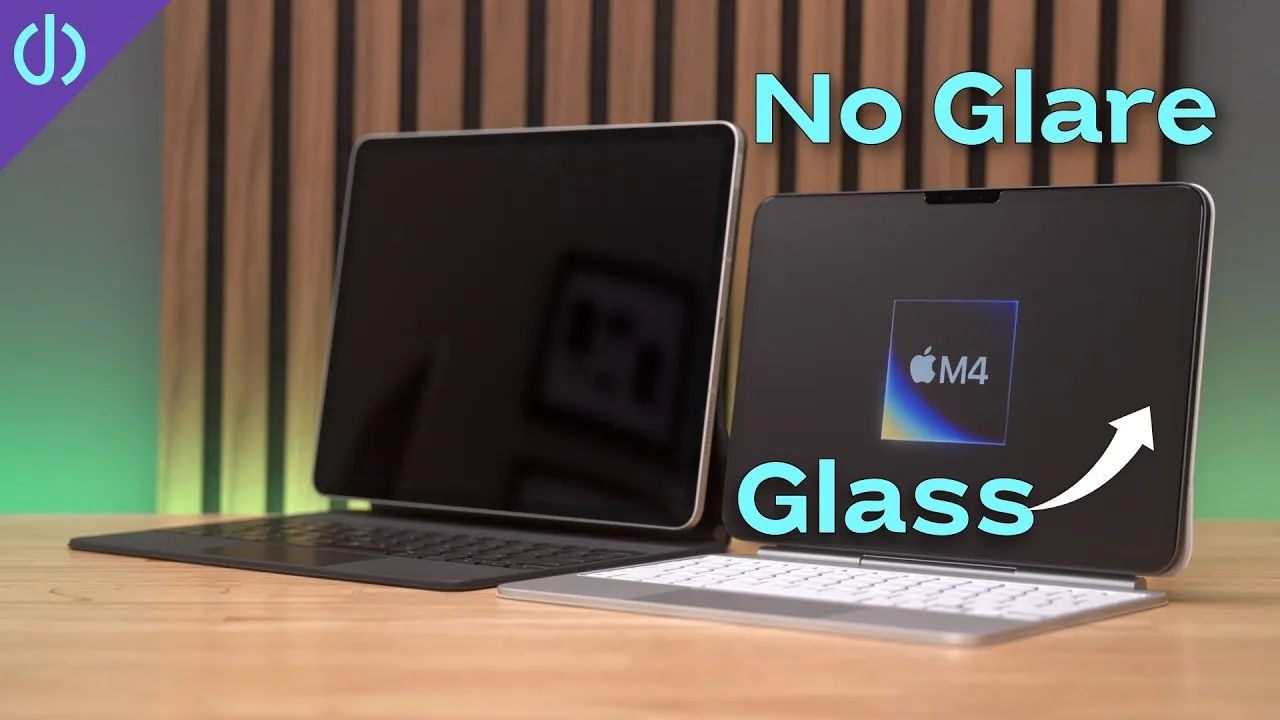
It makes the Pencil better, with a little more texture and resistance, like paper rather than glass (I never liked writing on glass or plastic with a stylus). More important to me, it reduces glare and fingerprints, so I can use the iPad in bright light, in my living room or backyard, without angle gymnastics. Installing is like the skin: go slow, follow the instructions or watch my video.
Yoassi tripod adapter
If you don’t want a Magic Keyboard but want to prop the iPad up for a movie or a video call: a tripod adapter that screws onto a tripod (the Amazon Basics 60-inch tripod or a Manfrotto Pixi mini tripod). Put the iPad in, clamp it (works for an iPad Pro or an iPad mini), tighten the knob, and loosen the nut at the back for angle adjustment. I’ve used this exact setup for virtual happy hours with friends and family and for work calls.
AirPods
The second most important accessory after the Magic Keyboard. I got my first pair in 2018 and they’re always in my pocket: the tiny case is invaluable, whether I’m on the couch, standing in line or walking. I never leave the house without them: my phone in my left pocket, and keys, wallet and AirPods in my right. With iOS 14, audio switching between iPad and iPhone is much faster: no more going into Control Center and tapping the audio sharing icon; it’s instant (supposedly in macOS Big Sur too).
Samsung T7 SSD
For backing up or offloading: a 1 TB USB 3.1 Gen 2 SSD, incredibly fast on a computer, less so on the iPad, but it works. Because the iPad Pro has USB-C, it connects directly with no adapters or external power. It’s not as fast on the iPad as on a Mac or PC, and it feels really slow right out of the box: to run at the iPad’s top speed, format it as APFS on a Mac (see the description). I also use it to move large video files (10, 15, 20, 30 GB) from my camera to the iPad for editing: AirDrop isn’t always reliable at that size, so I connect it to my iPhone with the Apple USB3 camera adapter, copy the files to it, and then connect it to the iPad by USB-C. You don’t need a Samsung SSD, since you won’t get top speed on the iPad anyway: any thumb drive or external USB drive works.
Anker USB-C to USB-A adapter
Handy for copying files directly from a camera or SD card reader, and you can connect mice (I used it testing mice on the iPad when iOS 13.4 came out).
Magic Mouse and Magic Trackpad 2
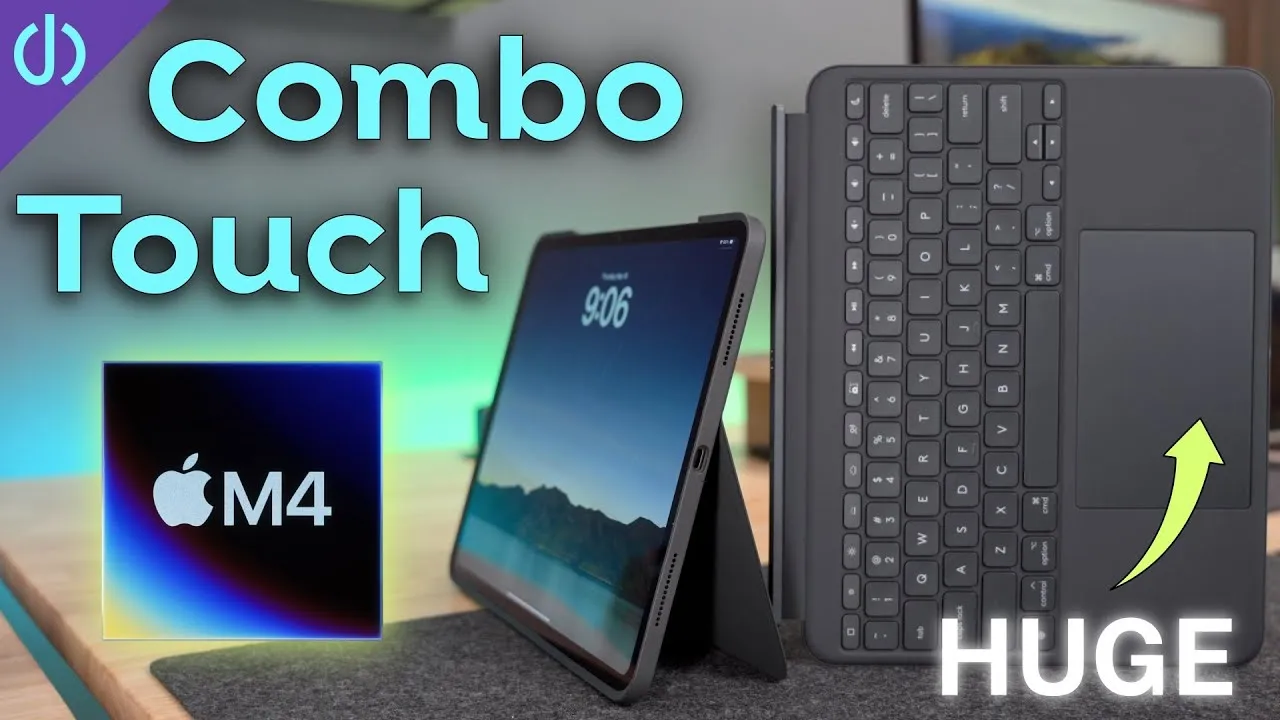
Even with the Magic Keyboard’s built-in trackpad, sometimes your arm gets tired, you need a change of pace or something more precise for editing text, and moving to the right side of the keyboard is more ergonomic. The space gray colors match the iPad Pro. I like the Magic Mouse for its inertial scrolling (flick and keep going, or slowly move for a smoother scrolling experience). The Magic Trackpad 2 has all the features of the built-in one at a much larger size, placed wherever you need: it swipes between apps, goes home and has the same inertial scrolling.
AV multiport adapter
With an external keyboard and mouse, you can run your iPad off an external monitor with a USB-C to HDMI adapter like the Apple USB-C Digital AV Multiport Adapter (USB-C power input, HDMI out and a USB-A port for hard drives or mice). It’s not yet the best experience (the iPad’s screen stays on, and depending on where you place it, it can be distracting), but it gives an almost desktop-like experience.
Verdict
You don’t need any of this to get a lot out of an iPad, but a few accessories let you be more creative and productive. The most indispensable for me are the Magic Keyboard and AirPods: with those and my iPad, I can get 95% of what I do done: remoting into work servers, editing videos, managing home expenses, editing photos and shopping. “Why not just buy a laptop?” That’s some of the fun of having an iPad. What accessories do you use, and what should I be using?
Links
- Apple Pencil 2
- SopiGuard 3M Matrix Skin for iPad Magic Keyboard 12.9
- SopiGuard for 11
- Magic Keyboard for 11” iPad Pro
- Magic Keyboard for 12.9” iPad Pro
- iCarez Matte Screen Protector 12.9”
- iCarez Matte Screen Protector 11”
- AirPods with Wireless Charging Case
- AirPods Pro
- Samsung T7 SSD
- AnkerUSB-C to USB 3.0 Adapter
- Apple Lightning to USB3 Camera adapter
- Apple USB-C Digital AV Multiport Adapter
- Apple Magic Mouse 2 White
- Apple Magic Mouse 2 Grey
- Apple Magic Trackpad 2 White
- Apple Magic Trackpad 2 Grey
- Yoassi Tripod Mount for iPad
- Amazon Basics 60” tripod
- Manfrotto Pixi Mini Tripod
- Follow Me on Twitter
- • 6 Weeks Later
- • Turn your iPad into a laptop
- • Make USB Drives Faster on iPad
- • SopiGuard Skin Install iPad Magic Keyboard
- • SopiGuard Skin removal
- Sony A6400
- Sigma f1.4 16mm E Mount Lens
- Rode VideoMic NTG
- iPad Pro 12.9
- Used DJI OSMO 3 Gimbal for some shots
- Tascam DR-10L Audio Recorder with Lav
Some links in this post are affiliate links, which means that if you click on one of the product links, I may receive a small commission. See my ethics statement.