Magic Keyboard Folio vs Combo Touch for iPad 10th Gen - FULL Comparison
If you’ve picked up a 10th-generation iPad, you may be looking at a keyboard case. I compared Apple’s Magic Keyboard Folio (first-party) with Logitech’s Combo Touch. Both are kickstand-style cases, but they differ in a number of ways.
Material and weight
The Magic Keyboard Folio uses the same rubbery, soft-touch material as the Magic Keyboards for the iPad Pro and Air. It feels good in the hand, with some grip, and doesn’t move much on a table. The Combo Touch has a textile texture that feels almost like jeans: also good to the touch, but more rugged and durable. After a couple of years with Logitech’s cases and Apple’s, I think this material holds up better against scratches, bumps, and oil and grime from your hands or a desk.
Weights: Combo Touch about 1 lb 4 oz, Magic Keyboard Folio about 1 lb 5 oz, a bit heavier than the iPad at about 1 lb.
How they attach and protect
- Magic Keyboard Folio: a magnetic back plate sits on the back of the iPad and snaps into place, secure enough for most situations. You can pull it off with a fingernail. The kickstand raises the back, and the keyboard snaps to the bottom of the iPad and connects its pins directly. Because the back plate is just magnets, the sides of the iPad are completely exposed: it isn’t really a protective case, and closed, it wouldn’t protect the iPad in a fall.
- Combo Touch: a full case protecting all edges of the iPad, which I think does a pretty decent job against small drops and bumps. In my initial video, I found the 10th-gen iPad doesn’t fit as well as previous iPads in previous Combo Touches, taking excessive force to get in, with edges too rigid to flip over and form around the iPad. I think mine may be an anomaly, perhaps the first off the line; Logitech has done this well before. Once the iPad is in, it’s secure. The keyboard snaps magnetically to the bottom of the Logitech case and passes through to the iPad’s pins, and its magnets feel stronger than the Folio’s, a more secure connection.
Kickstand range
The Magic Keyboard Folio’s kickstand doesn’t go back far. It’s fine for video calls, gaming and video, but you can’t lay it back for a drawing surface, and pushing further risks popping the back plate off the iPad, which can be dangerous for the iPad. The Combo Touch goes back almost flat, a good surface for drawing or writing without removing the iPad. The Combo Touch also has a loop to store an Apple Pencil (1st generation) or the Logitech Crayon.
Closed
The Combo Touch feels sturdy closed, with the entire iPad protected and solid. The Folio, closed, doesn’t feel secure: it feels like the iPad could fall out, and the keyboard portion is wobbly on the screen, so dust or dirt could scratch the display just by carrying it.
Flipping the keyboard around
The Magic Keyboard Folio lets you flip the keyboard to the back of the iPad to hold it for reading, or detach it and place it on the back, so you don’t feel the keys, and the keyboard gives you a nice surface to set the iPad on a desk. But it doesn’t feel as sturdy as previous Combo Touches did in this mode. Disappointingly, the new Combo Touch can’t do this: it did on previous versions, so it’s a downgrade. Flipping the keyboard around just disconnects it, and nothing aligns or connects on the back.
Keyboards and trackpads
Typing feels basically the same on both: slightly smaller than a standard full-size keyboard, but you get used to it quickly, with good travel and sound. I have no complaints. Function rows:
- Magic Keyboard Folio: brightness, media and volume controls, dictation, Escape, a multitasking button, search, Do Not Disturb and lock. No backlight.
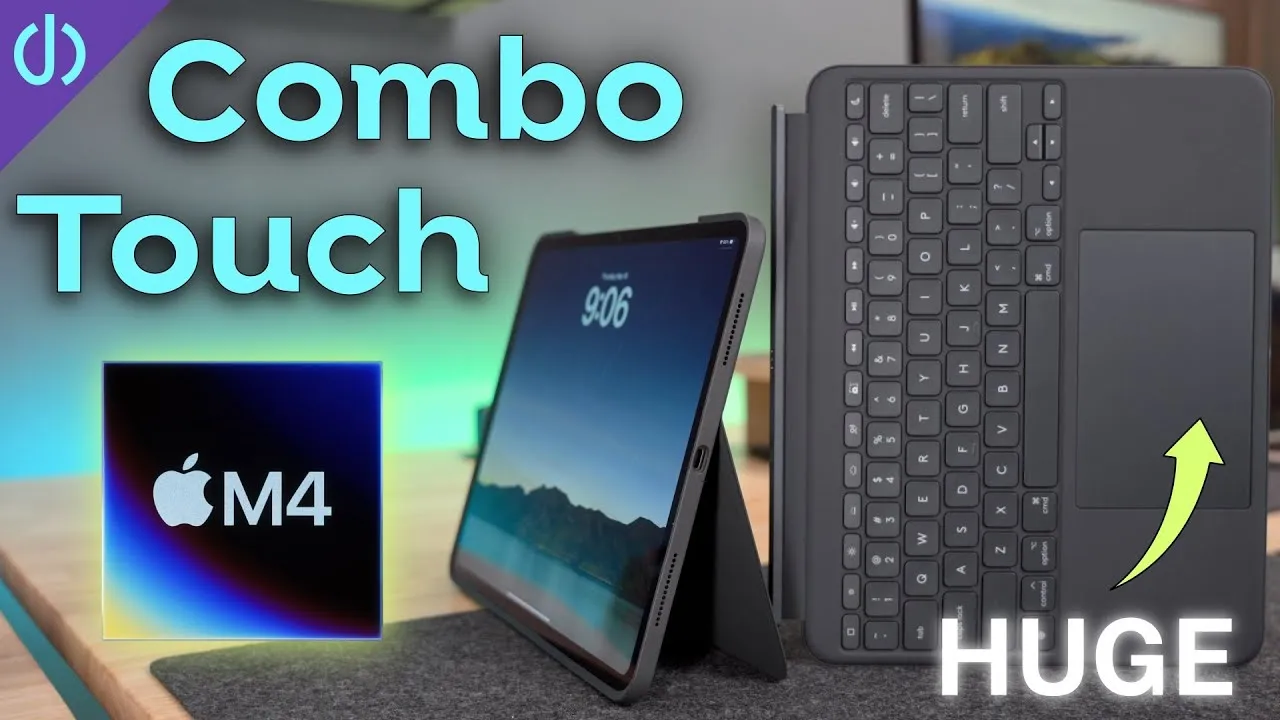
- Combo Touch: brightness, media and volume controls, dictation, a home button, a key for the software keyboard, a screenshot key, and two keys for the keyboard backlight, which the Combo Touch has and the Folio doesn’t.
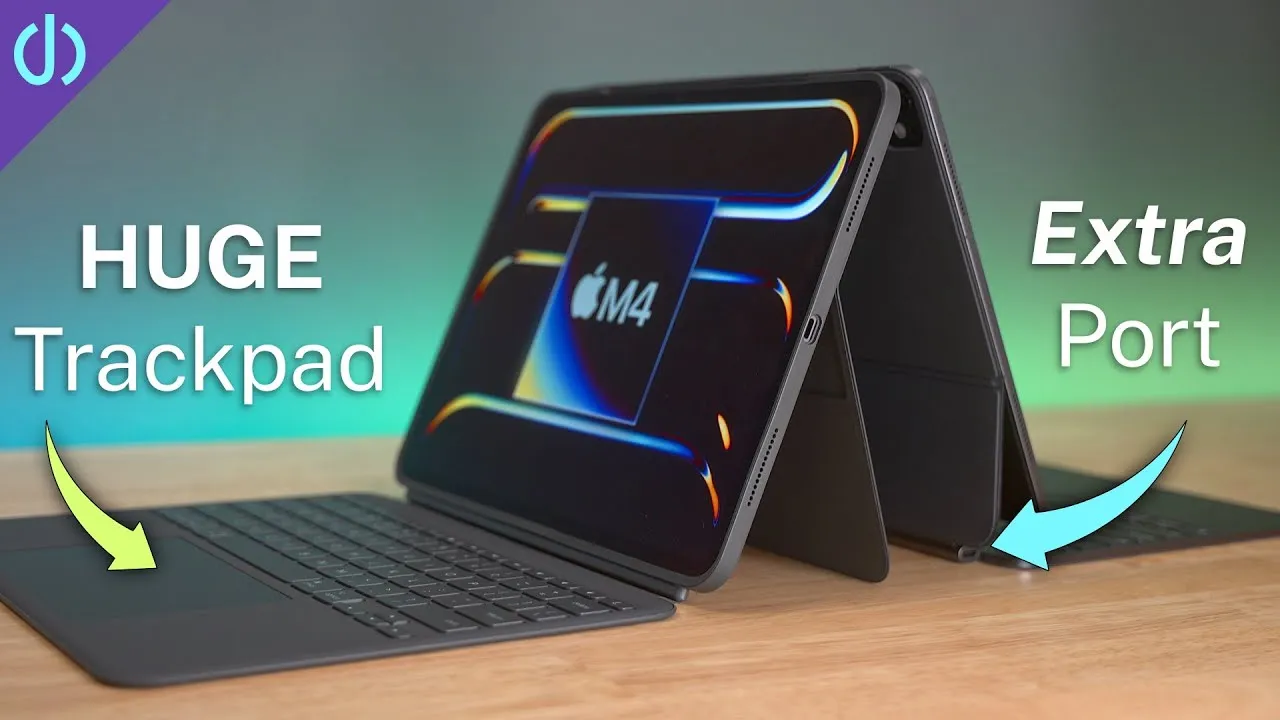
Trackpads: both are really good. The Magic Keyboard’s is slightly wider, all glass, and you can press anywhere, with multi-finger gestures. The Combo Touch’s is slightly narrower but taller, also glass, but a diving-board style: you press near the bottom to click. Gestures and movement are smooth on both.
Price and verdict
The Magic Keyboard Folio is $250 and the Combo Touch $160, and I think there’s a clear winner. When I compared the Combo Touch with the iPad Magic Keyboard for the 12.9-inch iPad Pro, the Magic Keyboard had a lot more to offer. But for the 10th-gen iPad, I feel the Combo Touch is the better device despite my problems, a better package for the price:
- A full case that protects all around, even when the keyboard is off, while the Folio has no protection at any point. Nothing about the Folio feels secure to me: the magnets don’t seem strong enough to keep the back on, and the flap isn’t rigid enough to keep from sliding and scratching the screen.
- A better kickstand range, and I know the kickstand will hold up, having used Combo Touches in my family for years.
- A place to store the Apple Pencil (my daughter hasn’t lost hers once).
- It’s lighter, and the material holds up better over time than the rubbery material on Apple’s keyboard cases.
The Folio’s only real benefits: a slightly better trackpad and a function row I like better. Is one of these better for you?
Links
- Best Accessories for iPad 10th Generation
- Buy the Combo Touch
- Buy the Magic Keyboard Folio
- Buy the Pencil with USB-C adapter
- Buy the new iPad!
- My iPhone Art
- UNLIMITED Cloud Backup for your Mac with Backblaze
- Best Laptop
- Best iPad
- Mac Studio
- Studio Display
- Bamboo Monitor Stand
- CalDigit TS4
- Synology NAS
- RocketQ NVME SSD
- ACASIS NVME enclosure
- OWC Envoy Pro FX SSD
- Logitech MX Keys Mini
- Apple Magic Trackpad
- Logitech MX Master 3
- AirPods Max
- AirPods Max Stand (ETSY)
- Kanto YU2 Speakers
- Satechi Magnetic Charger 2-in-1
- My Camera
- Secondary Lens
- Sennheiser MKH-416 mic
- Zoom F6 recorder
- Rode VideoMic NTG
- Used DJI OSMO 3 Gimbal for some shots
- Tascam DR-10L Audio Recorder with Lav
Some links in this post are affiliate links, which means that if you click on one of the product links, I may receive a small commission. See my ethics statement.