MacBook Air with 3 displays?!
Sometimes a Mac’s built-in ports aren’t enough, and it can feel limiting. UGREEN sponsored this video, so here are three of its devices that expand a MacBook or desktop Mac: the 7-in-1 USB-C multifunction adapter, the 9-in-1 docking station and the 12-in-1 docking station.
7-in-1 multifunction adapter (a hub)
A compact, dark gray, tube-like device with an attached USB-C host cable. A hub is usually smaller than a dock and generally unpowered, though this one passes power through to the host computer. Docks are larger, with more ports, and suit a permanent desk setup.
It gives you seven ports: two SD card slots, two 5 Gb/s USB ports, HDMI and 1 Gb Ethernet. It’s good to toss in your bag for work: Ethernet at the office, or HDMI to a projector for a meeting. At a desk, it can drive a full 4K 60 Hz display, mirrored or extended. On a beach trip a couple of weeks ago, I pulled it out of my bag and moved photos from my big camera to my laptop with the card readers. You can use regular and micro SD (and TF) cards at the same time. It supports 100 W pass-through charging, plenty even for a 16-inch MacBook Pro. No drivers are needed, so it works with some tablets, phones and handhelds like the Steam Deck or Switch.
9-in-1 docking station
A good complement to a MacBook Pro in its metallic design, and it can connect two external displays even to an M1 or M2 Mac, like a MacBook Air or Mac mini. After installing the DisplayLink driver from UGREEN’s website, you use the rear video ports for two extra displays at 4K 60 Hz, over HDMI or DisplayPort, mirrored or extended, for three screens on a laptop. You can’t use both DisplayPort and HDMI in the same marked-off display box, only one of each: one HDMI and one DisplayPort, or HDMI on both.
On the front: two 10 Gb/s USB-A ports and a 10 Gb/s USB-C port for fast SSDs, even for 4K video editing. It works as a travel adapter and as a desk setup at work: one cable gives you displays, Ethernet and extra ports.
12-in-1 docking station
For someone who really needs to get things done, with a more vertical dark gray metal design that looks good on any desk.
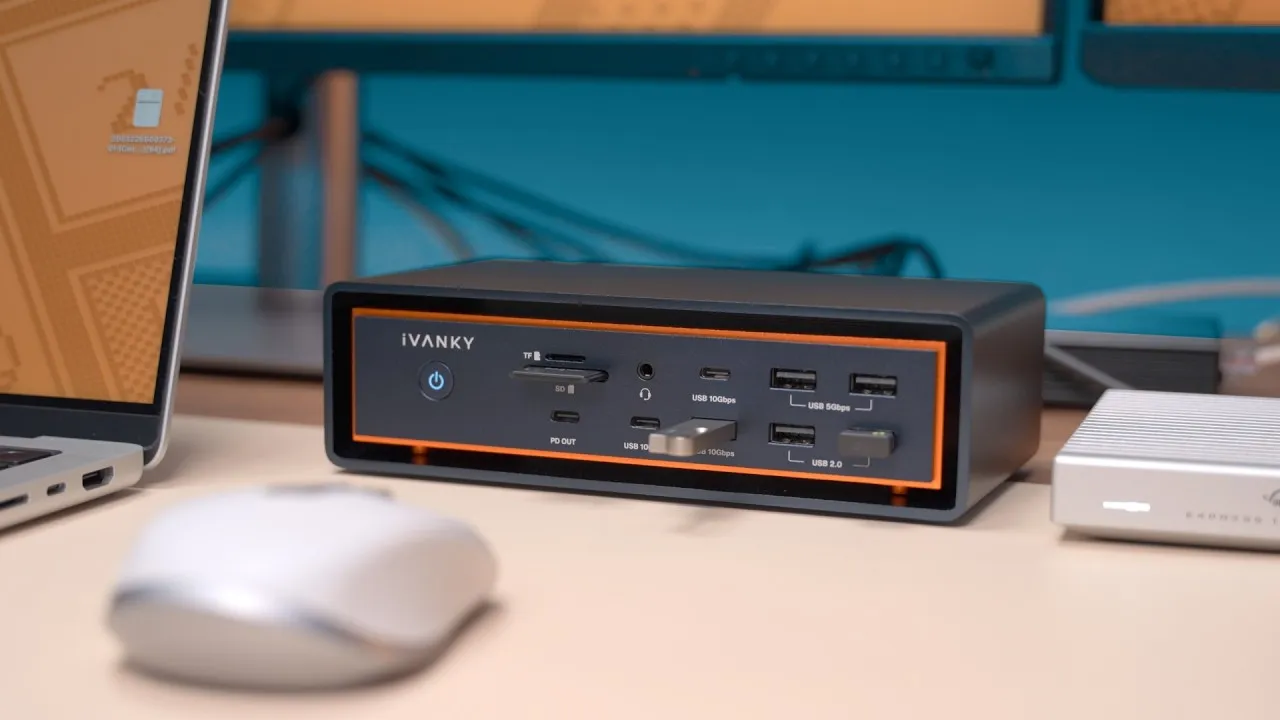
- Front, right: one USB-A and one USB-C, each up to 10 Gb/s.
- Front, left: dual SD and TF card readers, with a headphone jack below, handy in clamshell mode under the desk, in a laptop stand, or with a desktop.
- Back: gigabit Ethernet, the 100 W power delivery port, the host port, two 5 Gb/s USB ports, DisplayPort and two HDMI.
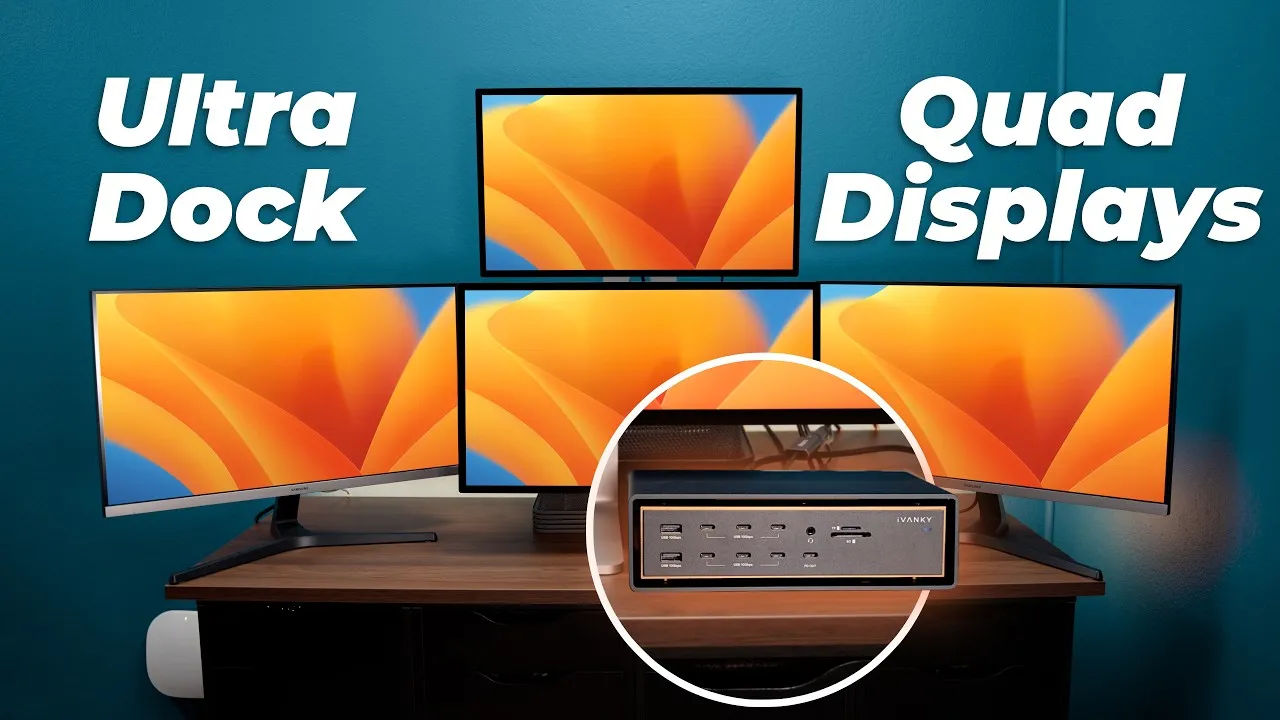
That allows three displays, even on an M1 or M2 Mac, via DisplayLink, all at 4K 60 Hz. I could multitask across three external displays, extending across all three or mirroring any of them. On Windows, you can get up to 8K at 30 Hz over HDMI 2. I powered the dock with UGREEN’s Nexode 100 W GaN charger on the rear 100 W port, which powers the laptop and accessories, all through a single cable to the computer.
Which one?
All three have gigabit Ethernet, up to 100 W power delivery, extra ports and the ability to add displays. The 7-in-1 is for a bag, the 9-in-1 for a couple of displays, and the 12-in-1 for the real multitasker who needs three external displays, more ports and easy access to USB, card readers and headphones. During Prime Day, you could save up to 40%. Which would work best for you?
Links
- Ugreen USB C 7-in-1 Hub (40% OFF 7/11-7/12)
- Ugreen USB C 9-in-1 Docking Station (37% OFF 7/11-7/12)
- Ugreen 12-in-1 Docking Station with 100W GaN Charger (30% OFF 7/11-7/12)
- Ugreen Prime Day Deals, Up to 40% OFF
- Grovemade Mat and Knife (save 10% JERRY10)
- My iPhone Art
- UNLIMITED Cloud Backup for your Mac with Backblaze
- My Desk Mat (save 10% JERRY10)
- Best Laptop
- Best iPad
- BenQ Display Option
- My Camera
- Secondary Lens
- Sennheiser MKH-416 mic
- Zoom F6 recorder
- Rode VideoMic NTG
- Used DJI OSMO 3 Gimbal for some shots
- Tascam DR-10L Audio Recorder with Lav
In this video
Some links in this post are affiliate links, which means that if you click on one of the product links, I may receive a small commission. See my ethics statement.