Logitech Combo Touch vs Magic Keyboard Full Comparison
If you need a keyboard case for your new iPad Pro with M1, here are two great options: the Apple iPad Magic Keyboard and the Logitech Combo Touch. First, answers to questions from my earlier Combo Touch unboxing.
Common questions
- Does it work with the previous 12.9-inch iPad Pros? Yes. My 2018 iPad Pro fits securely in the case built for the fifth-generation 12.9-inch and takes some force to remove. One difference: the speaker grills on the previous-generation iPad Pro are a little wider than the case’s cutouts, so they’re partly obstructed, but I tested with and without the case and couldn’t hear a difference.
- Does it block the bottom microphone hole? There’s no opening on the case’s bottom to let sound in, only an indentation. I recorded with it uncovered and covered (listen and tell me if you hear a difference).
- Can you use the iPad Magic Keyboard with the Combo Touch case’s detachable design? No: there are no pogo pins on the case’s back for the keyboard to reach the iPad, no magnets for it to hold onto, and the Magic Keyboard wouldn’t close because the case is too thick.
Design
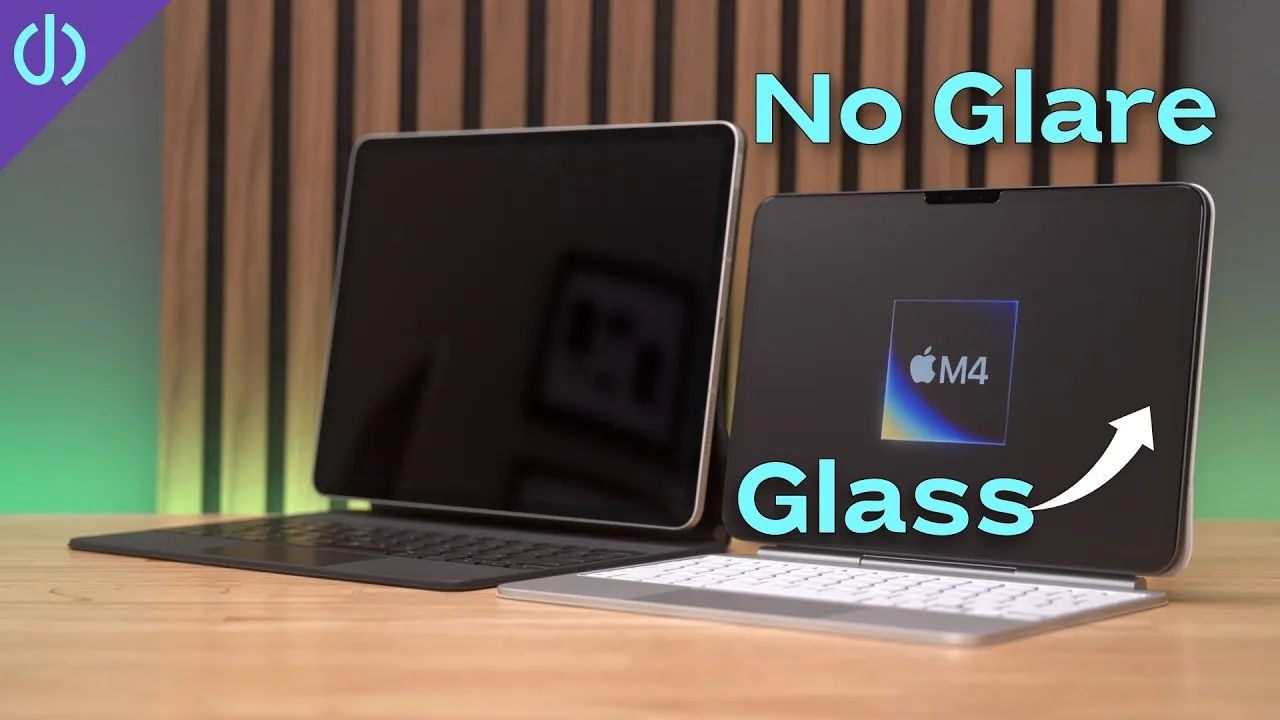
- iPad Magic Keyboard: more of a keyboard attachment than a case. The iPad folds flat inside to carry, but there’s no protection on the sides. It holds the iPad very securely (I’ve never had it pop off, except when adjusting the angle from the bottom; adjust from the top). The rubbery material grips the desk and feels good new, but picks up oil and grime that embed over time, which is why I use a SopiGuard skin on mine.
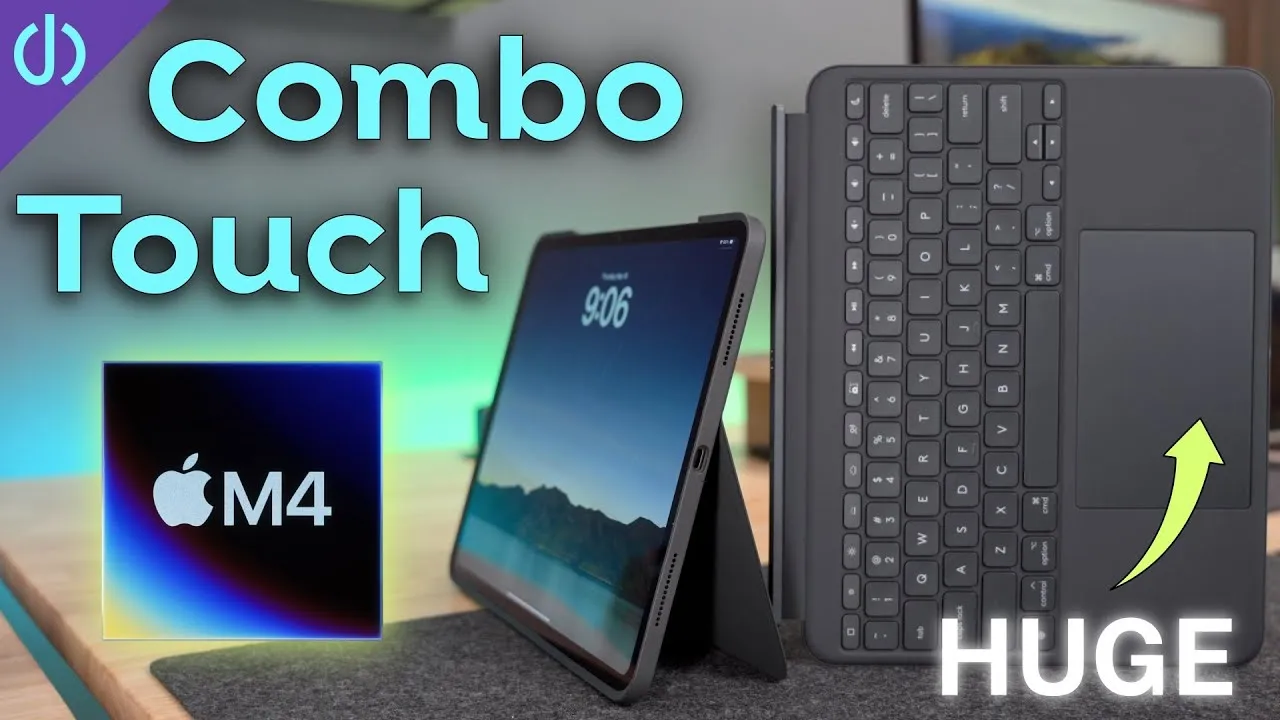
- Logitech Combo Touch: a case and keyboard combo: the iPad sits inside like a silicone case, with protection on all sides (leaving room for the Apple Pencil) and a kickstand on the back like a Surface. The keyboard is detachable, so you can use the iPad as a protected tablet on the couch, or flip the keyboard around, reattach it to the back as a sturdy protected base, so you never lose it. The textile material feels almost like jeans, is easy to clean and doesn’t retain grime.
Weight
The Combo Touch is about 780 g with the keyboard attached versus 710 g for the Magic Keyboard. Detach the Combo Touch’s keyboard and it’s much lighter; with the Magic Keyboard, you can detach it too, but the iPad has no protection.
Angles and footprint
The Combo Touch has a wider range: nearly flat (for writing, like an easel), and fairly upright, but not vertical. The Magic Keyboard can sit fully vertical or tilted slightly forward (useful in bed with the iPad on your stomach, which I’ve done more than once), but doesn’t go as far back as the Combo Touch.
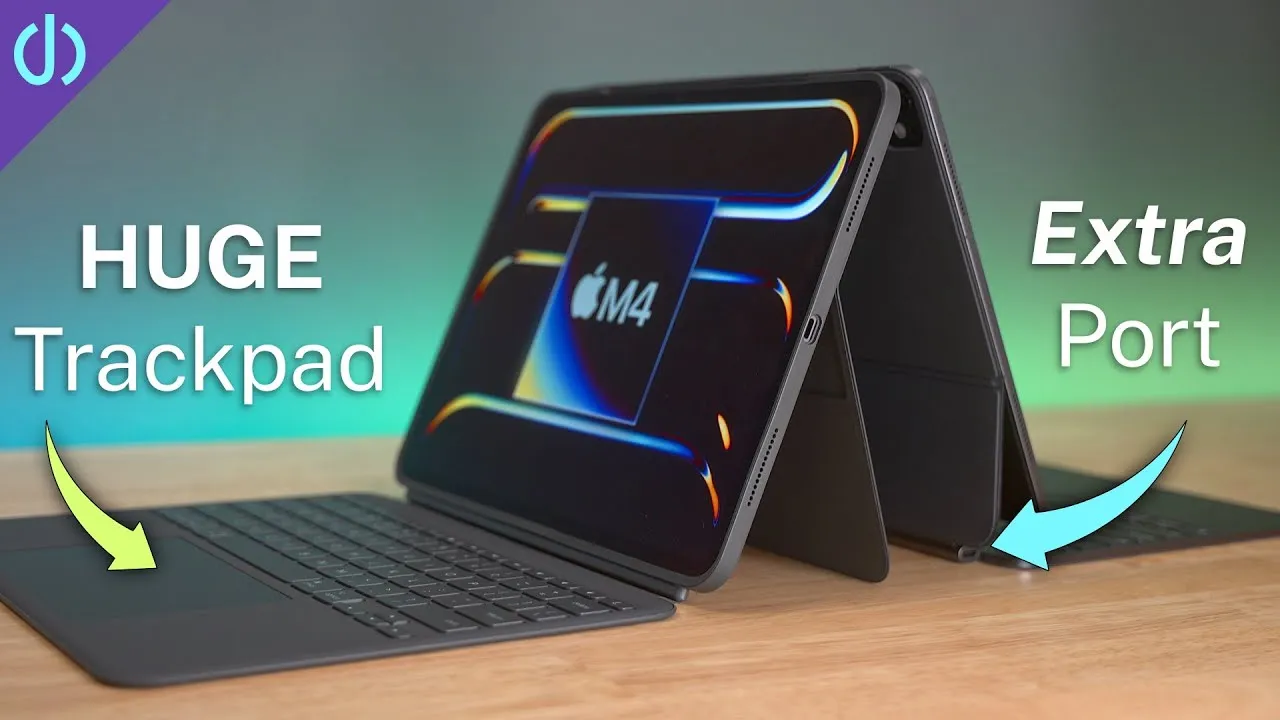
The kickstand costs footprint: at about the Magic Keyboard’s maximum angle, the Magic Keyboard needs about 9 1/8 inches of depth, while the Combo Touch needs about 15 inches. Consider how much space you have on your lap or desk.
Hinges
The Magic Keyboard’s hinge is sturdy and stiff and still feels great after more than a year of use. The Combo Touch’s feels rigid enough once set, but almost like bending rather than pivoting, with a magnet that pops the back down when you get close: it doesn’t feel as good.
Keyboards and trackpads
The keyboards are closer than I expected: with my eyes closed, I can’t tell them apart, with 1 mm of travel and a good sound. Both are backlit, controlled by the iPad’s ambient light sensor. On the Magic Keyboard, the tilted iPad partially covers the keyboard, more so on the 11-inch but also on the 12.9-inch, and I sometimes hit the iPad’s bottom while typing; the Combo Touch pushes the iPad back, so that doesn’t happen.
The Combo Touch also has a full function row: Home or multitasking, volume, screen brightness, keyboard backlight brightness, play/pause, the on-screen keyboard and lock. It’s very nice after more than a year without one on the Magic Keyboard, though not a deal breaker: you can use Command shortcuts (Command-H for home), the iPad’s power button, or Command-Option-Q to sleep.
Both trackpads are multitouch with the same gestures. The Combo Touch’s can also be clicked anywhere (the Magic Keyboard was great for that, not being a diving board), and it’s quite a bit bigger in width and height, making multi-finger gestures a little easier.
Ports
The Magic Keyboard leaves the iPad’s USB-C port completely accessible and has a second USB-C port for charging, so you can leave it plugged in and attach another accessory (like an SD card reader) through the Thunderbolt port. The Combo Touch covers most of the iPad’s edge, which causes issues with some USB-C or Thunderbolt cables: it works with some Anker cables and the Apple cable, but not with the CalDigit Thunderbolt 4 cable I tried.
Price and verdict
The Combo Touch is $229 for the 12.9-inch versus $349 for the 12.9-inch Magic Keyboard.
Both are great. The Magic Keyboard lacks the function row, extra angles and extra protection, but does one thing well: a keyboard and good trackpad for the iPad. The Combo Touch offers more case protection, more angle adjustment with the kickstand, a bigger trackpad, a function row, and detaching for protected tablet use without the keyboard’s weight, at a much lower price. Does the simplicity and smaller footprint of the Magic Keyboard suit you better, or would you rather have the protection and extras?
Links
- UNLIMITED Cloud Backup for your Mac with Backblaze
- Logitech Combo Touch 12.9
- Logitech Combo Touch 11
- Logitech Folio Touch 11
- Apple Magic Keyboard 11
- Apple Magic Keyboard 12.9
- Apple Pencil 2
- Magic Keyboard for 11” iPad Pro and Air 4
- SopiGuard for 11
- iCarez Matte Screen Protector 11”
- AirPods with Wireless Charging Case
- AirPods Pro
- Samsung T7 SSD
- AnkerUSB-C to USB 3.0 Adapter
- Apple Magic Mouse 2 Grey
- Apple Magic Trackpad 2 Grey
- Andobil USB-C Hub
- XBOX Controller
- Apple Lightning to USB3 Camera adapter
- Apple USB-C Digital AV Multiport Adapter
- Apple Magic Mouse 2 White
- Apple Magic Trackpad 2 White
- Yoassi Tripod Mount for iPad
- Amazon Basics 60” tripod
- Manfrotto Pixi Mini Tripod
- If this was helpful I have a tip jar
- Sony A6400
- Primary Lens Sigma f1.4 16mm
- Secondary Lens Sony f2.8 16-55MM G
- Sennheiser MKH-416 mic
- Zoom F6 recorder
- Rode VideoMic NTG
- iPad Pro 12.9
- Used DJI OSMO 3 Gimbal for some shots
- Tascam DR-10L Audio Recorder with Lav
In this video
Some links in this post are affiliate links, which means that if you click on one of the product links, I may receive a small commission. See my ethics statement.