iPhone 15 Pro features, impressions + USB speed test!
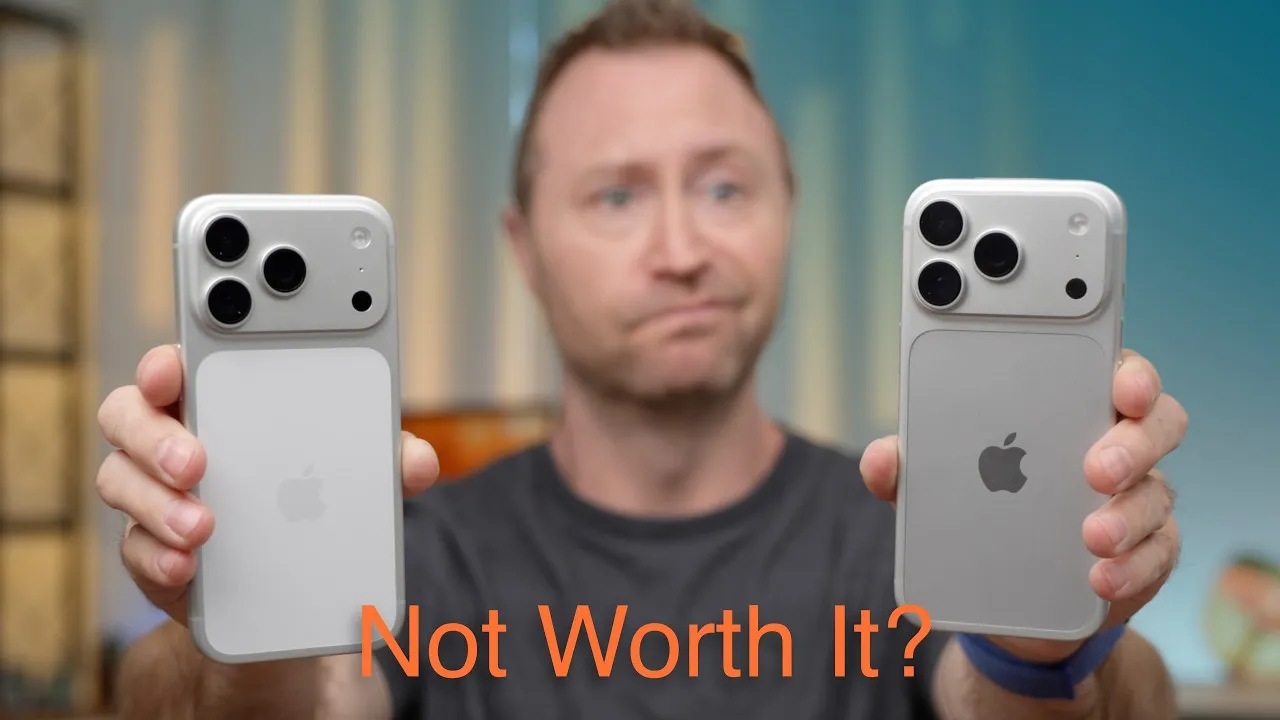
The iPhone 15 Pro and 15 Pro Max have arrived, and I picked them up today. Here’s the unboxing, my first impressions, and a few differences and features. I have the White Titanium (the Pro) and the Natural Titanium (the Pro Max), both 256 GB.
Unboxing and feel
I was skeptical when everybody said how much lighter it felt, but after a year with the 14 Pro Max, you can instantly feel the difference, holding them side by side. The 15 Pro Max is slightly taller and slightly narrower than last year’s: Apple shrank the bezels and, instead of making the screen bigger, made the casing smaller. The rounded edges on the titanium frame feel good. I never had an issue with the old sharp edges, but you can absolutely feel the difference.
White Titanium basically looks silver, and the two look so similar side by side that it’s hard to tell. The Natural may have a slightly different tint, and I expected it to look more distinct. Both have a matte, brushed finish versus the polished steel of previous iPhones, so hopefully fewer fingerprints and less icky-looking sides.
In both boxes you get the same thing: a braided USB-C cable, information about physical SIM cards, and an Apple sticker, so unboxing videos are pretty simple these days. No more Lightning, and I won’t shed a tear.
The Action button replaces the mute switch we’ve had since the original iPhone in 2007. I was sad to see it go, but I’m excited about what I can do with it: turn on the flashlight or camera, or run an action inside an app. I’m probably going to use it for my secondary eSIM: when I go into a store and get terrible signal, I can turn on my secondary SIM with a shortcut.
Pitaka sponsored this video, with its MagEZ Case 4 and MagEZ Case 4 Pro, made of aramid fibers like those in aerospace, woven into a case Pitaka says is five times stronger and five times lighter than steel. The MagEZ 4 is the thinnest, lightest MagSafe aramid-fiber case, with a metal camera lip; the 4 Pro blends aramid fiber and TPU for more protection, with metal buttons and a front lip. Both have a smooth chamfered back edge and an NFC chip to verify authenticity and unlock wallpapers.
Setup and the Action button
I did the initial setup (let me know if you want a video on the full migration). Many of this year’s changes are inside or in software: the A17 Pro is showing marginal benchmark increases over last year’s A16, and hardware ray tracing will depend on games supporting it later this year.
During setup you configure the Action button; by default it’s silent mode. You can set it to the camera, a Focus mode, the flashlight, or a Shortcut, and change it later in Settings → Action Button. I chose the camera: press and hold from the lock screen, which means no more fiddling with “is the screen on or off,” since I don’t use the always-on display.
Cameras
- The wide angle is much as it’s been, shown as 0.5×.
- The main camera is 48 MP, with Apple doing “crazy magic,” combining photos to give a 24 MP image by default. The 1× is a 24 mm equivalent; tap again for 28 mm, then 35 mm. These are crops of the main sensor, but with good quality, better than zoom lenses have usually been. The 2× works the same as the 14 Pro, and I liked it: the 2× crop often gave me better pictures than the 14 Pro’s 3× lens.
- The Pro Max has the new 5× Tetraprism zoom. Nobody cares about the design, only that it’s 5×. A quick 1×, 2×, 5× comparison in low light shows a big jump, and the pictures look pretty good. The regular 15 Pro only gets 3×.
- Portrait depth: when you photograph people or pets, the iPhone captures depth data, so you can go into edit mode and set the bokeh afterwards even if you didn’t use Portrait mode. I often forget to use it. And if you did use Portrait mode, you can go back and remove the blur.
USB-C
You can connect external hard drives for files and watching video, and capture ProRes video straight to an external SSD. I tested an SSD that runs about 600–700 MB/s on my Mac. The speed test app first showed over 1,000 MB/s, but that was a small file cached; with a 1 GB file, I got 752 MB/s write and 627 MB/s read. That’s basically as fast as the drive will go, so the 15 Pro isn’t limiting it. Beyond SSDs, you can connect game controllers, docks and hubs, Ethernet, SD card readers, or whatever you want over USB-C.
First impressions
Wow, they feel good, and they feel light. I like the titanium, and I guess I like the Natural color, though it’s not as prominent as I thought it’d be. What are you most looking forward to?
Links
- Pitaka MagEZ 4 and MagEZ 4 Pro cases for iPhone 15 Pro
- Buy the iPhone 15 Pro Max
- Buy the iPhone 15 Pro
- iOS 17 - Top 5 Features!
- My Charging Partner: Ugreen Amazon store
- My Case Partner: Pitaka
- https://twitter.com/jerryschulze
- https://www.threads.net/@jerryschulzeonyt
- https://mastodon.world/@jerryschulze
- https://bsky.app/profile/jerryschulze.bsky.social
- My iPhone Art
- Grovemade Desk Mat and Knife (save 10% JERRY10)
- UNLIMITED Cloud Backup for your Mac with Backblaze
- Best Laptop
- Best iPad
- Mac Studio
- Studio Display
- Bamboo Monitor Stand
- Synology NAS
- RocketQ NVME SSD
- ACASIS NVME enclosure
- OWC Envoy Pro FX SSD
- CalDigit TS4
- Logitech MX Keys Mini
- Apple Magic Trackpad
- Logitech MX Master 3
- AirPods Max
- AirPods Max Stand (ETSY)
- Kanto YU2 Speakers
- Satechi Magnetic Charger 2-in-1
- My Camera
- Secondary Lens
- Sennheiser MKH-416 mic
- Zoom F6 recorder
- Rode VideoMic NTG
- Used DJI OSMO 3 Gimbal for some shots
- Tascam DR-10L Audio Recorder with Lav
In this video
Some links in this post are affiliate links, which means that if you click on one of the product links, I may receive a small commission. See my ethics statement.