iPhone Duo: 5 Things You NEED to Know!
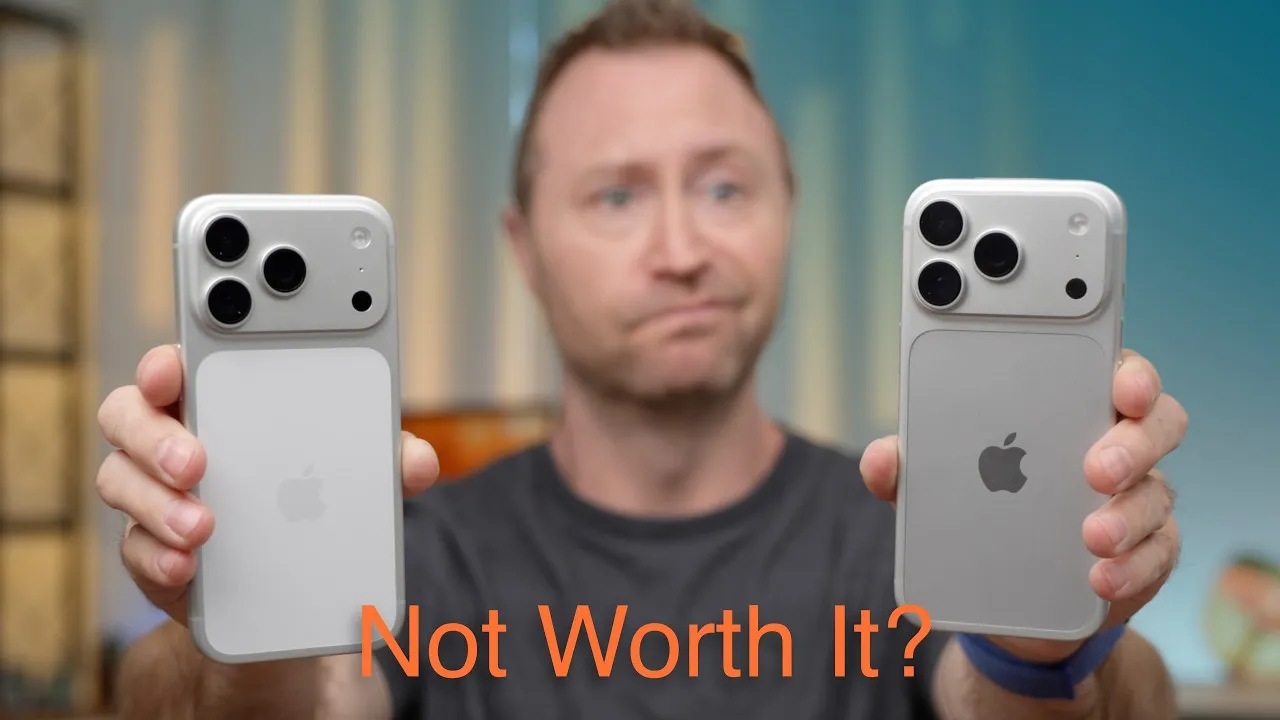
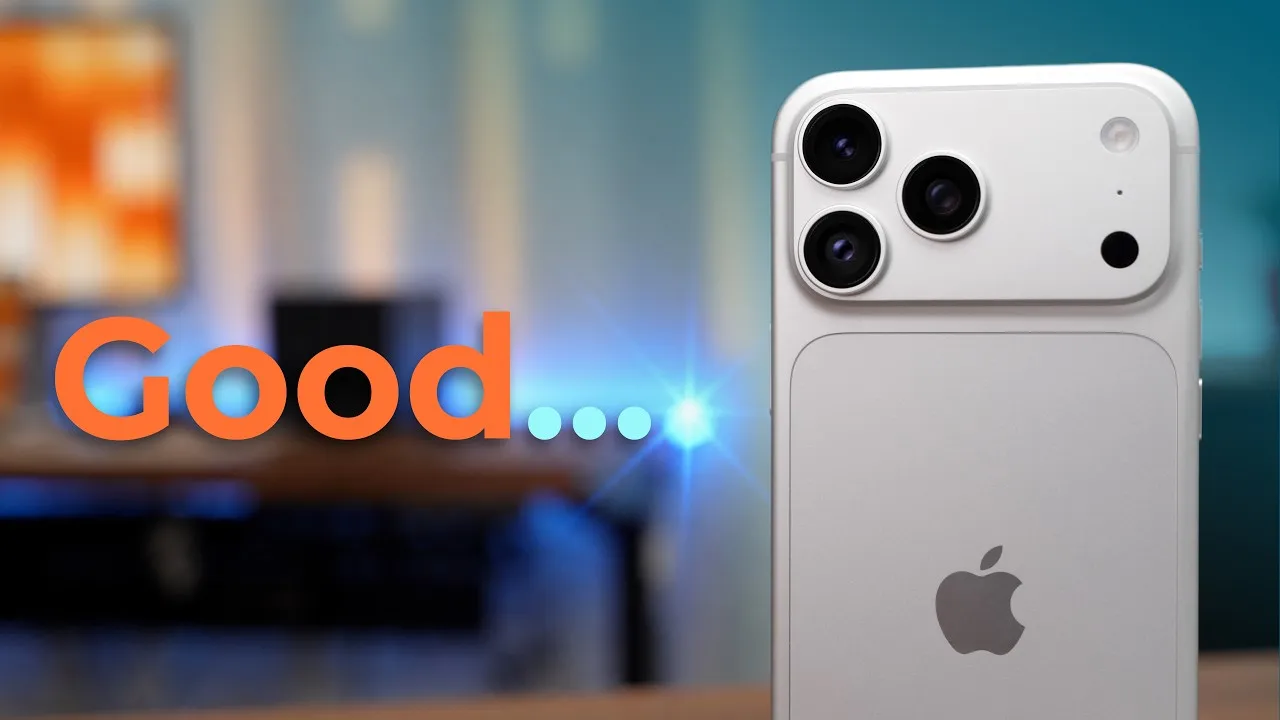
This is Apple’s iPhone Duo. After spending some time with it, some things are genuinely impressive, and others are a little disappointing, especially for a phone that costs over $2,000. Here are five things worth knowing.
1. The hardware
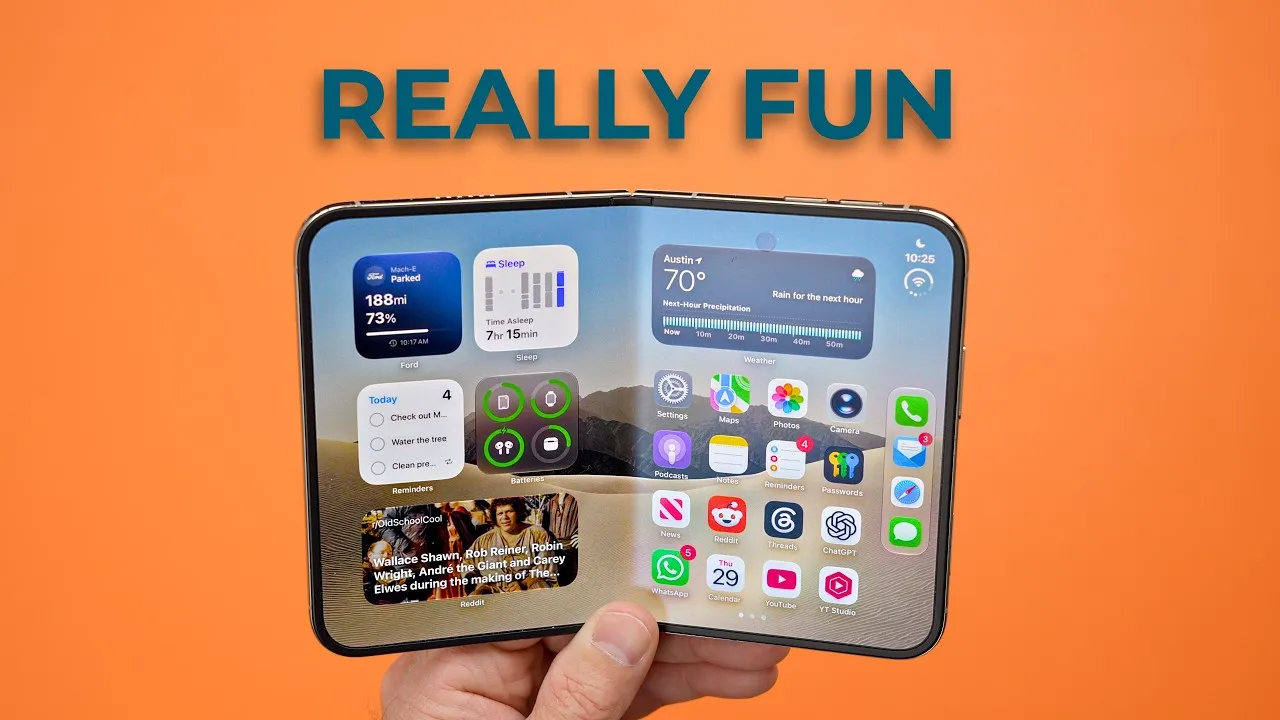
In every possible way it looks and feels premium: polished titanium, glass, super bright displays, and a hinge that opens so smoothly, then snaps fully open. It holds any angle, and closes with a satisfying click.
Some people have complained that the 5.4-inch outside display is small. I haven’t had an issue with how much content fits, but I do have trouble holding it. I don’t have large hands, and I like the 17 Pro size after switching back from Pro Max phones. The Duo is a lot wider, and I can’t get anywhere near the far edge with my thumb, even with a PopSocket. On the keyboard I can only reach about J or K with my left hand (I’m right-handed, but I hold my iPhone in my left). So for me, it’s a two-handed device. The plus side: the extra width makes two-thumb typing more comfortable than on any iPhone I’ve used, and I don’t feel like I’m missing much content.
Open it up, with side-by-side apps or one big app in portrait, and I can’t express how good and premium it feels. If this were an iPad mini without the camera bump, I’d be stoked. The portrait keyboard is great between two thumbs. In landscape, the keyboard sits toward the middle, which I’m not a fan of. Partly closing it splits the keyboard, which feels awkward, but there’s an option (maybe an iOS 27.2 beta thing) to keep it split in landscape.
There’s a learning curve to switching all the brainpower built up on candy-bar iPhones.
2. New ways to use it
Watching Netflix, you can use the outside display, rotate it for a wider view, open it fully in landscape (hands-free with a case, stand, or PopSocket), or prop it up in laptop mode, with video on top and controls below, and a fake reflection effect that’s pretty cool. That mode sets the outside display face down on the surface, though. Ceramic Shield 2 has been really good, so it’s probably low risk, but this might be the case for a screen protector on the outside display. Tent mode keeps the glass off the table.
These poses help with photos too. I propped it up and used Smart Take for a hands-free photo, which also makes FaceTime easier. Fully vertical, Duo Preview shows the person you’re photographing what’s in frame. They’re fun new ways to use an iPhone, and I’m pretty excited about it.
3. Touch ID
In no way is it as good, fast, or accurate as Face ID. I guess it’s fine. I registered fingers so I can unlock however I hold it or open it. The screen has to be on: tap it, or press and hold the button. The display turns on when you lift it or pull it from your pocket, so resting your finger on the button then works too.
I have ten years of muscle memory of pulling out my iPhone and swiping up. With the Duo, you pull it out, make sure your finger is in exactly the right spot, and wait a second or two. If I make sure my middle finger goes right to the power button as I pull it out of my pocket, it’s basically unlocked, but about 20% of the time I accidentally trigger Siri or Apple Wallet. It’s a downgrade from Face ID.
4. The crease
When I first opened it, there was no crease. Absolutely flat; I couldn’t see it in the nano-texture reflection or feel it. After just four or five opens and closes, the crease developed, and now it’s just part of the iPhone Duo. From other people’s longer use, it doesn’t seem to get worse, and I don’t notice it with the screen on. If you want any folding phone, iPhone or otherwise, a crease is something you’ll need to accept.
5. Apple’s cases
The Folio Case with Kickstand ($129) is TechWoven like the 17 Pro and 18 Pro cases, attaching magnetically to the back and display, with a piece that expands to cover the hinge. It feels kind of cheap: thin, with a rough texture, not premium. The kickstand flap feels flimsy and wobbly, though it adjusts and works open or closed. I’m not a fan of folios, and the magnets are strong enough that half the time I open the whole iPhone instead of the case. Come on, I just want my notifications. I’d skip it, especially at $129. There are probably better third-party folios.
The iPhone Duo Case ($80) is two pieces: a back that attaches with magnets and adhesive, and a front piece with adhesive. People are freaking out about adhesive, and apparently it’s a thing with other foldables. It grips the sides anyway, and I’ve taken it on and off a couple of times today without issue. It leaves the hinge and part of the side exposed, and adds a little bulk and grip. Two advantages: it’s easier to open the Duo, which sometimes feels like you need to pry it, and it gives your finger a guide to the Touch ID button. Resting my middle finger on the lip means I’m basically unlocked by the time I look at it. The bigger lip around the outside display also protects it in laptop mode. Between the two, the $80 case is the better one.
Overall
Apple’s done a really impressive job for a first-generation device. The hardware feels fantastic, and the folding design offers genuinely useful new ways to use an iPhone. It’s not perfect: Touch ID isn’t Face ID, and the cases are hard to recommend at those prices. Interestingly, the crease, which I thought might be the biggest compromise, hasn’t been an issue at all. The biggest question is whether all this is useful enough to justify the price once the excitement wears off. I’ll be paying attention over the next few weeks.
Links
In this video
- 00:00 iPhone Duo: 5 Things You Need to Know
- 00:27 iPhone Duo Design, Hardware & Everyday Usability
- 02:39 The Folding Display & Split Keyboard
- 03:59 Folding Modes: Movies, Photos & FaceTime
- 05:46 Touch ID vs Face ID: A Major Downgrade?
- 07:02 iPhone Duo Display Crease: How Bad Is It?
- 07:59 Apple’s $129 iPhone Duo Folio Case
- 09:45 Apple’s $80 iPhone Duo Case
- 11:58 Final Thoughts: Is the iPhone Duo Worth It?
Some links in this post are affiliate links, which means that if you click on one of the product links, I may receive a small commission. See my ethics statement.