iPhone Duo After 1 Week: I Didn’t Expect This
The iPhone Duo is probably the most fun I’ve had using an iPhone in years. Not because of the processor, the cameras, or that massive folding display, but because, for the first time in a long time, using an iPhone feels like a genuinely new experience. After about a week, some things I love and some took getting used to, and I’m surprised how quickly I’ve adapted despite the compromises.
Hardware
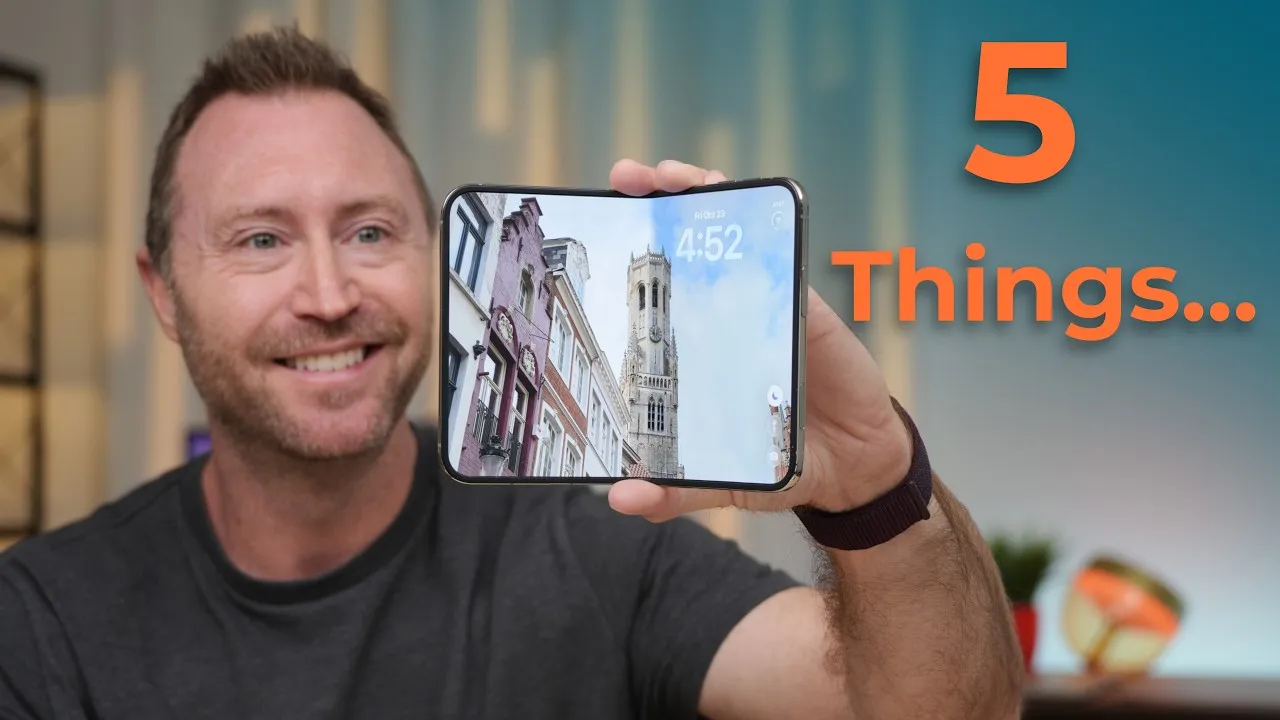
It’s beautiful: a polished titanium frame, incredibly thin bezels, and a smooth titanium hinge with that satisfying snap when you open it. I’ve seen concerns that it’s designed for right-handed people. I’m right-handed but hold my iPhone in my left hand, and when it’s open, the camera plateau gives my fingers a place to rest, so it feels surprisingly secure, even walking around.
The biggest adjustment was the width. I kept using it like a regular iPhone, and that wasn’t working. Once I accepted it’s mostly a two-handed device for me, it got a whole lot better, and I actually prefer typing on the outside display now. The extra width gives my thumbs room, and I make fewer mistakes than on a regular iPhone.
Displays and the crease
Both look fantastic. The outside display is about the size of an old iPhone mini, a little wider and shorter. Opening to the 7.8-inch inside display is where things change: bright, colorful, and the nano-texture makes it much easier to use around reflections. What I didn’t expect is that even near small-tablet size, it doesn’t feel like an iPad. It still feels like an iPhone, just a different version.
Yes, there’s a crease. Out of the box it was almost perfectly flat; after a few folds it developed and has stayed the same since. You can see and feel it, but I don’t notice it in everyday use. It hasn’t bothered me at all.
Why it’s fun
It makes things I’ve done for years feel new. A YouTube video: watch it on the outside, open it for a much bigger view, or partially fold it and set it on a table hands-free, or stand it up in tent mode. I use these positions just because they’re available.
There are fun apps built for the fold. Tiny Computer simulates old computers like the Titanium PowerBook G4 or Windows 95; you can’t accomplish much, but it’s entertaining. My daughter’s been having a lot of fun with Toasty, a simulated panini press where you physically fold the phone. Piano Fold turns it into a little piano when partially folded on a table. Even apps that haven’t been updated feel different on the bigger display, and I’ve been revisiting apps and games just to see them on a folding iPhone.
Multitasking and the sidebar
I expected multitasking to be a big advantage, and sometimes it is: two websites side by side when comparing products or researching, without switching back and forth. But as soon as I type, the keyboard takes up a lot of the screen, so I’m not sure how often I’ll use it beyond simple tasks. And after almost 20 years of the Dock at the bottom, I still look for Safari or Mail in the wrong place with the new sidebar.
Touch ID
It feels like a downgrade from Face ID, and in the first few days it was one of my biggest frustrations. I registered different fingers to unlock while pulling it from my pocket but kept triggering Siri or Apple Pay, and tricks like registering the bottom of an index finger don’t work with my smaller hands. Unlock with Apple Watch made a huge difference: with my Series 12, I pull it out, swipe up, and it unlocks almost immediately, nearly as fast as Face ID, and reliably enough that I can mostly ignore Touch ID. I still wish it had Face ID.
Cameras and speakers
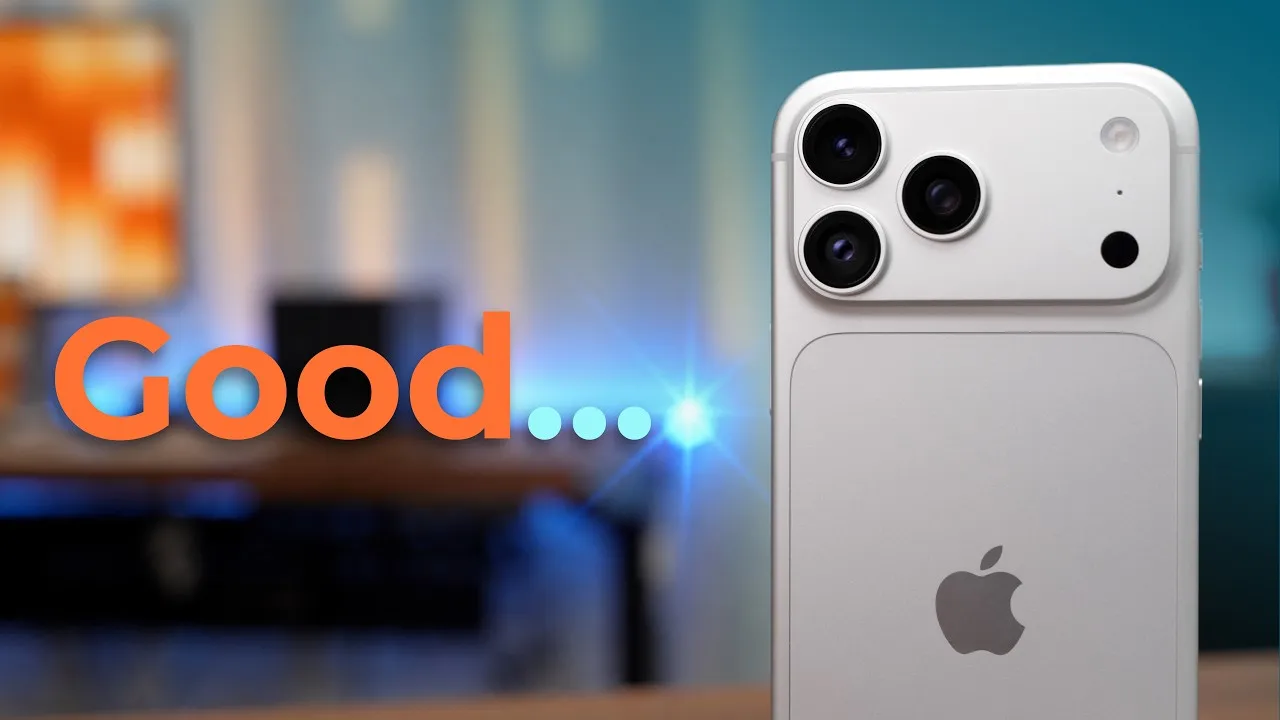
Apple made compromises, but beyond not having a zoom lens, which I do miss, it hasn’t bothered me much. The rear camera takes good photos, comparable to a regular iPhone 15, 16 or 17 in good light. One of the best features is using the rear cameras for selfies, alone or in groups. Open, you get a giant viewfinder with the buttons moved off the preview, and Duo Preview lets the person you’re photographing see themselves on the outside display and politely tell you how to change it. The outside selfie camera is 12 MP, like the iPhone 16’s, and the inside camera is fine for FaceTime, especially propped up hands-free, though the camera placement makes eye contact a bit awkward.
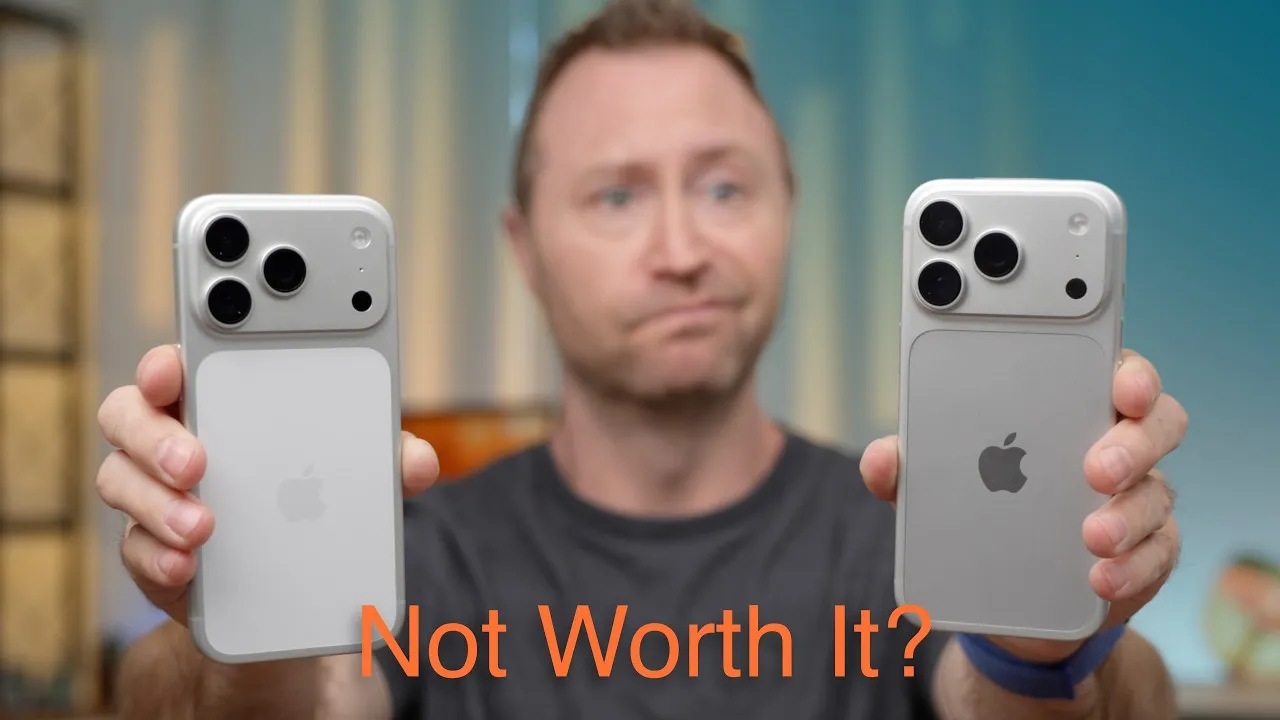
The speakers reached about 81 dB versus 86 on my iPhone 18 Pro. The 18 Pro gets louder, but both sound clear, and they’re fine for podcasts and YouTube on my desk or kitchen counter.
Performance, heat and battery
Everything is fast and responsive. I’ve played Call of Duty for 20 or 30 minutes at a time with no slowdowns or dropped frames. It got pretty warm, maybe hot, during setup and the iOS 27.2 update, but otherwise heat hasn’t been an issue.
Battery has been hard to complain about. Yesterday I used over seven hours of screen time and went to bed at 18%; the day before, over seven hours and 9%. With everything I’m testing (cameras, games, multitasking, opening and closing it constantly, filming it), it’s held up extremely well. I’m not sure why other people are complaining.
Would I recommend it?
Yes, but it’s not for everyone. If you love new technology and want something genuinely different, you’ll have a lot of fun with it. The compromises are real: the cameras aren’t Pro cameras, Touch ID isn’t Face ID, and depending on your hands you’ll likely use it with two. None of those have been deal breakers for me, partly because the experience is so different.
There’s also the question of a Duo versus a regular iPhone and an iPad. The Duo does both jobs pretty well in one device, without carrying or charging two. But depending on models, an iPhone 18 Pro and an iPad Air could cost less and give you, maybe, a better iPhone and a better tablet. Spend real time with one, not 20 minutes in an Apple Store, to decide whether the trade-offs make sense for you. For me, the Duo has made using an iPhone exciting again.
Links
In this video
- 00:00 iPhone Duo After 1 Week
- 00:33 Design, Build Quality & Ergonomics
- 01:32 Displays & the Folding Crease
- 02:17 Why the iPhone Duo Is So Much Fun
- 02:52 Apps & Games Made for Folding
- 03:51 Multitasking: Better Than a Regular iPhone?
- 04:25 Getting Used to the New Sidebar
- 04:40 Touch ID vs Face ID
- 05:25 iPhone Duo Camera Review
- 06:31 Speaker Quality vs iPhone 18 Pro
- 06:57 Performance, Gaming & Heat
- 07:25 iPhone Duo Battery Life After 7 Days
- 08:15 Should You Buy the iPhone Duo?
- 08:49 iPhone Duo vs iPhone + iPad
- 09:20 Final Thoughts After One Week
Some links in this post are affiliate links, which means that if you click on one of the product links, I may receive a small commission. See my ethics statement.