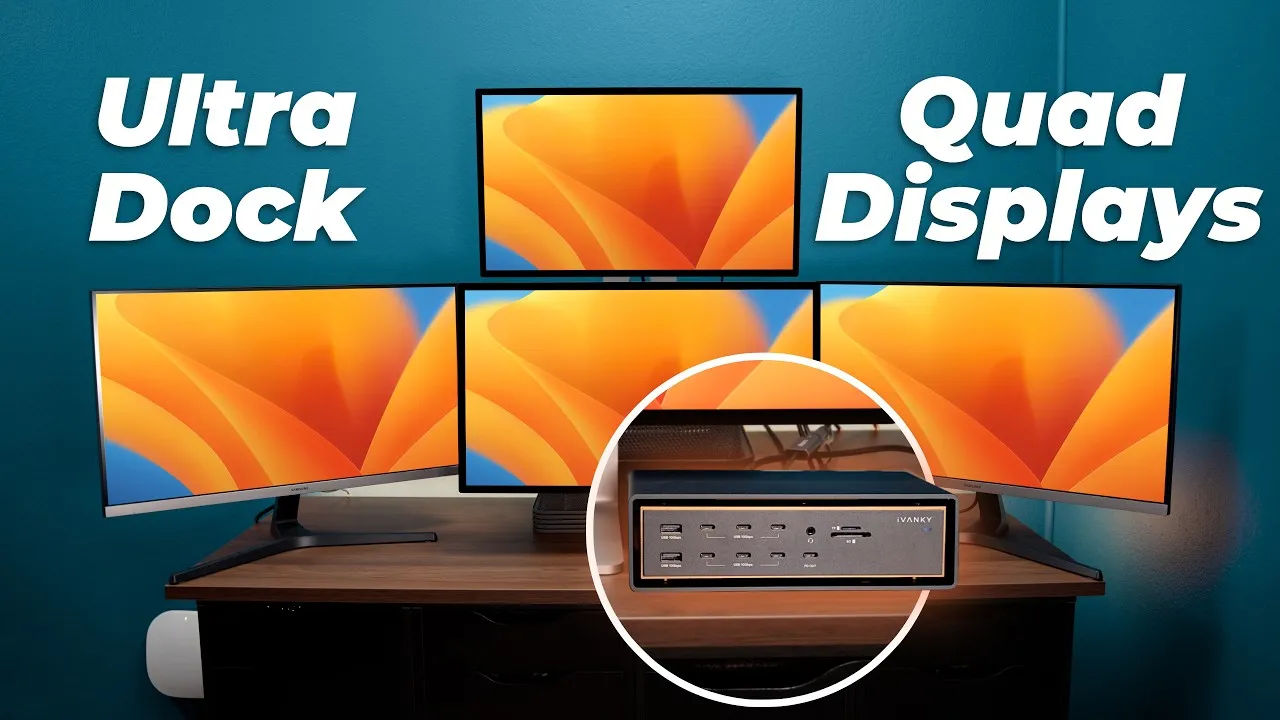
The Most Powerful Thunderbolt 5 dock: CalDigit TS5 Plus
CalDigit is back with Thunderbolt 5 docks: the Thunderbolt Station 5 (TS5) and its bigger brother, the TS5 Plus. For me, the TS5 Plus has everything I’ve wanted in a Thunderbolt 5 dock. CalDigit sponsored this video, but I’ve been waiting for this dock since Intel announced Thunderbolt 5 back in 2023.
What’s new with Thunderbolt 5
- 80 Gb/s both ways, double Thunderbolt 4, with faster 64 Gb/s PCI Express for faster SSDs and more accessories at once
- Bandwidth Boost: up to 120 Gb/s to displays while keeping 40 Gb/s for data
- Up to 240 W of power to a host, and up to five devices daisy-chained from one port
In the box and design
A black braided Thunderbolt 5 cable rated for 240 W, rubber feet so it can lie horizontally, and a large 330 W power brick. It’s the classic CalDigit solid aluminum brick covered in heat-sink fins, so there’s no noisy fan. It stands vertically or lies flat, and it’s now space black, which looks really nice. It’s slightly larger than the TS4.
20 ports
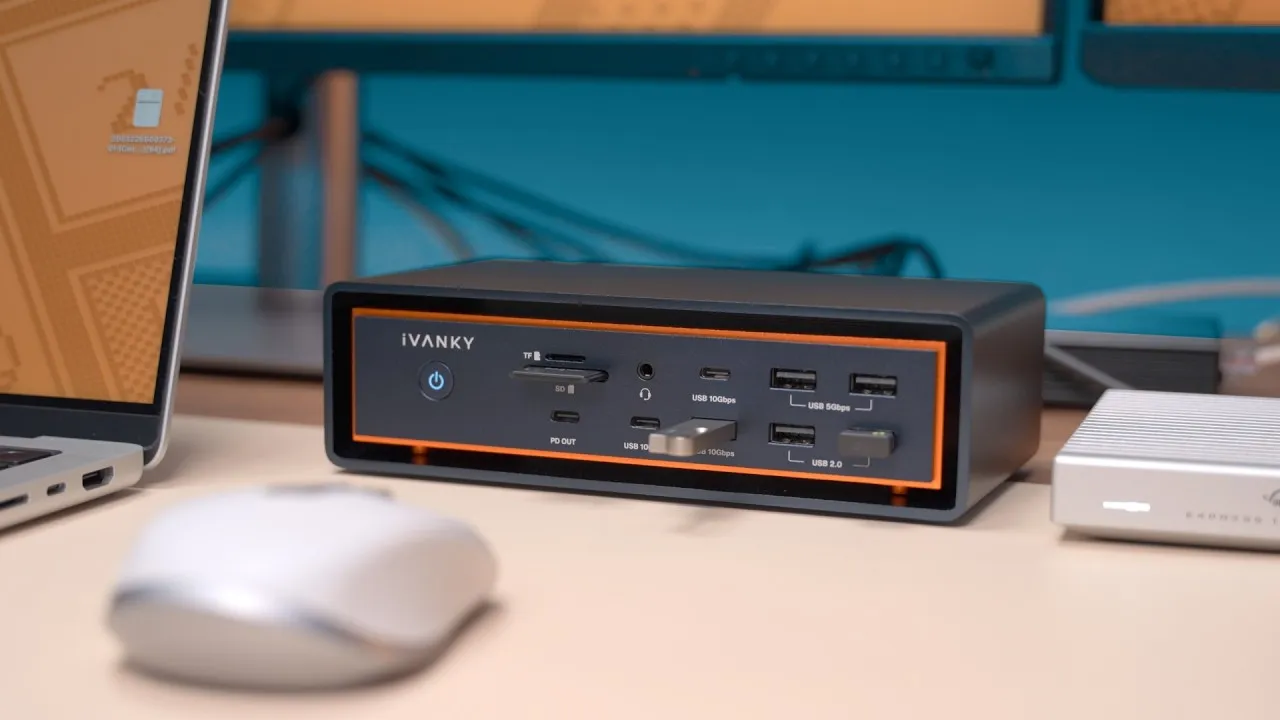
- 10 USB ports at 10 Gb/s (three front, seven back). It’s the only Thunderbolt 5 dock with dual USB controllers, so you can run multiple fast USB SSDs at once without them interfering, like the business SSD in front and the party SSD in back.
- Separate audio in and out, plus a front headphone/mic jack
- DisplayPort 2.1 and two downstream Thunderbolt 5 ports that also do DisplayPort 2.1
- The host port on the back for cleaner cables
- Dual SD and microSD readers, both usable at once, and spring-loaded, which I love
- My favorite: 10 gigabit Ethernet, on PCIe
Displays and speed
Depending on your computer: dual 8K at 60 Hz, dual 4K at up to 240 Hz, or dual 1080p at 500 Hz, and possibly triple 4K at 144 Hz on Windows.
I copied a 77 GB project, big and small files, to a Thunderbolt 5 SSD in 25 seconds. On my 10 gigabit network, iperf showed a basically maxed-out 9.4 Gb/s, faster and more stable than the 10 GbE Thunderbolt adapters I used before, and file copies to my NAS ran in the 800s to 900s of megabytes per second, fast enough for the multicam 4K editing I do over the network. PCIe speeds also help eGPUs on devices that support them.
Power
That 330 W brick is why it can deliver all of this at once: 140 W to your laptop (enough for a fully pushed 16-inch MacBook Pro), 36 W from each downstream Thunderbolt 5 port, 7.5 W per USB port, and 36 W from one front port, enough for a MacBook Air, iPad, or iPhone. Unlike some docks, it doesn’t cut power to the host when other things are plugged in, and it keeps charging devices when your computer isn’t connected.
The regular TS5
15 ports: dual card readers, two USB ports and a headphone jack in front; audio in/out, three USB ports, and three downstream Thunderbolt 5 ports in back (no DisplayPort), 2.5 Gb Ethernet instead of 10, and a 240 W brick (15 W per downstream Thunderbolt port, 20 W from the front USB-C). The host port still delivers 140 W.
Price
The TS5 Plus is $499 (sold out at the time, with more stock expected in early June). The TS5 was expected in late June for $369. These are the docks I’ve been waiting for, and they’re exactly what I hoped.
Links
In this video
Some links in this post are affiliate links, which means that if you click on one of the product links, I may receive a small commission. See my ethics statement.