The Best Accessories for iPad 10th Gen!
The 10th-generation iPad has an updated design with flat edges, no home button and a larger 10.9-inch display, and Apple swapped Lightning for USB-C, so there’s more you can do by adding a few accessories. ESR sponsored this video (10% off with the code in the description).
Cases (ESR)
- ESR Rebound Magnetic: a slim, light tri-fold folio that snaps onto the back with powerful magnets, protecting the back and front from scratches and dings. Lifting the cover wakes the iPad, and it flips around the back to become a stable tri-fold stand.
- ESR Ascend Hybrid: a full-cover case with a clear, tough back to show off the iPad’s color. The cover is magnetically detachable, wakes the display, and works as a 2-in-1 stand in viewing or writing mode.
Both come in multiple colors.
Charging
The iPad comes with a 20 W adapter that I find awkwardly sized. For a single device, I prefer the Anker Nano Pro, a GaN charger with the same 20 W, but much more compact for a bag or behind a nightstand. Another option is Apple’s dual-port 35 W adapter, also GaN, with two USB-C ports and prongs that flip in and out, perfect for travel, and slim enough to fit behind a bedside table, charging your iPad and iPhone together.
A stylus
For notes, casual drawing or illustration, I recommend the new Logitech Crayon, which charges via USB-C. It was updated for the new iPad and also supports the iPad Air and Pro. You don’t need to pair it, so you can switch between iPads in your home, and there’s no delay or lag, plus tilt support to change brush weight. It gets about 7 hours per charge and has an on/off switch to save battery.
A matte screen protector
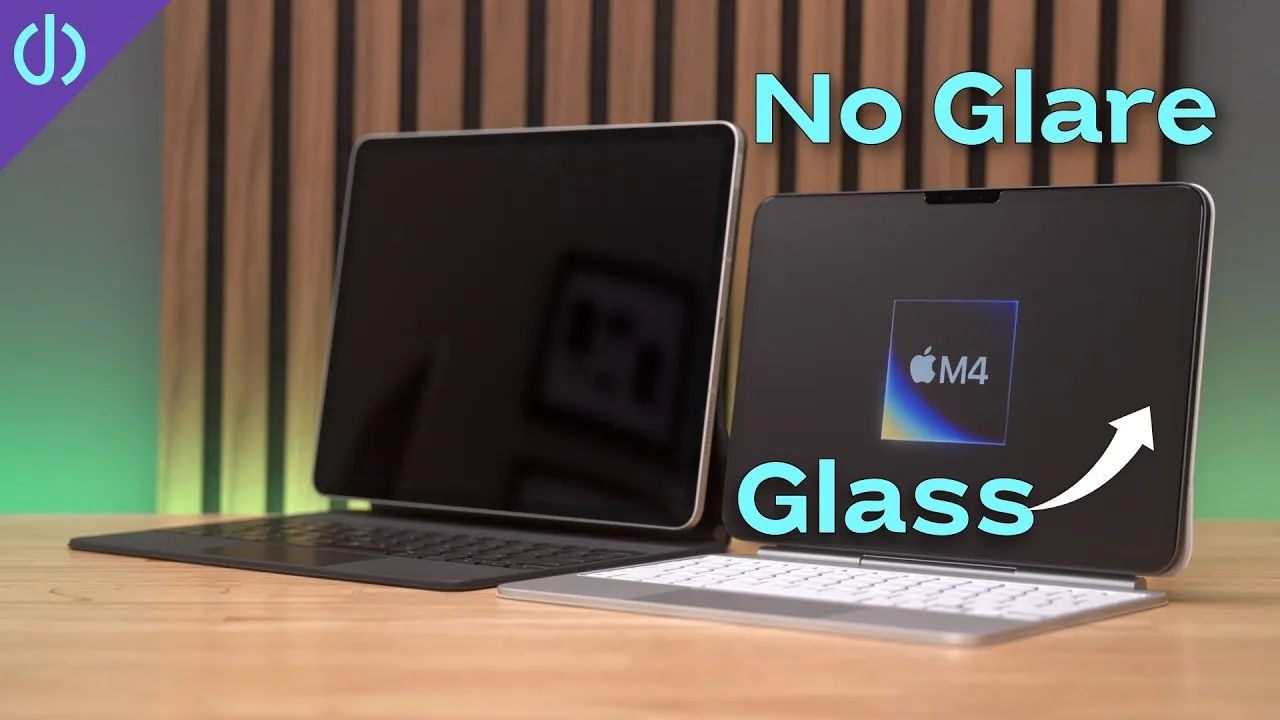
I’m not a fan of writing on glass; it isn’t tactile enough. So I put on an iCarez matte screen protector, which gives a more enjoyable pen-to-paper feel with a little resistance, and reduces glare, which the 10th-gen iPad needs, since its anti-reflective ability isn’t as good as higher-end iPads. I have these on all my devices.
The Magic Keyboard Folio
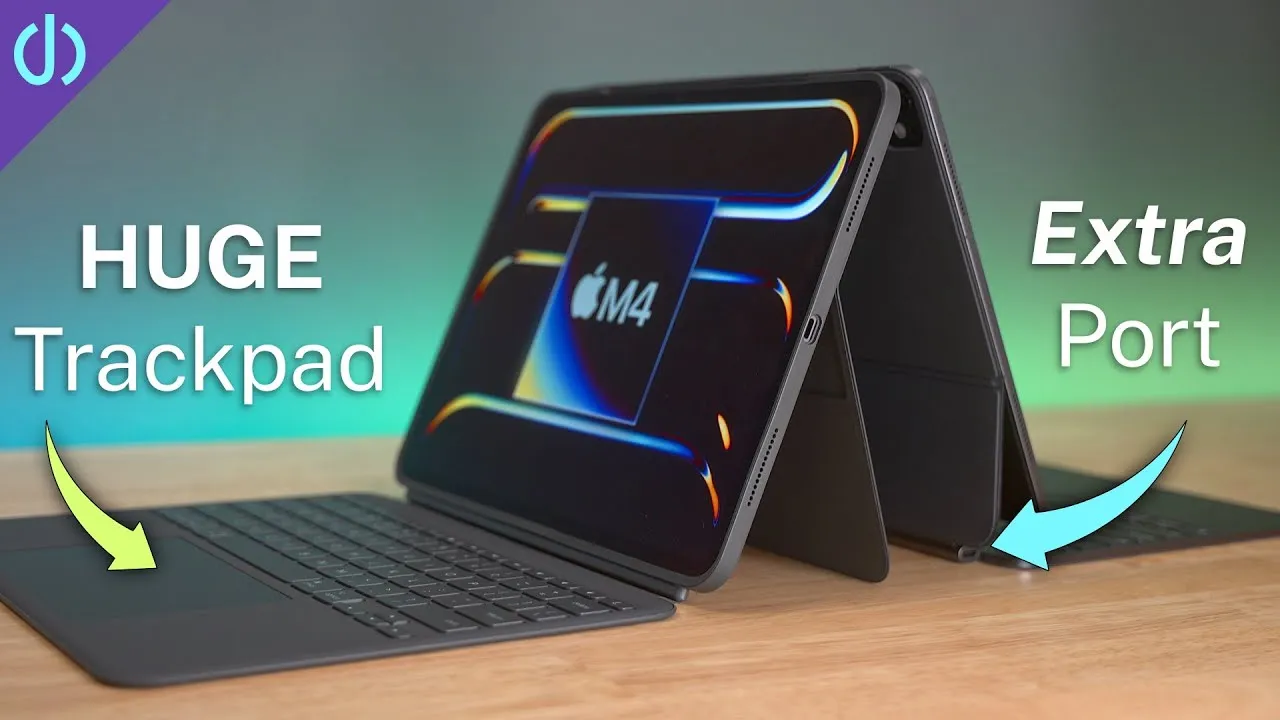
Apple’s new first-party keyboard comes in two pieces: a magnetic back piece with a built-in kickstand, and a keyboard that snaps to the bottom and connects through pogo pins, so there’s no pairing. It feels good to type on, with a full function row, and acts as a screen cover while carrying. You can fold the keyboard around the back for tablet mode, or pop it off and flip it so you don’t feel the keys. Because of the kickstand, you need a large footprint, more than 12 inches of space on a desk or lap.
USB-C and a desk setup
The biggest addition is USB-C: charging, but also external displays, SSDs, wired keyboards and mice, and Ethernet, basically turning the iPad into a desktop. I use the CalDigit SOHO, a great little dock for home, office or travel: HDMI or DisplayPort, USB-C and USB-A, two SD card readers, and pass-through USB-C charging, all through one connection to the iPad.
Add a Logitech MX Keys Mini (one of the best keyboards I’ve used, backlit, with good travel), an Apple Magic Trackpad (the best mouse-type device for the iPad, with all gestures working smoothly), and a larger display, and you can browse, watch videos, play games or fly through email.
One caveat with an external display: the iPad disables its internal speaker, so you need another audio source: the display’s speakers, AirPods, HomePods, or another Bluetooth or AirPlay speaker. I use my AirPods Pro 2, which work seamlessly and sound really good with spatial audio. I can’t leave home without them.
An SSD
An external Samsung T7 (512 GB to 2 TB, compact and slim, in several colors) connects to the dock or the iPad, for copying and backing up photos and videos, storing media and playing it directly, and, depending on the app, editing photos and videos right off the drive.
A game controller
An Xbox controller is one of my favorite accessories. I don’t play many games, but I love Call of Duty on an iPad with one. It pairs over Bluetooth, works flawlessly, and more App Store games are adding controller support. You can even use it with cloud gaming like Microsoft xCloud.
Is there something I missed, or something you like with your iPad?
Links
- iPad 10
- iPad Pro 11
- iPad Pro 12.9
- iPad 10
- iPad Pro 11
- iPad Pro 12.9
- Anker Nano Pro
- Apple Dual-port power adapter
- Logitech Crayon
- iCarez Matte Screen Protector
- CalDigit SOHO Dock
- Apple Magic Trackpad 2 White
- Logitech MX Keys mini
- Samsung T7 SSD
- AirPods Pro 2
- Xbox controller
- The Best Matte Screen protector for iPhone 14
- My iPhone Art
- UNLIMITED Cloud Backup for your Mac with Backblaze
- Best Laptop
- Best iPad
- Mac Studio
- Studio Display
- Bamboo Monitor Stand
- CalDigit TS4
- Synology NAS
- RocketQ NVME SSD
- ACASIS NVME enclosure
- OWC Envoy Pro FX SSD
- Logitech MX Keys Mini
- Apple Magic Trackpad
- Logitech MX Master 3
- AirPods Max
- AirPods Max Stand (ETSY)
- Kanto YU2 Speakers
- Satechi Magnetic Charger 2-in-1
- My Camera
- Secondary Lens
- Sennheiser MKH-416 mic
- Zoom F6 recorder
- Rode VideoMic NTG
- Used DJI OSMO 3 Gimbal for some shots
- Tascam DR-10L Audio Recorder with Lav
In this video
Some links in this post are affiliate links, which means that if you click on one of the product links, I may receive a small commission. See my ethics statement.