iPad Mini 6 Unboxing Starlight!
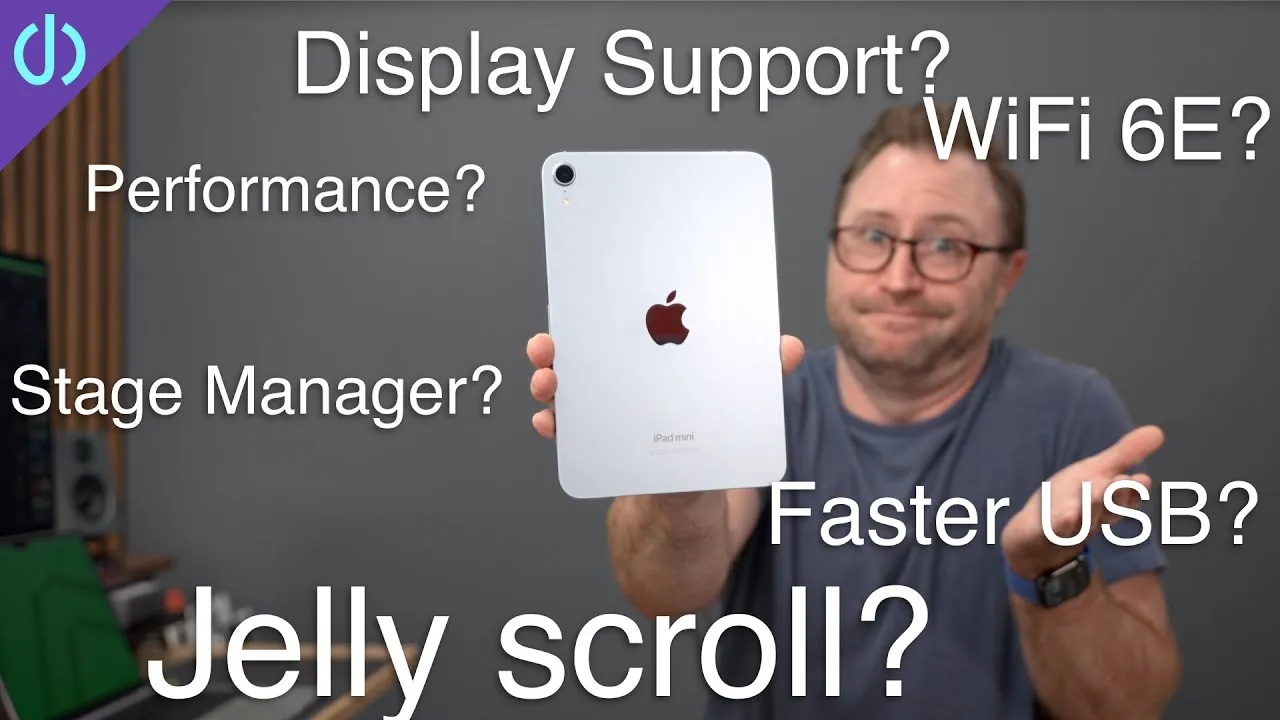
Today is iPhone day, but the Apple elves had something else: the sixth-generation iPad mini, which hadn’t been updated in two and a half years (the 2019 model kept the same design with an A12). I went with the 64 GB Wi-Fi model.
Out of the box
I compared it with my iPad Air 4 (A14, released last year): the mini takes a lot of design cues from it, despite the big size difference. In the box: documentation, Apple stickers, a USB-C charging adapter (which no longer comes with phones for some reason) and a USB-C to USB-C cable, since the mini now has USB-C instead of Lightning.
This is the Starlight version: not quite silver and not quite gold, a very light beige. After using the 12.9-inch iPad Pro for three years, plus the 11-inch Pro and Air, it feels insanely small: it feels like an Apple device, substantial but not heavy and extremely well built. I can hold it with three fingers (maybe four); I don’t have big hands. It’s a novelty, like the iPhone 12 and 13 mini: I didn’t expect it to feel this good. I haven’t held an iPad mini since the second generation, the first with a Retina display, which I tried for about a year with an external keyboard and never knew what to do with.
Buttons and display
Up top: speakers and the power button with Touch ID (like the Air 4), plus the volume buttons, which normally sit on the right side but moved to the top because of the short body and Apple Pencil 2 support. That will take getting used to. Additional speakers are on the bottom.
The screen is 8.3 inches diagonal, three or four tenths bigger than previous minis in essentially the same body. Like the Air 4, it’s fully laminated, so it looks like you’re touching pixels, with no air gap, up to 500 nits, True Tone and P3 wide color. I still prefer Face ID, but Touch ID works as expected: nice, fast and secure.
Inside
A brand new A15 Bionic, the same chip as the iPhone 13 and 13 Pro, so gaming, movies and video editing should be super fast; I can’t wait to try LumaFusion on it. The front has a 12 MP f/1.8 camera, and it’s an ultra wide with Center Stage, which keeps you centered and adds people as they enter the frame (if I turn the iPad away, it refocuses me in the center).
Because it’s an iPad, you get iPadOS 15 and the multitasking menu (three dots at the top): put Safari to the far left and open Notes for split screen, a bit small but workable.
Pencil and USB-C
One of the biggest surprises is Apple Pencil 2 support: the Pencil attaches magnetically to the side to charge and pair (which is why the volume buttons moved). It may be the perfect note-taking tablet size, like a small flip-open notebook, and Quick Note works with a swipe up from the side of any screen.
USB-C is a big upgrade: you can connect USB adapters, SD card readers, external SSDs, or a hub with an external display. This weekend I’ll test it with a CalDigit SOHO hub and a display to see how the mini works in a desktop setup.
Smart Folio
I also picked up the new Smart Folio in electric orange (which the box doesn’t do justice to), which should look amazing with the Starlight. It might make a perfect movie-watching device on an airplane: you don’t worry about people reclining and ruining a larger iPad or laptop. The speakers sound pretty good, as you’d expect from Apple.
Next to the Air 4 (in a green hibiscus case), the size difference is substantial. If you hold it a lot to read, it might even replace a Kindle, whether for reading, movies on a plane or surfing the web from the couch at night. Do you have questions? I’ll try to answer them in my review.
Links
- The first 1,000 people to use this link will get a 1 month free trial of Skillshare
- UNLIMITED Cloud Backup for your Mac with Backblaze
- Buy the iPad Mini 6th Gen
- Apple Pencil 2
- Logitech K380
- Samsung T7 SSD
- AnkerUSB-C to USB 3.0 Adapter
- Apple Magic Mouse 2 Grey
- Apple Magic Trackpad 2 Grey
- Andobil USB-C Hub
- XBOX Controller
- Apple Lightning to USB3 Camera adapter
- Apple USB-C Digital AV Multiport Adapter
- Apple Magic Mouse 2 White
- Apple Magic Trackpad 2 White
- Yoassi Tripod Mount for iPad
- Amazon Basics 60” tripod
- Manfrotto Pixi Mini Tripod
- 2020 iMac
- Bamboo Monitor Stand
- CalDigit SOHO
- CalDigit TS3
- Samsung X5 Thunderbolt SSD
- OWC 32 GB Kit (2x16GB) for 2019-2020 iMac
- MX Master 3 Mouse
- Satechi Magnetic Charger 2-in-1
- BenQ ScreenBar
- Kanto Yu2 Speakers Matte Gray
- Apple Magic keyboard
- Apple Magic Trackpad
- MX Master 3 Mouse
- Desk Mat Moko PU Leather
- MacBook Pro M1
- Samsung UR55 28” display
- MountUP Monitor Arm
- If this was helpful I have a tip jar
- Sony A6400
- Primary Lens Sigma f1.4 16mm
- Secondary Lens Sony f2.8 16-55MM G
- Sennheiser MKH-416 mic
- Zoom F6 recorder
- Rode VideoMic NTG
- iPad Pro 12.9
- Used DJI OSMO 3 Gimbal for some shots
- Tascam DR-10L Audio Recorder with Lav
Some links in this post are affiliate links, which means that if you click on one of the product links, I may receive a small commission. See my ethics statement.