iPad mini A17 Pro overview and questions
Here’s the 7th-generation iPad mini, or as Apple calls it, the iPad mini A17 Pro. If you’re an iPad mini lover, you’ve waited a couple of years for this update. But is it much of an update? Even the box is exactly the same as the 6th generation’s.
I wanted to know three things: is USB faster (the iPad mini 6 got about half the USB-C speed of the iPhone 15 Pro), is external display support better with the A17 Pro, and is the jelly scroll problem fixed?
Design
I got the 128 GB model in blue, a pale, baby-sky blue. The design is unchanged from the 6th generation: buttons on top, a single camera, USB-C on the bottom, and an 8.3-inch laminated LCD that looks pretty good for what it is. There’s a day-one software update.
Touch ID is still one of the weakest parts of iPads, in my opinion. I don’t think it’s a good or accurate sensor. Apple has put Face ID in iPhones for about seven years; it can’t be that expensive to add to a $500 iPad mini.
Jelly scroll
Scrolling The Verge, I still see it: the left side seems to update faster than the right, creating a wobble. Side by side with the iPad mini 6, it’s definitely less pronounced, but it’s still there in portrait (not in landscape). Better, but not fixed. It doesn’t affect my day-to-day use, though.
Performance
| Geekbench 6 | iPad mini A17 Pro | iPad mini 6 |
|---|---|---|
| Single-core | 2,832 | 2,105 |
| Multi-core | 7,050 | 4,516 |
| GPU | 25,649 | 19,627 |
That’s about 40% faster single-core, 56% faster multi-core and 30% faster GPU, a pretty big bump. But swiping around, browsing and scrolling don’t feel any faster than the iPad mini 6. Games may open slightly faster, and you’ll notice a difference in games with ray tracing.
USB-C speed
With a 10 Gb/s Samsung SSD, I got about 745 MB/s write, versus about 350 MB/s on the iPad mini 6, much closer to the iPhone 15 Pro. So it should be able to record ProRes to an external SSD, right? No: there’s no ProRes option in the camera settings, even though the iPhone 15 Pro with the same chip records ProRes. That’s disappointing.
External displays
Connected to my CalDigit TS4 dock with a 5K Studio Display, it only mirrors the screen, and Stage Manager isn’t an option. The dock’s other features (speakers, SD card reader, USB ports) still work. CalDigit sponsored this video.
I and a lot of you would like to plug this into a display, keyboard and mouse and get more done, but that’s not in the cards for Apple’s smallest iPad.
Other changes
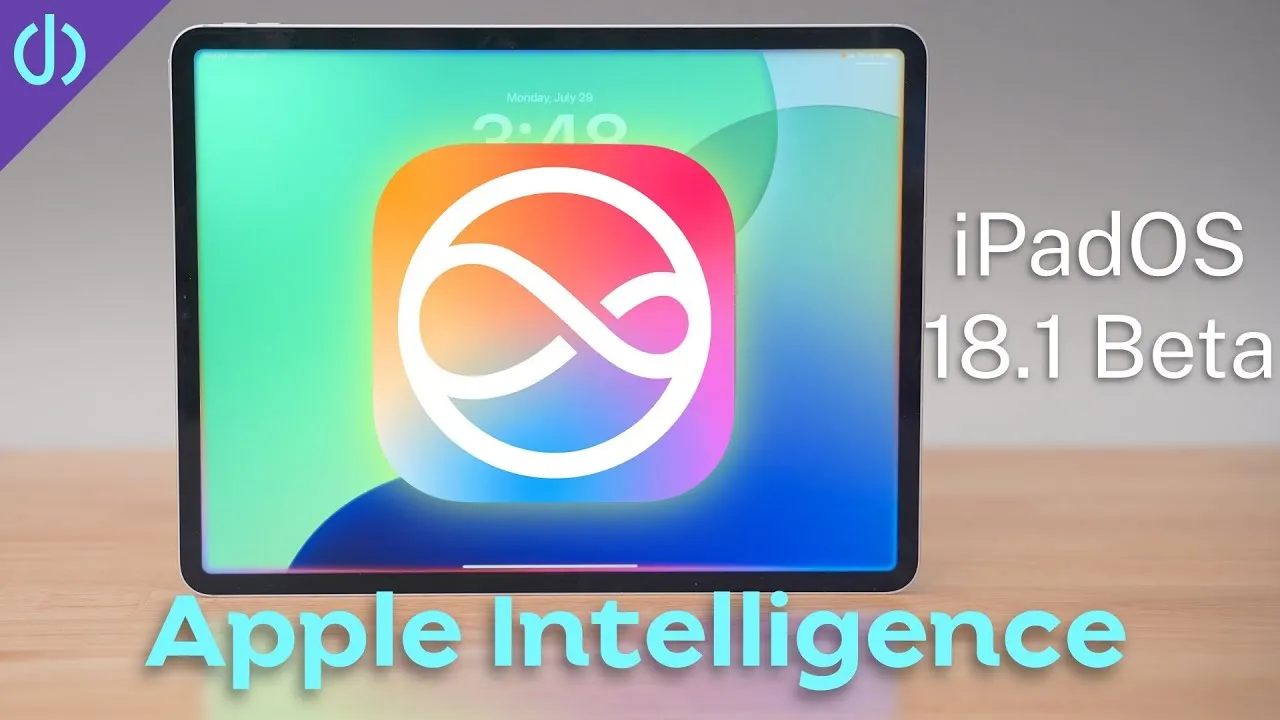
- Apple Intelligence arrives next week. I’m most interested in a more context-aware Siri, though I’ll probably use that on my iPhone more.
- Wi-Fi 6E: on my 6 GHz network it wasn’t much faster than 5 GHz, but Wi-Fi is finicky.
- Battery settings: you can now set an 80% charge limit. I don’t use my iPad mini much but want it charged when I do, so leaving it plugged in at 80% is a good option for me.
- Cellular models are eSIM-only in the US, so no swapping physical SIMs, which can make carriers like Google Fi more difficult.
Why now?
With all this extra power and not much more it can do, why update it now? Is it just Apple Intelligence? There isn’t even a new wallpaper; the options are the iOS 18 one and the iPad mini 6’s. Apple did the bare minimum: a little faster, a little less jelly scroll, basically the same as the 6th generation. Unless you really want Apple Intelligence on an iPad mini, there’s no reason to rush out and buy one. Hopefully a more meaningful update comes in a year or 18 months.
Links
- CalDigit’s docks and hubs (sponsored)
- CalDigit TS4
- CalDigit Element Hub
- CalDigit SOHO
- Combo Touch vs Magic Keyboard for M4 iPad Pro!
- CalDigit is my dock partner
- https://www.threads.net/@jerryschulzeonyt
In this video
Some links in this post are affiliate links, which means that if you click on one of the product links, I may receive a small commission. See my ethics statement.