Budget Desk Setup for M1 MacBook Air and Pro
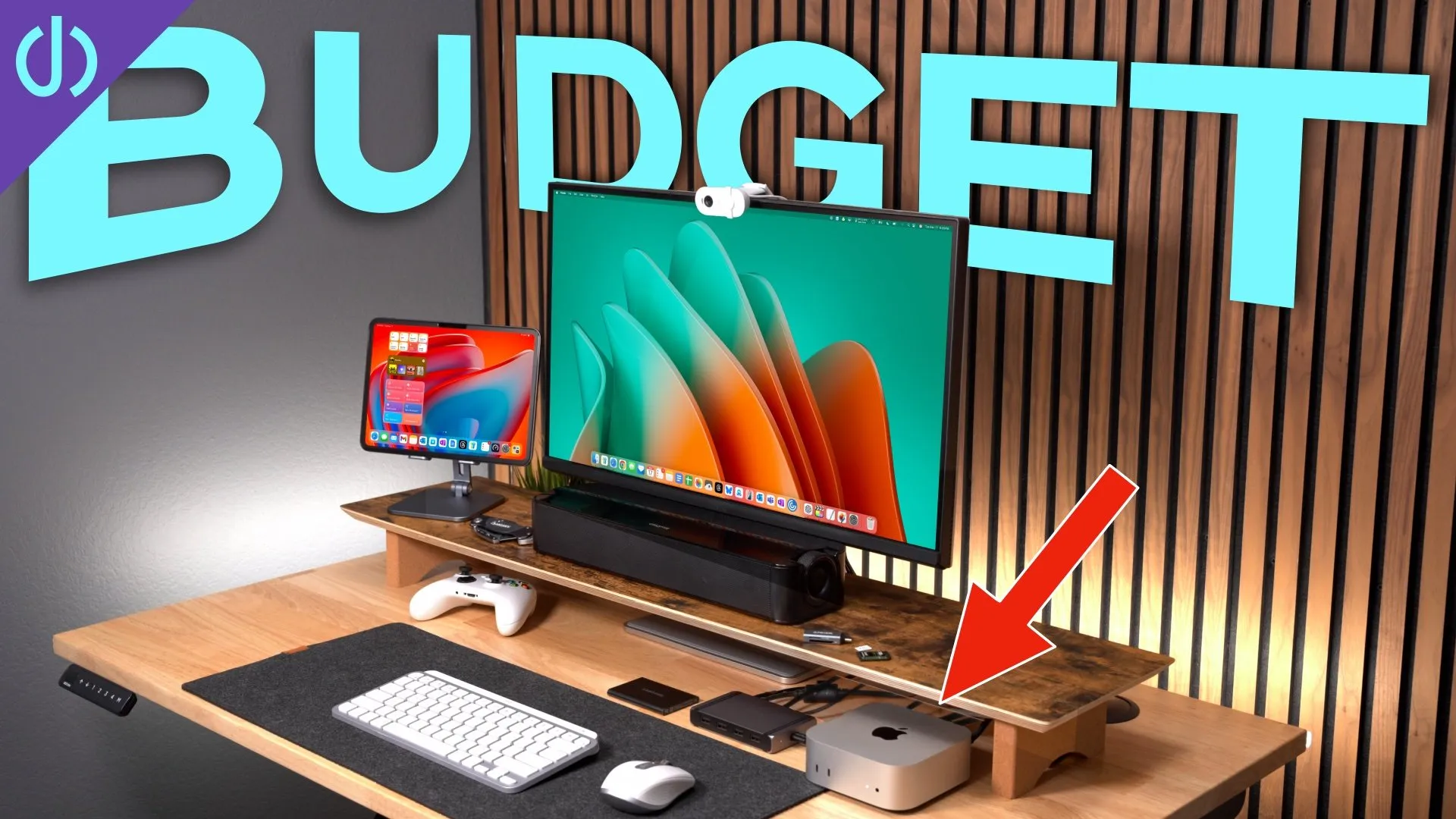
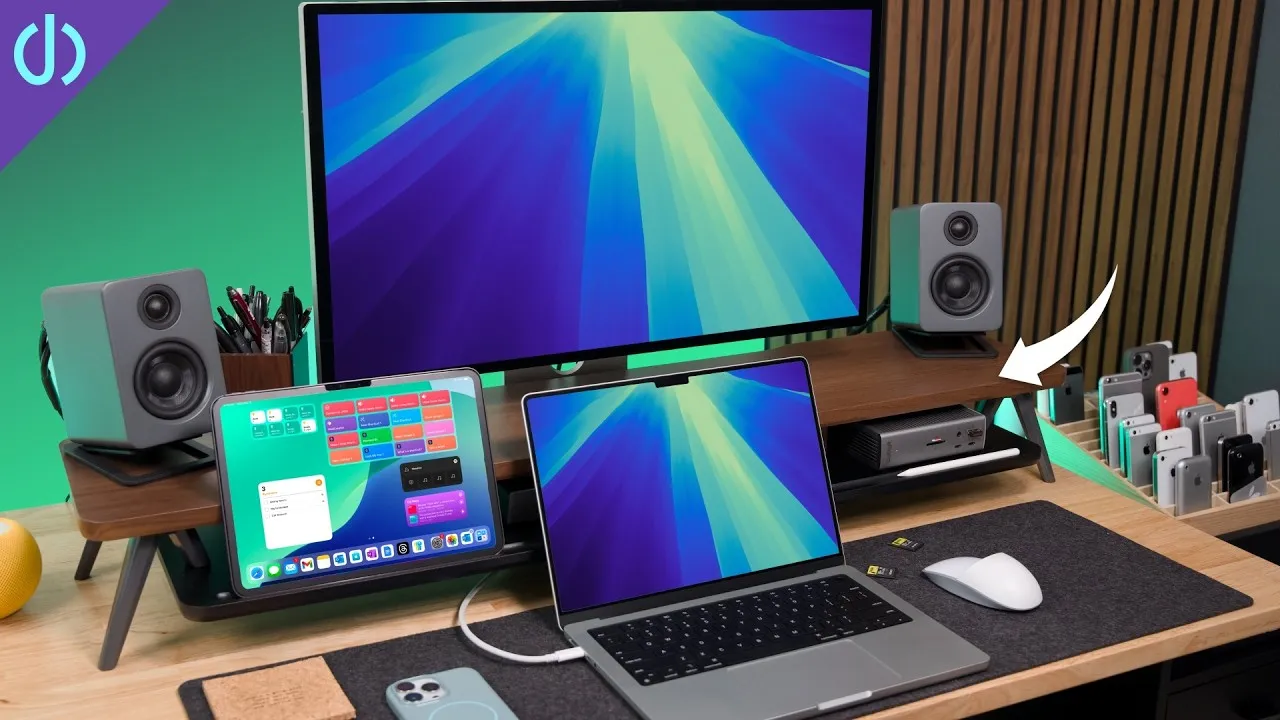
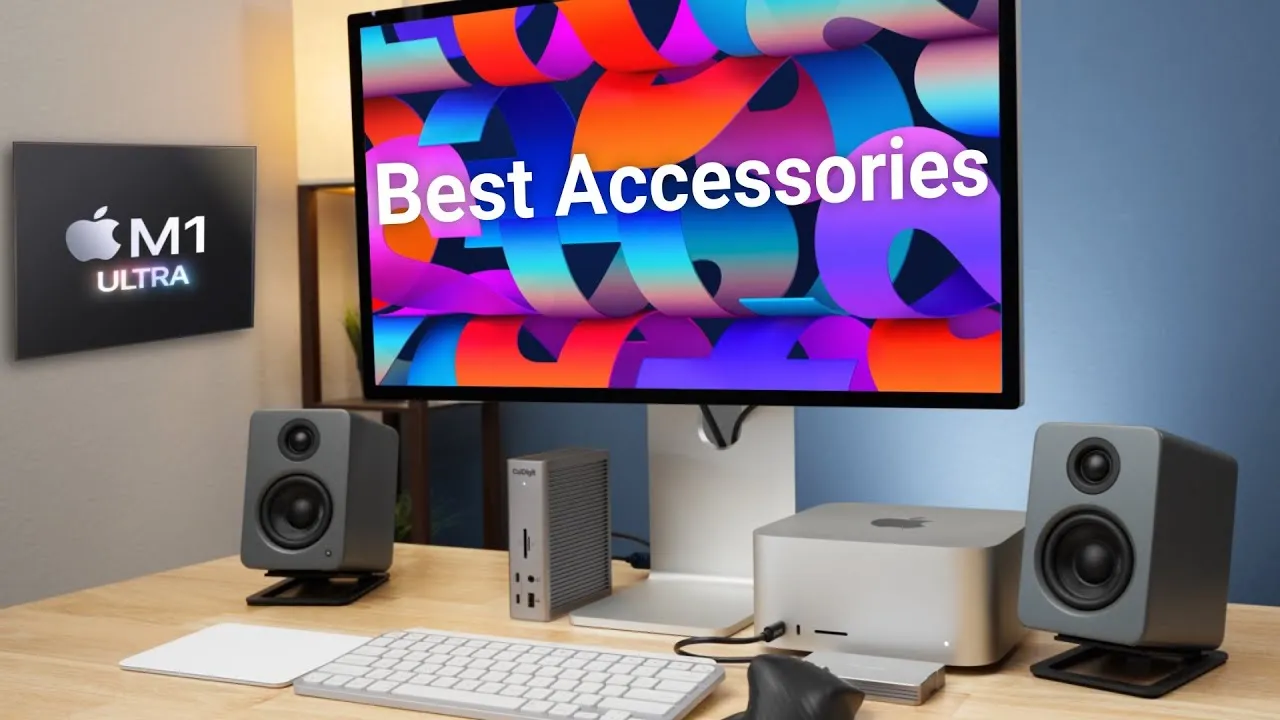
A few weeks ago I made a video on what I think is one of the best desk setups for the M1 MacBooks, including an external display, laptop stand, keyboard and mouse. Some feedback was that some items were a bit expensive, so here are budget-friendly items. A MacBook is totally usable as a desktop computer; it just takes a few things, and you can mix and match.
Laptop stands
- SurmountWay aluminum stand (about $40): almost solid aluminum from the base to the laptop plate and the riser between, in space gray or silver. Many companies sell this same stand. You can adjust everything: height (loosen the side knob), tilt and swivel. A solid laptop stand at about $40.
- A basic aluminum stand (about $12): very basic, with predetermined angle slots (lift the bar and pick one) and a piece of rubber at the edge. No height adjustment, tilt or swivel except manual, but sturdy, and it can fold flat into a bag, which the other can’t. Hard to beat at that price.
Display: Samsung UR55 (28-inch 4K)
A good compromise compared with the $1,200 BenQ PD3220U from my previous video. It has two HDMI ports and a DisplayPort, no USB-C or Thunderbolt, and a similar design with slim bezels on three sides. It’s an IPS panel (viewable from nearly 180 degrees), has HDR10, and reaches up to 300 nits (lower than the BenQ but very usable almost anywhere). It covers about 90% of P3 (vs. 100% on the MacBook Pro or BenQ). It normally runs around $350, often on sale for around $300 or a little less. Cheaper displays exist, but for $300 to $350 you get good color, a bright panel and an attractive monitor. It can be hard to find: I got mine at Best Buy; the ASUS VG289Q at about $329 is almost identical spec for spec, with a black bottom instead of gray.
Monitor arm: MOUNTUP (about $30)
I didn’t use the UR55’s stand, which is a bit low for me and only tilts. The MOUNTUP monitor arm lets me adjust height, tilt, angle and even rotation for vertical use, and it puts the monitor at the perfect height for me. It may not lift high enough if you’re much over six feet.
Keyboard: Logitech K380 for Mac (about $40)
Versus the Apple Magic Keyboard at about $100. It’s basically the same size, with buttons in the same places and similar height and width. The round keys take a little getting used to, but they have just the right travel, don’t wobble and feel good, and sound OK. It runs for two years on two AA batteries.
Mouse: Microsoft Surface Mobile Mouse (about $30)
You can find lots of mice under $20 that probably work fine, but this budget, no-frills mouse (two buttons, a scroll wheel and a scroll button) always works well. I’ve used it with my Surface devices, iPad and MacBooks, and my wife uses one with her Surface Go. Big Sur issues aside, it’s always had a solid Bluetooth connection (which can be flakier on cheaper mice), tracks and scrolls well and travels well.
Desk mat: MoKo (about $16)
Polyurethane leather, waterproof, double-sided and in multiple colors. I like the orange for contrast with the gray and silver on my desk. It has a good texture for almost any mouse, and the keyboard stays where you put it.
Speakers: Logitech Z207 (about $45)
A 10 W pair with Bluetooth and an aux input. They look simple and modern on a desk, with a volume wheel that’s also the on/off switch, a headphone out and a Bluetooth button; the back has aux in and power. They sound OK, not bad, get louder than the MacBook’s built-in speakers and are good for online video and streaming music. The cheaper Z200 has no Bluetooth, and I wanted it so I wouldn’t need to plug a 3.5 mm cable in each time I dock. They connect to two Bluetooth devices, or the aux input, for a seamless docking and undocking with only one cord for power.
Dock: CalDigit SOHO ($99)
Cheaper than the TS3 Plus because it needs power from another source (most likely the adapter that came with your laptop plugged into the back). With one cord to the laptop, you get an extra USB-A port, USB-C port, SD cards (over 250 MB/s with the UHS-II reader), and HDMI or DisplayPort for the display. It’s a small, compact dock you can leave on your desk or take with you.
Monitor light: Havit (about $30)
I didn’t know I needed one until I saw one online. They’re game changers in a low-light room or at night: the bar sits on top of your monitor and casts light down and away from the screen onto your workspace and keyboard, which also helps eye strain, since it’s not only the monitor shining at you. The Havit has an on/off button and a multi button: tap for three color temperatures, hold to change brightness (a little tricky to get exactly right), and it saves your setting. The BenQ version (over $100) has an auto mode based on ambient light and more colors, but the Havit does the job for $30.
You can mix and match: an external monitor with a stand, keyboard and mouse; the laptop keyboard in front of an external monitor; no external display with a keyboard and mouse on a stand; or clamshell mode. What budget items would you recommend? Send me your setup on Twitter. If budget isn’t an issue, see my upgraded options.
Links
- UNLIMITED Cloud Backup for your Mac with Backblaze
- My M1 Video Playlist
- MacBook Pro M1
- MacBook Air M1
- Samsung UR55 28” display
- Asus VG289Q 28” display
- MountUP Monitor Arm
- Gray Aluminum Laptop Stand
- Cheap Laptop Stand
- Havit Screen Light
- If Havit is out of stock
- Alternate Screen Lights
- Surface Mobile Mouse
- Logitech K380 Keyboard
- CalDigit SOHO
- Desk Mat Moko PU Leather
- BenQ 32” Thunderbolt Monitor
- BenQ ScreenBar
- Kanto Yu2 Speakers Matte Gray
- CalDigit TS3
- Apple Magic keyboard
- Apple Magic Trackpad
- MX Master 3 Mouse
- Sony A6400
- Primary Lens Sigma f1.4 16mm
- Secondary Lens Sony f2.8 16-55MM G
- Rode VideoMic NTG
- iPad Pro 12.9
- Used DJI OSMO 3 Gimbal for some shots
- Tascam DR-10L Audio Recorder with Lav
In this video
Some links in this post are affiliate links, which means that if you click on one of the product links, I may receive a small commission. See my ethics statement.