Apple Studio Display XDR Review: Best Mac Monitor in 2026?
This is the display I’ve been waiting for, and I think it’s the best display you can get for your Mac right now. The price is eye-watering: $3,300, or $3,600 with nano-texture. Nobody casually picks this up, unless your hobby is making poor financial decisions. But I’ve tested a lot of displays over the last couple of years, and nothing checks every box like this. Others beat it on one spec and fall down on most others, and none feel as premium.
It helps me to remember that a Studio Display should last 10 years or more, through multiple Mac upgrades.
Design
A solid aluminum enclosure with a single sheet of glass, clean perforations top and bottom for airflow and speakers. The stand is ridiculous in the best way: you move it up and down with one finger, super smooth, and the display doesn’t tilt as it moves. Tilting is just as smooth, but there’s no rotation or swivel. For that, get the VESA version.
It just looks better than anything else I’ve used. No plastic parts, no creaky stand, no gaps between the display and bezel. I know some people don’t care how a monitor looks, but I do. It’s like choosing an Audi over a Volkswagen or an Escalade over a Tahoe. My one nitpick is the bezels: they’re the same as four years ago, and that’ll only stand out more over time, though you don’t notice them in use.
Ports
A built-in power cable you can’t remove, two Thunderbolt 5 ports (one to your Mac, one downstream for daisy chaining a second display or an SSD, Ethernet adapter, or audio interface), and two 10 Gb USB-C ports. I wish there were more ports, like the old Thunderbolt Display; I made a short video about that.
My Thunderbolt 5 enclosure with a WD Black SSD did about 5 GB/s read and write directly on the Mac, and about 4 GB/s write through the display, likely from shared bandwidth. That’s more than fast enough for pretty much any workflow, and the USB-C ports are fine for something like Time Machine.
Speakers and camera
A six-speaker system with force-canceling woofers: good bass without rattling, and tweeters that sound good. Great for videos and music, and Spatial Audio with Dolby Atmos really works. I even edit my videos with them. They’re not a proper pair of stereo speakers, but a clean, compact setup is nice. If you’ve only used built-in speakers from other brands, you have no idea how good they can be.
The camera is pretty good too: bright and sharp from just a cloudy 3 p.m. window, with Center Stage and a three-mic array. Desk View, though, looks terrible: grainy and distorted. I don’t see why anyone would use it.
The display
At 27 inches and 218 ppi, everything is sharp and properly scaled on macOS. The XDR adds mini-LED with over 2,300 dimming zones, for much better contrast and actually deep blacks. Letterboxed areas are off. It’s not quite OLED, and there’s some blooming with bright objects on black backgrounds, but most things look really good. HDR reaches 2,000 nits, and the iPhone photos you’ve been taking for years finally look as good as, or better than, on your iPhone. None of the OLED displays I’ve tried get anywhere near that; the highest was 1,000.
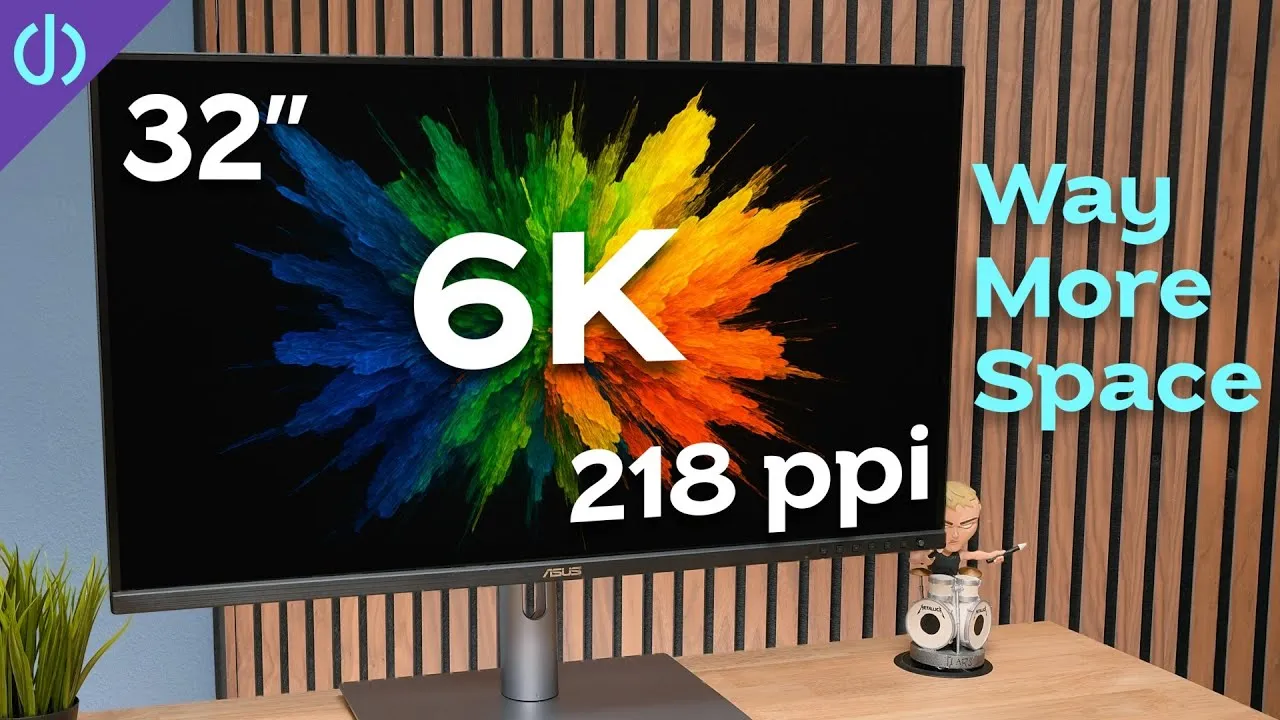
You can choose glossy or nano-texture. I love nano-texture on my MacBook Pro and iPad Pro, but here it feels softer to me compared with the MacBook Pro or the ASUS 6K I was using. Maybe it’s my perception, or dry eyes, but I’m still deciding which to keep.
It’s very color accurate out of the box, with presets for everyday use, print, HDR video, and even medical imaging. The new 120 Hz adaptive refresh rate? I’m not sure I notice it. On iPhone and iPad I notice a lower refresh rate immediately, but on the Mac I just don’t feel it. Still good to have for the future.
Mac integration
It wakes and sleeps instantly with your Mac, with no 6–12 second delay or “lost connection” message. Volume and brightness work from the keyboard with no extra software. Hot tip: hold Option + Shift while adjusting for finer steps. Auto brightness and True Tone work, and SDR and HDR content look right on screen together, which a lot of third-party displays still struggle with.
A few more things: there’s no 6K option, and coming from 6K I notice the lost space, but the other upgrades make up for it. The two fans are inaudible unless your ear is on the display. It looks like it works with Windows, which I haven’t tested. And two Studio Displays can’t be used as stereo speakers out of the box.
Verdict
For everyday use, professional work, or content on a Mac, this is the best display there is, even at this cost: the best resolution at 27 inches, the best brightness, the best design, integrated speakers and camera, and a high refresh rate. It’s not for connecting a PC and game console, and Mac gamers have higher refresh options. But if your workflow requires it or your wallet allows it, I highly recommend it, and assume you’ll have it for a really long time.
Links
- Buy the new Studio Display or XDR
- Back Shelf for Studio Display
- Asus 6K display
- iVanky FusionDock Max 2
- Sonnet 10G Ethernet adapter
- OWC 80Gb enclosure
- Samsung T7
- A 6K display you can afford!
In this video
- 0:00 Introduction and price overview
- 0:51 Design and build quality
- 2:16 Ports: Thunderbolt 5 and USB-C
- 2:53 Thunderbolt storage speed test
- 3:26 Built-in speakers
- 4:10 Built-in camera and Center Stage
- 5:21 Desk Mode
- 5:58 5K mini-LED panel and XDR brightness
- 6:33 Nanotexture vs glossy glass options
- 7:06 Color accuracy and display presets
- 7:45 120Hz adaptive refresh rate
- 8:23 macOS integration
- 9:29 Additional notes: no 6K, fans, Windows compatibility
- 10:06 Final verdict and recommendation
Some links in this post are affiliate links, which means that if you click on one of the product links, I may receive a small commission. See my ethics statement.