6 Weeks with the iPad Magic Keyboard | Is It Worth It?
I’ve had the iPad Magic Keyboard for about six weeks and I love it. I use it for just about everything, and it has completely replaced my laptop. But I almost returned it.
First impressions: mixed
When it was announced, everyone wanted to know how the hinge worked and how the iPad floated above the keyboard. I ordered it in pre-sale and had mixed feelings right away:
- Weight. It’s heavier than the iPad Pro itself: with the 12.9-inch iPad, together they weigh more than a MacBook Pro.
- The hinge. It doesn’t open smoothly like a MacBook; it has resistance and a hard stop at one angle, which is jarring, and then the second hinge brings it back further. The floating hinge does feel magical (the iPad held on by magnets, nothing else like it), but at first I didn’t think the angle range was enough for a desk or the couch.
- The trackpad felt small. About the Surface Pro’s or my work Dell’s size, but cramped: the width is similar, but the vertical space is smaller, and I hit the edges on all sides with three-finger gestures.
- Typing. As in my top five best and worst video, because of how I type and how the screen floats over the keyboard, my fingers stretch out and hit the bottom of the display, which was very distracting.
- Weight distribution. The iPad leans back and is so heavy that half the weight is on top, so unlike a laptop (where weight sits in the base), if you aren’t perfectly flat on a desk or lap, it can tip over. In one earlier video, I’m on the couch, stop typing, look up, and it falls forward (“could have been a big disaster”).
- The rubberized texture (the same as on the Smart Keyboard Folio) picks up grease and dust “like nobody’s business.” Stains come out with water or rubbing alcohol for a while, but eventually stay, really bad.
- The price. At $349, “an insane amount of money for a keyboard and a trackpad” when I already have the Smart Keyboard Folio and could just get a Magic Mouse.
Almost returning it
I boxed it up. To prove I didn’t need it, I put the iPad back into the Smart Keyboard Folio and used it as I had for the last year and a half:
- On the couch, typing was fine, but when I needed to scroll, I reached for the trackpad and realized it wasn’t there. I scrolled with my finger, “not worth $350 for that.”
- When the sun went down and the room got dimmer, I couldn’t see the keys (they’re not backlit).
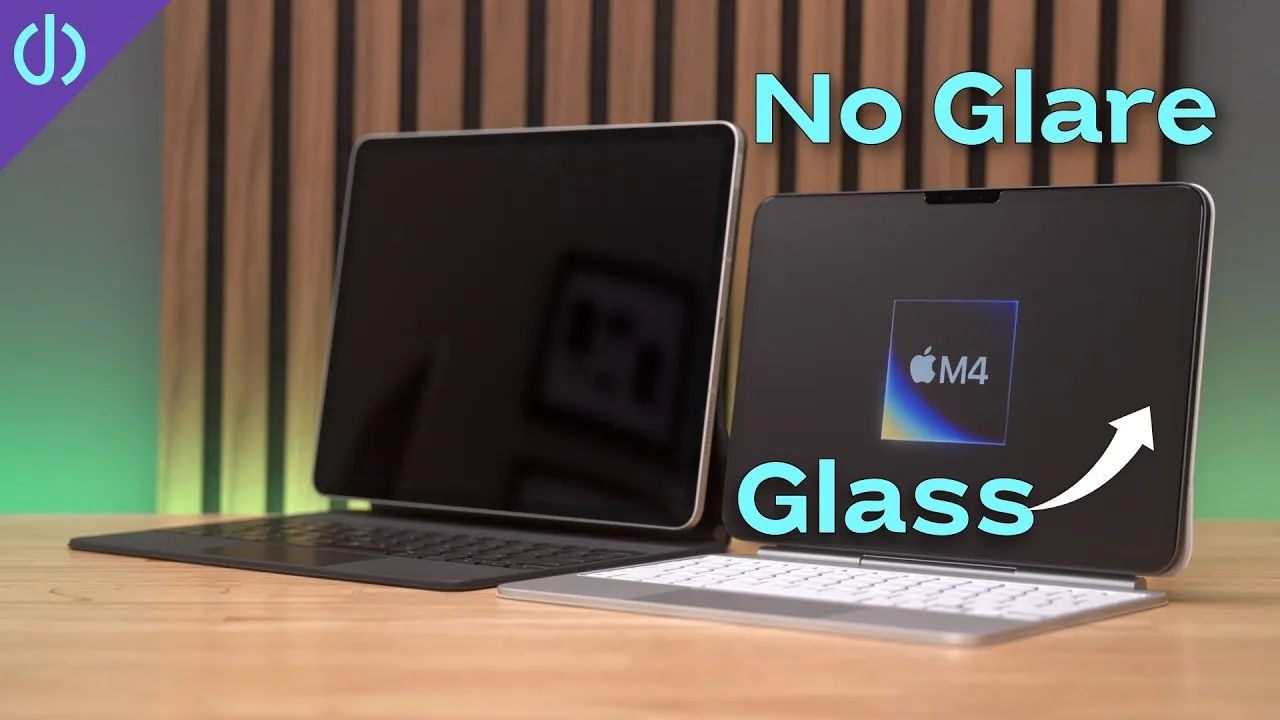
- The next day, on the patio in bright sun, there was lots of glare, and the Folio’s angles are nowhere near the Magic Keyboard’s, which I’d thought weren’t enough.
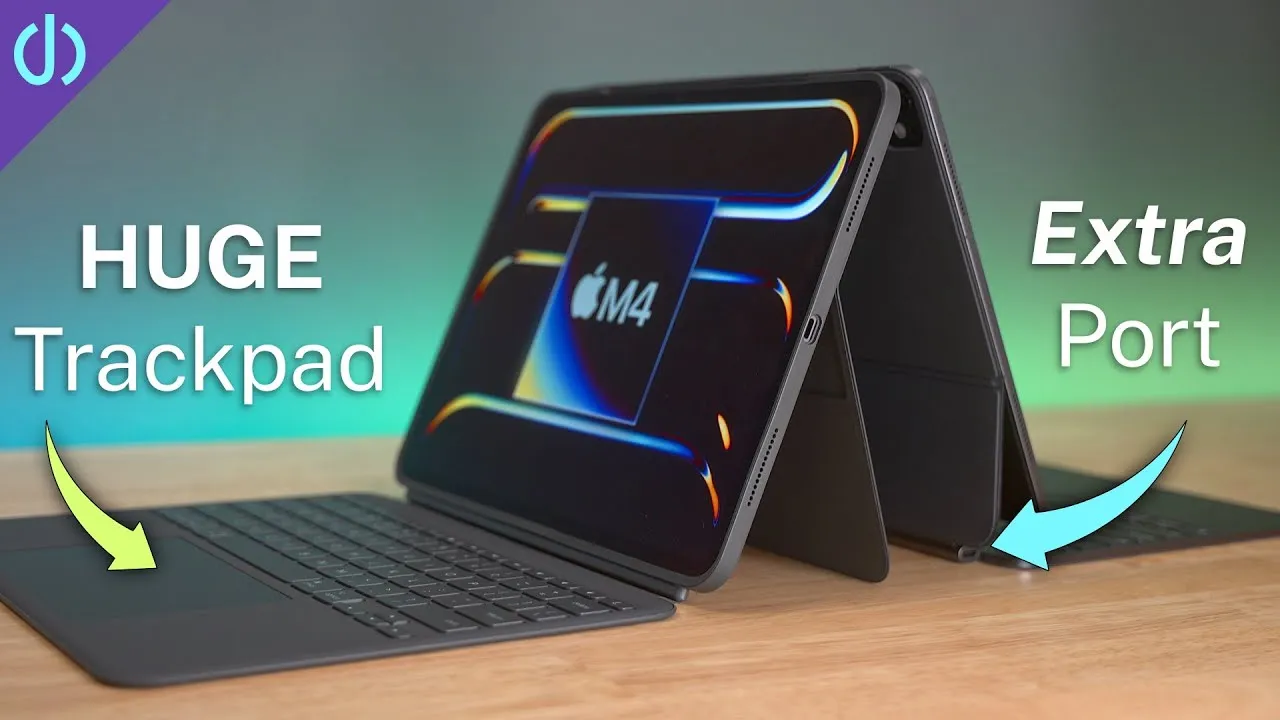
I still had time to return it, so I took the Magic Keyboard out again, and now I can’t live without it. There’s a lot you might not like, but some things cumulatively override the negatives: maybe the USB-C port that lets me charge and plug something else in, the adjustable angles for outside and reducing glare, the backlit keys, the integrated trackpad, or the cool floating design.
How I use it now
As much as possible, for personal and business: watching YouTube on the couch while something else is on TV, writing scripts, planning work, my YouTube workflow, budgeting, household stuff, web surfing and buying on Amazon. For work: notes in meetings in OneNote, Microsoft Teams and Zoom meetings, Citrix to log into work servers, and managing servers. I edit video on it with LumaFusion, “incredibly fast, way faster than my 8-core desktop using Premiere Pro; it renders faster than real time.”
I’m not sure I’ll own a personal laptop again. When I want to relax and use it as a tablet, it just comes off: no cords, no cables, and when I’m ready for the keyboard, push it back on.
Verdict
Six weeks later, I love it and can’t recommend it more. If you have an iPad Pro, you should get one, though it’s expensive and has faults. It changed the way I use my iPad and think about computers: sitting on my lap or a desk, bright light, no light, it increases the iPad’s versatility tenfold. I’m glad I didn’t return it. If you returned yours or disagree with my points, tell me in the comments. I keep changing my lighting and studio; tell me what you like and don’t like.
Links
- If this was helpful I have a tip jar
- Buy the Magic Keyboard for 11” iPad Pro
- Buy the Magic Keyboard for 12.9” iPad Pro
- Follow Me on Twitter
- • Turn the iPad into a Laptop
- • Should you get a Magic Mouse for the iPad Pro
- • iPad vs Macbook | Which is the best mobile device?
- • Top 5 Cases for iPhone 11 Pro
- • Spigen Ultra Hybrid Review
- Shot with Canon M50
- Rode VideoMic Pro+
- iPhone 11 Pro and iPad Pro 12.9 3rd Gen
- Used DJI OSMO 3 Gimbal for some shots
- Tascam DR-10L Audio Recorder with Lav
- SanDisk 256GB Extreme Pro SD Card
Some links in this post are affiliate links, which means that if you click on one of the product links, I may receive a small commission. See my ethics statement.