Using Apple Vision Pro and visionOS
The Apple Vision Pro is absolutely stunning in ways I’d never experienced, but also more limiting than others are letting on. After four days, I have so many thoughts that it’s hard to organize them. This is what it’s like to just use it; watching video, gaming and working will come separately.
The hardware
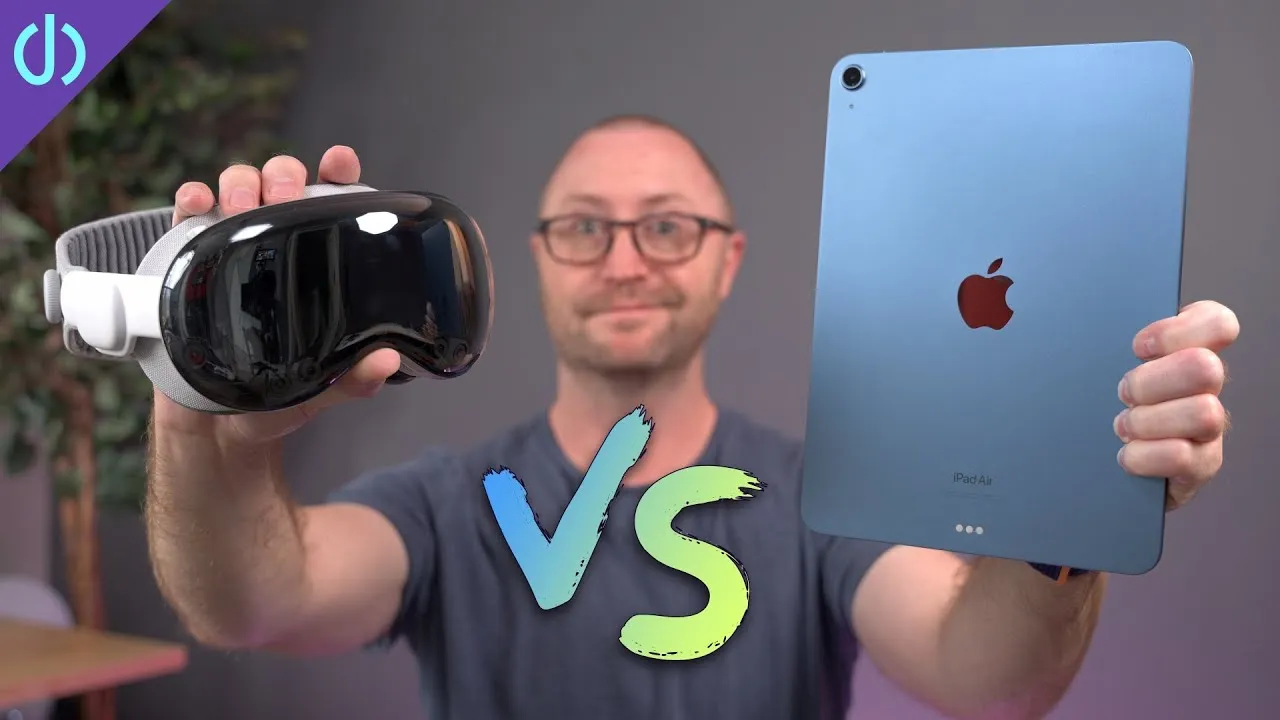
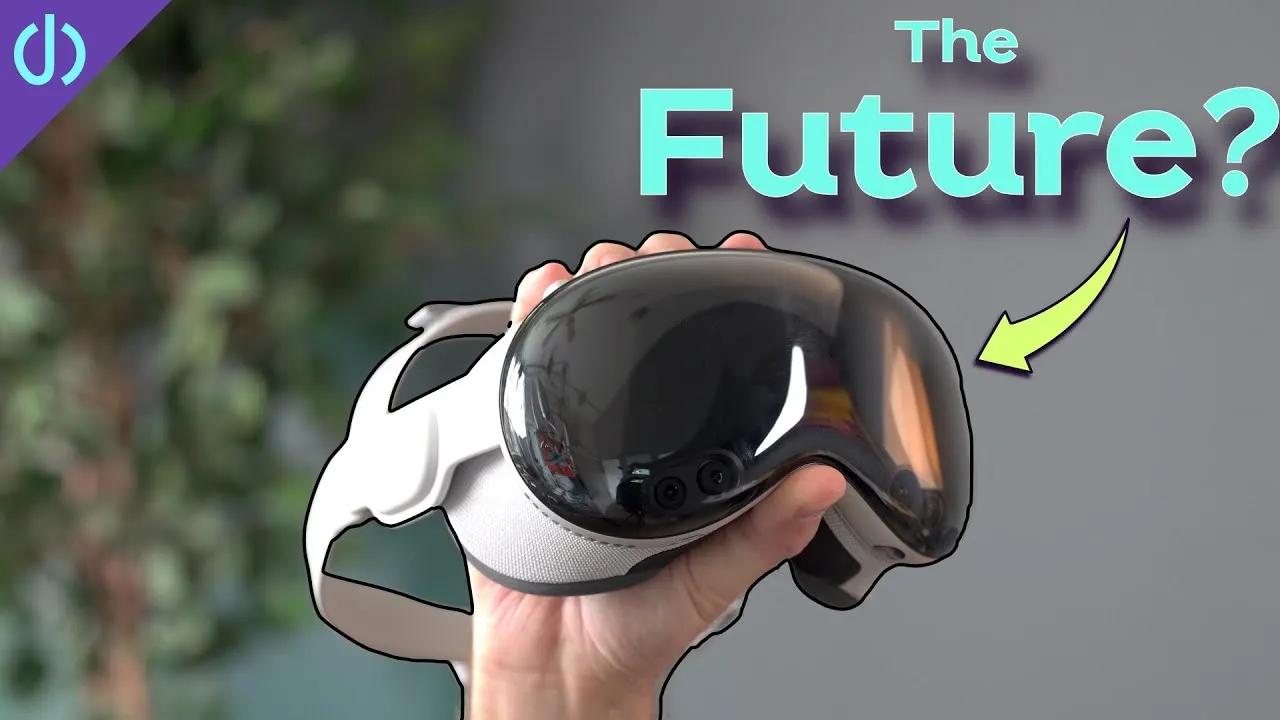
It’s far more complex than any other Apple hardware: the main unit with the brains, screens, cameras, sensors, fans and speakers; the Light Seal in many sizes, with two cushion sizes each; two bands (the cool-looking Solo Knit Band with its tightening knob, and the less cool but, for many, more comfortable Dual Loop Band with two Velcro straps); a big battery on a long cable; a front cover; and prescription inserts. The closest thing is the Apple Watch, with three sizes and some bands, but nowhere near this many components.
That makes it cumbersome to use, store and move. You can get the giant marshmallow travel case, but packing and unpacking it takes way more effort than pulling a phone from your pocket or a tablet from a bag.
Windows
Vision Pro’s windows look crazy good. The home screen, Safari, Notes, video apps: all super sharp, clear and lifelike, even with your face right up to them. There’s no screen-door effect like other VR headsets, and text is readable.
I do get quite a bit of lens flare watching video, especially in dark immersive environments, more on the bottom half of the lenses, with and without my prescription inserts. I catch myself moving my head to reduce the streaks.
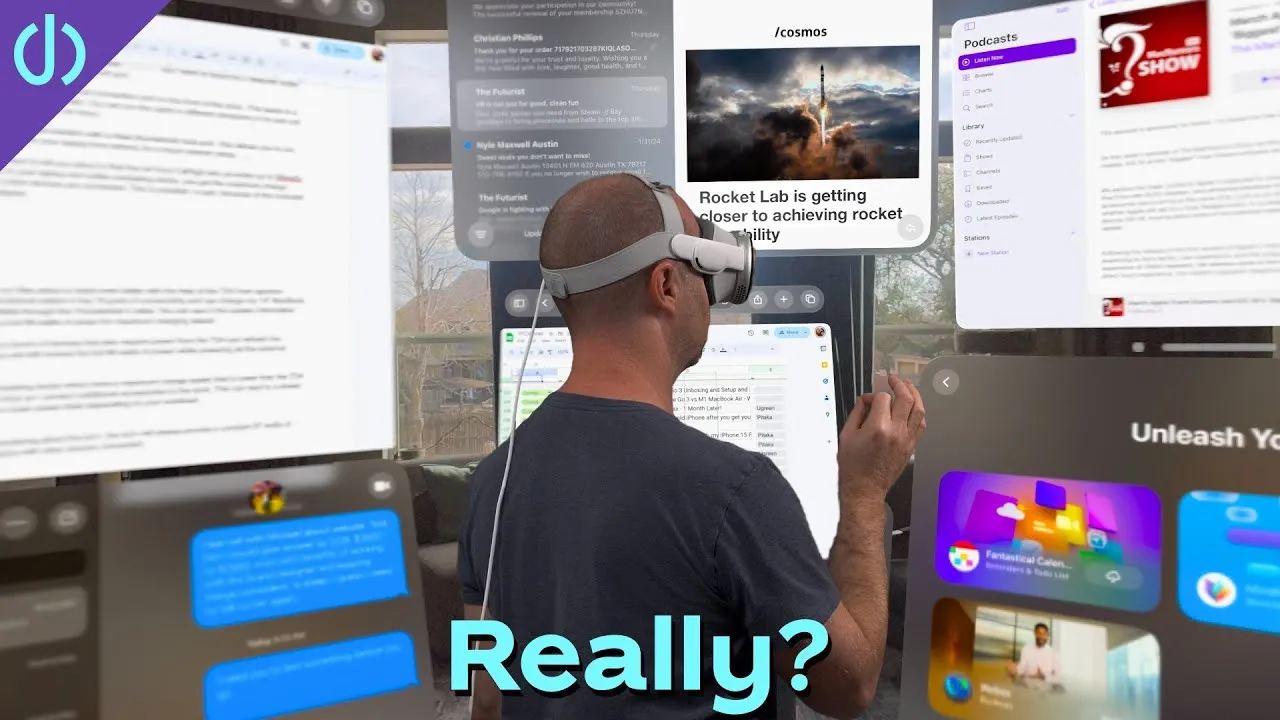
Moving windows is easy and awesome. Put them anywhere, resize them, push them away or pull them close, leave one in another room for later, and walk around to see their sides and backs. You can even reach out and touch them to type, swipe and scroll, which blew my mind.
Working surrounded by windows is different from one or more monitors. You have to deliberately turn your head or body to see them, and content that fits on a 27-inch display spreads much further up, down and around. Is that more efficient? TBD. It’s surprising that the company that pioneered multi-touch shipped without multi-touch typing, but I wouldn’t be surprised to see it within a year.
Eye and hand tracking
Eye tracking is really great, not perfect, but probably better than you’d expect. On small targets it sometimes gets confused, or you have to look slightly off from what you want. When it works, it’s almost magical. Moving with your eyes instead of your head takes a little adjusting, then feels right.
At first, my pinches often didn’t register because I held my hands relaxed where the sensors couldn’t see them. I learned to rotate my wrists so the cameras see my thumb and finger meet. After that, swiping, zooming and scrolling feel very much like an iPad. I kept trying to grab the bar under a window and flick it up to close it like on iPad, which threw the window at my face.
Surrounded by windows, I walk carefully across the room, like I’ll hit them. They look so real I have to consciously remind myself to walk through them.
Passthrough
Which contrasts with how bad passthrough looks. Nothing else compares, but it’s not as great as some reviews and Apple’s videos made it seem. It’s noisy, the HDR of your real room is like an iPhone X, and it’s soft and fuzzy. I can barely read another screen; with my phone, I hold it way out and squint. There’s a lot of motion blur.
On the other hand, I haven’t felt sick once, even after a couple of hours, unlike older headsets like the Quest 2 or even Google Cardboard.
Immersive environments
The Digital Crown dials you into Apple’s immersive environments, like Yosemite or the Moon, along with their sounds. The immersive video demos in the Apple TV app are almost mind-blowing, and some games completely engross you. Most impressive, these environments never stutter or lag. The tracking is unbelievably good, and you want to walk around in them, though that isn’t supported yet.
Bugs
It’s been fairly buggy for me:
- Apps I return to are often completely frozen, or a game or video won’t start. Holding the two top buttons brings up Force Quit, and then the app works.
- A couple of times it went fully unresponsive, with no home screen, and I had to pull the battery to restart it.
- Once it wouldn’t boot at all and showed a picture asking me to connect it to a Mac.
- Sometimes I put it on and nothing displays until it restarts.
Comfort
I’ve worn it for 3–4 hours at a stretch with short breaks. I’m never not aware of the heavy thing on my face, even watching movies and shows, which might be its best feature. It fits well and is comfortable enough, but I’m always slightly relieved to take it off, even as I want to try it again a few minutes later.
A lonely experience
There’s so much I want to share with my wife and daughter, but I can’t just let them in on it. You can screen-record or AirPlay to an Apple TV, but people want to experience it in the headset, and Guest Mode is awful. They have to get it fitted, then do the eye and hand setup, pinching dots three times, every single time. My daughter has done it about a dozen times, and I don’t see her continuing; it’s a time suck. Apple needs saved profiles for people who use it often, especially at $3,500. And even if two people had one, you can’t play a game or watch a movie together.
Four days in
I can absolutely see the appeal. The immersion in games and movies beats anything I’ve tried except the big 3D rides at amusement parks. Working from it has been a mixed bag, and it’s hard to justify over a big external display. It’s bulky to wear and carry, and a bit sad to be the only one using it. But I see the potential for future versions that cost less, weigh less and do more.
Links
Some links in this post are affiliate links, which means that if you click on one of the product links, I may receive a small commission. See my ethics statement.