Unboxing the M1 iPad Pro and Test - Is Thunderbolt Slow?
I unbox both the 12.9-inch and 11-inch iPad Pros today, test Thunderbolt drives and a dock, and look at a couple of cases. ESR sponsored this video.
The iPads
Both are powered by the M1, the chip in the MacBook Pro and Air, the new iMac and now the iPad Pro. Base models are pretty much the same: M1, 8 GB of RAM, 128 GB of storage and Wi-Fi only; with cellular, more storage, and 1 or 2 TB you can get 16 GB of RAM in a tablet. It will be interesting to see whether iPadOS can catch up with the M1.
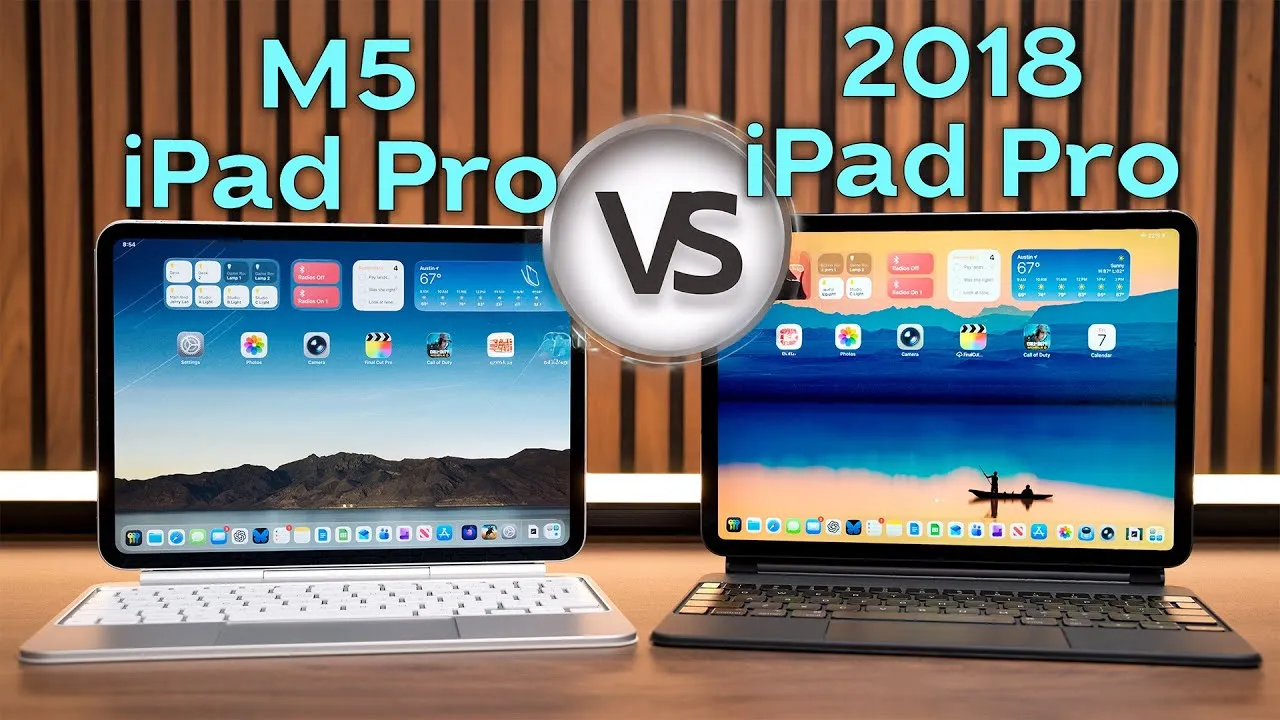
I used my 2018 iPad Pro for almost two years and was a 12.9-inch guy because I liked it as a real laptop replacement. When these were announced, I planned to get the 11-inch (I wanted to go back to a smaller iPad now that I use my laptop more), but only the 12.9-inch has the Pro Display XDR-style screen with about 10,000 mini LEDs and 2,500 dimming zones, so now I have to try both. I went with silver, since I haven’t had a silver iPad in a long time.
In each box: documentation, Apple stickers, a quick start guide, a 20 W power adapter, a USB-C to USB-C cable, and a SIM tool in the cellular version. The 12.9-inch feels like a good piece of solid technology, but the weight adds up over time, and the 2021 version is slightly heavier than the 2020 and 2018 models, so consider a keyboard case that holds it up.
On the outside: four speakers (grills on top and bottom), the power button, volume buttons, the Apple Pencil magnet strip, the USB-C (Thunderbolt) port, and a SIM slot on the 12.9-inch.
Geekbench
Results are pretty close between the two. For comparison, the M1 iMac with 16 GB scored 1747 single-core and 7717 multi-core, and my 2018 iPad Pro with the A12X got 1123 and 4591, so these are way faster than the A12-series iPads.
Displays
Both have ProMotion up to 120 Hz. Both reach 600 nits peak brightness, but the 12.9-inch reaches up to 1,600 nits in HDR. I played an HDR video on both side by side: the flames on the 12.9-inch are much brighter and more vibrant, almost glowing and coming out of the screen, versus more lifelike on the 11-inch, a stark difference.
In a local dimming test (a white object moving around a dark screen), the 11-inch has only something like 40 zones, versus 2,500 on the 12.9-inch. There’s a bit of a halo around the square on the 11-inch; on the 12.9-inch, once the white stops, it basically stops, with no halo. That’s why there’s a $300 difference: the screen technology. If you want the absolute best, it’s worth it. Why not OLED? Each OLED pixel is its own light source, but there are downsides like burn-in and screen retention; the mini-LED backlight tries to avoid them while giving amazing local dimming and a contrast ratio of about a million to one.
Thunderbolt speed test
I copied 36 GB with the Files app (timed manually):
- SSD to iPad: about 1:59, around 302 MB/s: no slouch and much faster than previous iPads with USB-C drives, but nowhere near Thunderbolt speeds.
- iPad to SSD: about 54 seconds, around 666 to 667 MB/s, about twice as fast, still slow for Thunderbolt.
- For reference, the same copy on my i7 iMac was over 1.4 GB/s each way, over four times faster than the M1 iPad Pro.
CalDigit TS3 Plus dock
With a single Thunderbolt cable, the TS3 Plus gives 15 ports: display output over DisplayPort, the Thunderbolt SSD, an SD card and audio ports. A mirrored display appeared on an external Samsung 4K display within seconds; you can connect a 5K display like the LG UltraFine or Apple’s Pro Display XDR (directly, not through the TS3 Plus). Unfortunately, external display support is still an iPadOS weakness: it mirrors, with the iPad in landscape giving a wider picture. Some apps, like LumaFusion, can use the external display full-screen, which is great for editing, and Final Cut shortcuts like Command-B to blade come through with an external keyboard and mouse. Hopefully WWDC next month brings more options.
Cases
The original iPad Magic Keyboard (Apple says it doesn’t quite fit the new 12.9-inch) fit fine, if slightly tight, for me. If you don’t want a clunky, heavy keyboard case, ESR (the sponsor) has many: the Clear Case (full protection on all sides, still works with the Apple Pencil, shows off the iPad’s back), a hard-back trifold case in black, and my favorite, the Rebound case, also trifold but super thin, with magnetic attachment and a place to hold the Apple Pencil. You can save 10% on Amazon with the code in the description (and there’s a giveaway).
Takeaway
At first glance they’re amazing, and I’m speechless. The Thunderbolt speeds aren’t as high as I’d hoped, but being able to connect docks, external displays, drives, SD card readers and audio interfaces will expand what the iPad can do. I’ll do a full review and comparisons over the next few weeks.
Links
- SPONSORED by ESR (Giveaway)
- ESR Clear Case Save 10% code ESR20005
- ESR Trifold Case Save 10% code ESR20001
- ESR Rebound Save 10% code ESR20005
- 11” iPad Pro
- 12.9 iPad Pro
- Buy the 2020 iMac
- Bamboo Monitor Stand
- CalDigit SOHO
- CalDigit TS3
- Samsung X5 Thunderbolt SSD
- OWC 32 GB Kit (2x16GB) for 2019-2020 iMac
- MX Master 3 Mouse
- Satechi Magnetic Charger 2-in-1
- BenQ ScreenBar
- Kanto Yu2 Speakers Matte Gray
- Apple Magic keyboard
- Apple Magic Trackpad
- MX Master 3 Mouse
- Desk Mat Moko PU Leather
- MacBook Pro M1
- Samsung UR55 28” display
- MountUP Monitor Arm
- If this was helpful I have a tip jar
- Sony A6400
- Primary Lens Sigma f1.4 16mm
- Secondary Lens Sony f2.8 16-55MM G
- Sennheiser MKH-416 mic
- Zoom F6 recorder
- Rode VideoMic NTG
- iPad Pro 12.9
- Used DJI OSMO 3 Gimbal for some shots
- Tascam DR-10L Audio Recorder with Lav
In this video
Some links in this post are affiliate links, which means that if you click on one of the product links, I may receive a small commission. See my ethics statement.