Turn the iPad into a Laptop | How to use your iPad as a laptop
People have been looking for a way to make the iPad a laptop replacement, and now that we have mouse and trackpad support, there’s one thing holding them back: the apps. Here’s how to make your iPad feel more like a laptop than before.
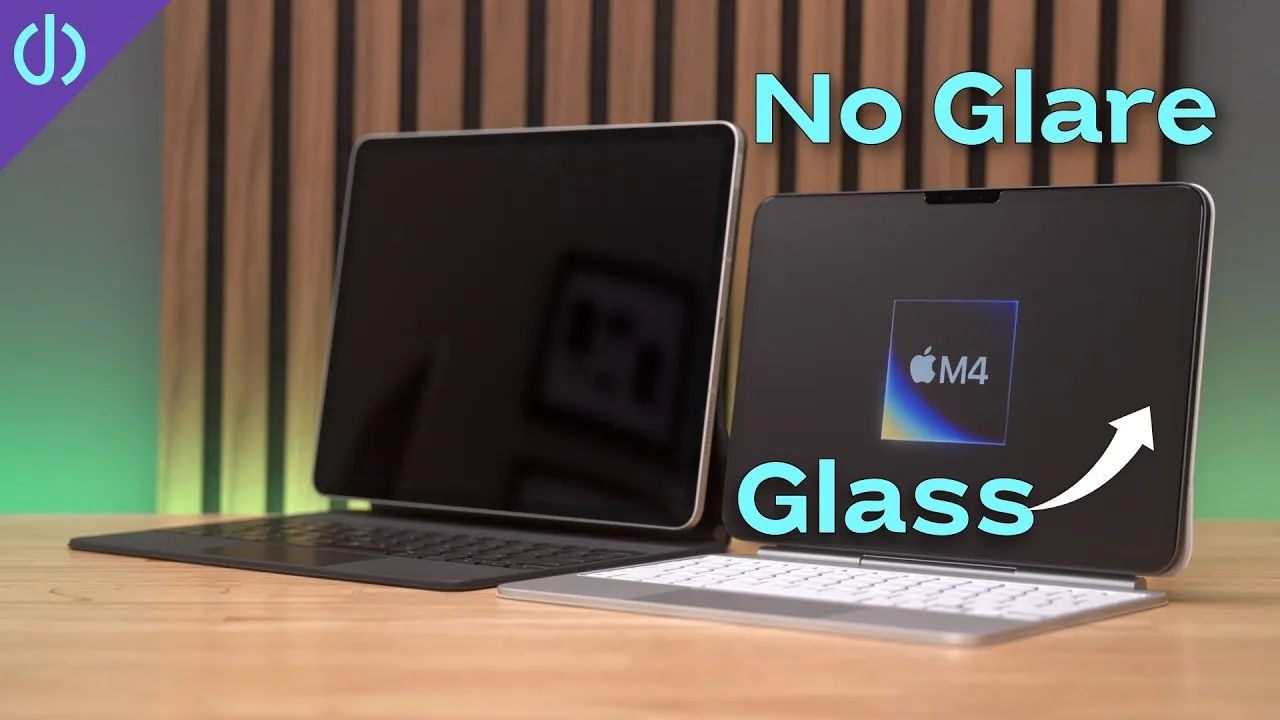
iPadOS 13.4 brought mouse and trackpad support, and Apple introduced the iPad Magic Keyboard for iPad Pro with a built-in trackpad and worked with Logitech on the Combo Touch for less expensive iPads. Now that we have a laptop form factor, we need to look at why the apps make it feel like less than a laptop.
My most-used apps boil down to YouTube or video, social networking, shopping, account management and utilities. If you’re like most people, you figured that if there’s an app on the App Store, you’d get a better experience than with the webpage. Before iPadOS, you may have been right, but iPadOS brought desktop-class browsing to the iPad: you get the computer version of a site in Safari, not a blown-up mobile version. Websites that acted weird or were more difficult than the app are now fully functional, and mouse and trackpad support from 13.4 is fully built into Safari by Apple, compared with third-party apps.
Examples
- YouTube: some things were fixed in the iPad app (you can scrub the timeline with the trackpad), but it’s more limited. In Safari, you can hover over the timeline for a preview before clicking, use a remapped Escape key to exit full screen, and, with YouTube Premium, get picture-in-picture (a floating video window while you work on something else). Picture-in-picture works on Netflix too.
- Social apps like Twitter or Nextdoor: a fuller page layout with much better use of space, and fewer ads if you use a Safari content blocker.
- Shopping apps like Best Buy and Amazon: better in Safari, where you can open multiple windows to compare items and lists, and select text anywhere unlike in native apps.
- Apps like Verizon or Walgreens don’t need to sit on my device sharing my location data for no good reason when they add little to no advantage over the website.
- Features: some apps have fewer features than the website. I use Canva for thumbnails and title cards, and the app has more limited options (like animations); in Safari, I’m not limited in modifying objects or creating types of objects.
Other benefits of Safari
Fewer notifications (if you have the apps on your phone too), pinch-to-zoom on a website with the trackpad, bookmarks to specific items, Reader view for simpler pages and fewer ads, fewer background updates from apps and probably better battery life.
Trade-offs
- You’ll still need native apps on the iPad, as on a laptop, for photo editing, making videos, games and things like smart home devices built only around apps. Some websites may still not work as well on the iPad.
- You may need to log in more frequently to websites than in an app. That’s much less of an issue with a physical keyboard, and less still with a password manager like Keychain or LastPass and Face ID or Touch ID.
- Offline access to certain things like videos or files: plan for times you can’t be connected.
My suggestion: look at apps that have well-known web interfaces and compare them with the native app you use. You may be surprised how well they work.
Verdict
If you’re looking to replace your laptop with an iPad, look no further than Safari: it has a consistent experience across sites, gets Apple’s latest input updates, and can provide more features than a native app. For me, using the iPad with the trackpad and iPadOS completely changed how I use it, a real laptop replacement for almost everything I do. If you look at your laptop usage, you probably spend more time in the browser than anything else, and that’s the key to making your iPad feel more like a laptop. Do you have other suggestions?
Links
- Magic Keyboard for 12.9” iPad Pro
- Copy Files between iOS devices
- Follow Me on Twitter
- Lock your iPad with a keyboard
- Should you get a Magic Mouse for the iPad Pro
- iPad Magic Keyboard - 5 Best and Worst things
- • Going Caseless
- • Top 5 Cases for iPhone 11 Pro
- • Spigen Ultra Hybrid Review
- • Apple Silicone case review
- • Apple Silicone long term review
- Shot with Canon M50
- Rode VideoMic Pro+
- iPhone 11 Pro and iPad Pro 12.9 3rd Gen
- Used DJI OSMO 3 Gimbal for some shots
- Tascam DR-10L Audio Recorder with Lav
- SanDisk 256GB Extreme Pro SD Card
Some links in this post are affiliate links, which means that if you click on one of the product links, I may receive a small commission. See my ethics statement.