Apple MagSafe Battery Unboxing and First Look
I just received the Apple MagSafe Battery Pack for the iPhone 12. It turns out I’m not the first to get one, but it’s new to me, so let’s unbox it and test it on my iPhone 12 Pro.
Unboxing
The packaging is super minimal, with less than usual: literally just a battery and documentation, with not even Apple stickers. It’s the MagSafe battery people had waited for since the iPhone 12 came out 9 or 10 months ago. The outside case is a matte plastic with a bit of grip. The bottom has a Lightning port and a status light, and the back has the MagSafe magnets.
Setup
I updated my iPhone 12 Pro to iOS 14.7, which is required for the full functionality. I’d heard you have to plug it in once before it does anything: when I attached it, the status wasn’t fully there, and disconnecting and reconnecting showed no animation. So I plugged it into a 20 W Apple adapter with a Lightning cable for a moment, and got an orange status light (apparently activating). After that, attaching it shows the battery’s charge status on the iPhone, and an animation when connected (it didn’t work the first time, but did the second).
The iPhone was at 7% and the pack around 25%. A notification said the pack could charge the iPhone to approximately 90%, which I doubt given the pack’s charge; I haven’t seen it update since I swiped it away. Under Settings > General > About > MagSafe Battery Pack, you can see the serial number, model number and firmware version, so there may be firmware updates over time.
Charging behavior
- With a Lightning cable connected to the battery pack, both devices charge. Apple says that with a 20 W adapter, the pack can charge the iPhone via MagSafe at up to 15 W, versus about 5 W when nothing is plugged in.
- With the cable connected to the iPhone, the iPhone wirelessly charges the pack.
Thickness
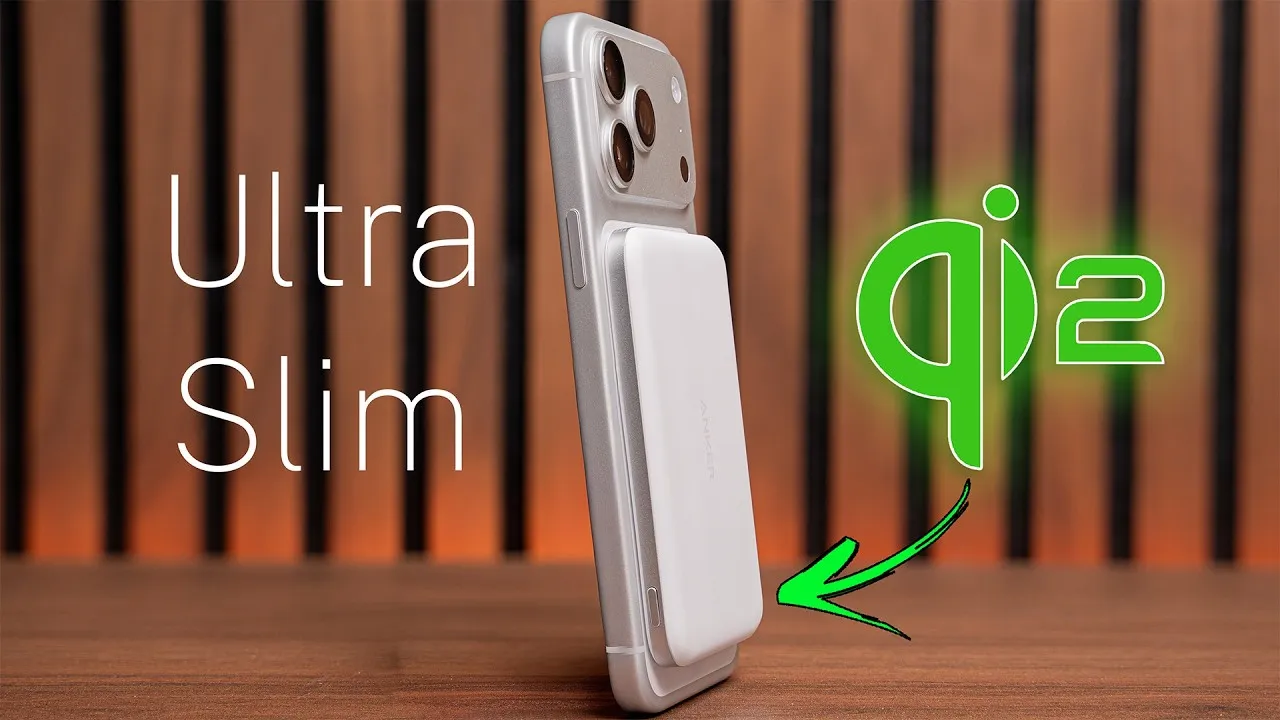
It’s slightly thicker than the iPhone 12 Pro by itself, but with Apple’s silicone case it’s roughly the same thickness again, so with a case you double the thickness. It does attach to the case, since the case has magnets, and all three work together to charge through the case.
Other devices
It can charge other devices with standard Qi charging: my AirPods charge when set on it, at about 5 W.
It costs $99. I’ll test it against the Anker PowerCore Magnetic 5K wireless charger, which is very similar.
Links
- Buy Apple MagSafe Battery
- Buy Anker PowerCore Magnetic
- UNLIMITED Cloud Backup for your Mac with Backblaze
- Buy the 2020 iMac
- Bamboo Monitor Stand
- CalDigit SOHO
- CalDigit TS3
- Samsung X5 Thunderbolt SSD
- OWC 32 GB Kit (2x16GB) for 2019-2020 iMac
- MX Master 3 Mouse
- Satechi Magnetic Charger 2-in-1
- BenQ ScreenBar
- Kanto Yu2 Speakers Matte Gray
- Apple Magic keyboard
- Apple Magic Trackpad
- MX Master 3 Mouse
- Desk Mat Moko PU Leather
- MacBook Pro M1
- Samsung UR55 28” display
- MountUP Monitor Arm
- If this was helpful I have a tip jar
- Sony A6400
- Primary Lens Sigma f1.4 16mm
- Secondary Lens Sony f2.8 16-55MM G
- Sennheiser MKH-416 mic
- Zoom F6 recorder
- Rode VideoMic NTG
- iPad Pro 12.9
- Used DJI OSMO 3 Gimbal for some shots
- Tascam DR-10L Audio Recorder with Lav
Some links in this post are affiliate links, which means that if you click on one of the product links, I may receive a small commission. See my ethics statement.